
Orchestra
A Rust terminal session manager that runs Claude Code, Codex, OpenCode, dev servers and shells side by side in a background server.
At a Glance
Proprietary software, free for personal and commercial use; source code is not public.
Engagement
Available On
Listed Nov 2026
About Orchestra
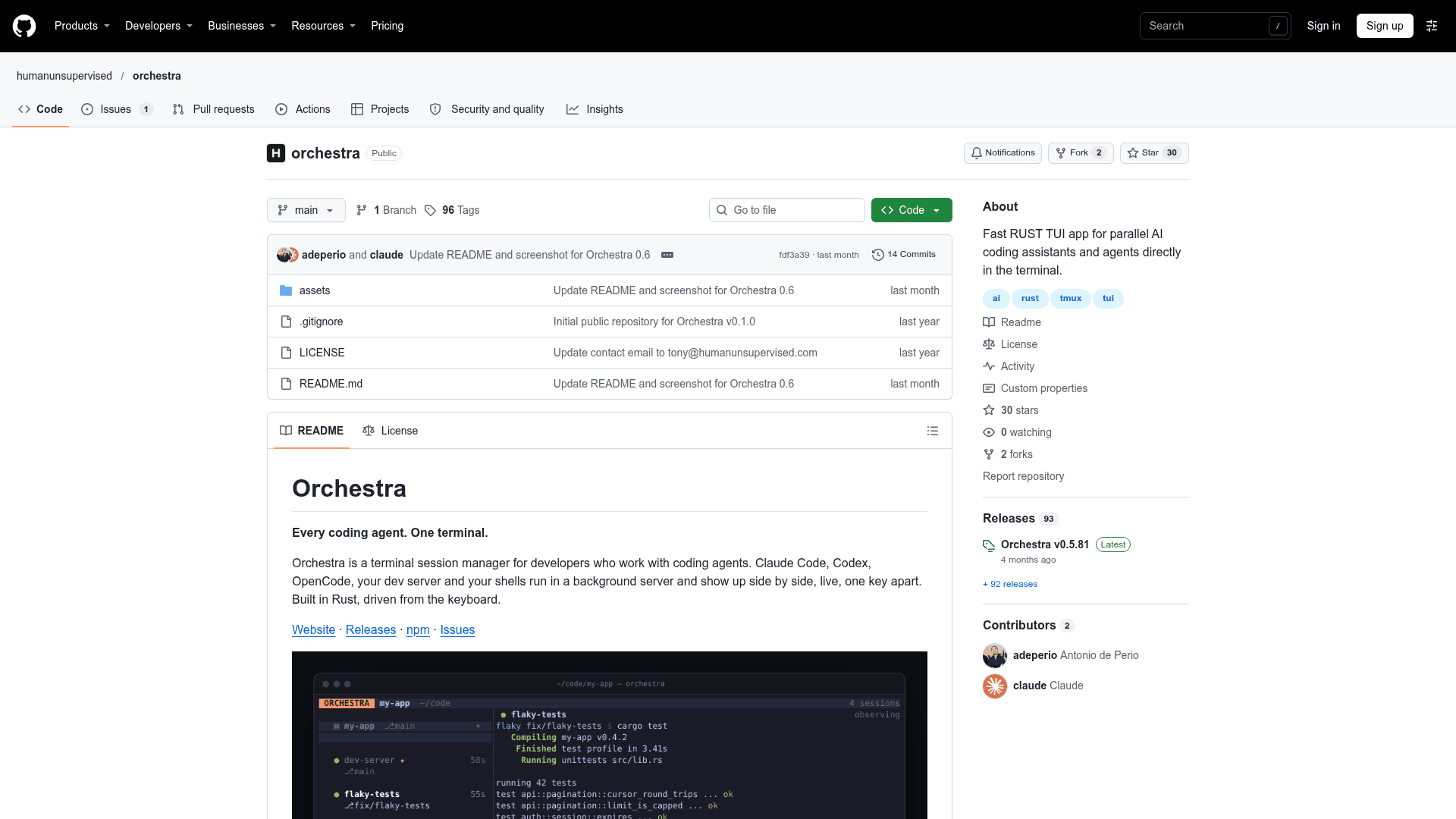
Orchestra is a terminal session manager from Human Unsupervised Pty Ltd for developers who work with coding agents. Claude Code, Codex, OpenCode, dev servers and shells run in a background server and appear side by side, live, one key apart. It is built in Rust and driven from the keyboard, and the source code is proprietary while binaries are distributed through GitHub releases, npm and Homebrew.
What It Is
Orchestra is a terminal UI that lists sessions on the left and shows the selected session live on the right. A session can be a shell, a command or an agent. A background server (orchestra-ptyd) owns every session, so sessions keep running if you quit Orchestra, close the terminal or drop an SSH connection. After a reboot, Enter brings a session back and runs the agent's resume command when it knows one.
How the Workflow Works
Orchestra has two modes. In Session mode, every key goes to the program in the session except Ctrl-\, which steps out. In Orchestra mode, keys move between sessions, create, rename, pin, close and delete them, switch projects, filter and open Help and Settings. Orchestra recognises common coding agents and shows whether each is working, waiting for you or done. Any folder can be a project, and each session's git branch is shown by reading the repository's files without running git.
Agent and Script Control
An MCP server (orchestra-mcp) lets agents list projects, start sessions in their own project, read a session's screen and rename sessions. It can be added to Claude Code, and an OpenCode 2.x plugin is available. Everything on screen is also a command, with JSON output for scripts (orchestra new, ls, attach, session list|get|read|wait|report). A token-protected local HTTP API listens on 127.0.0.1 only.
Setup Path
Install with npm or Homebrew, or download a release tarball and run its install script. It runs on macOS (Apple Silicon and Intel) and Linux x64 and needs only bash, with no tmux, git or jq. Version 0.6 replaced the earlier git-worktree and tmux workflow with Orchestra's own sessions, and remote/cloud mode and orchestra-cli were removed.
Community Discussions
Be the first to start a conversation about Orchestra
Share your experience with Orchestra, ask questions, or help others learn from your insights.
Pricing
Free
Proprietary software, free for personal and commercial use; source code is not public.
- Proprietary license (not open source)
- Free for personal and commercial use
- Binary distribution via npm, Homebrew and GitHub releases
- Runs on macOS (Apple Silicon and Intel) and Linux x64
- MCP server and local HTTP API
Capabilities
Key Features
- Background server keeps sessions running after the window closes
- Live side-by-side session previews
- Agent status detection (working, waiting, done)
- Single escape key (Ctrl-\) to avoid key collisions
- MCP server for agents to list, start and read sessions
- Project and git branch display without running git
- Pinning, renaming and filtering of sessions
- CLI commands with JSON output for scripting
- Token-protected local HTTP API on 127.0.0.1
- Keyboard-driven Rust TUI