
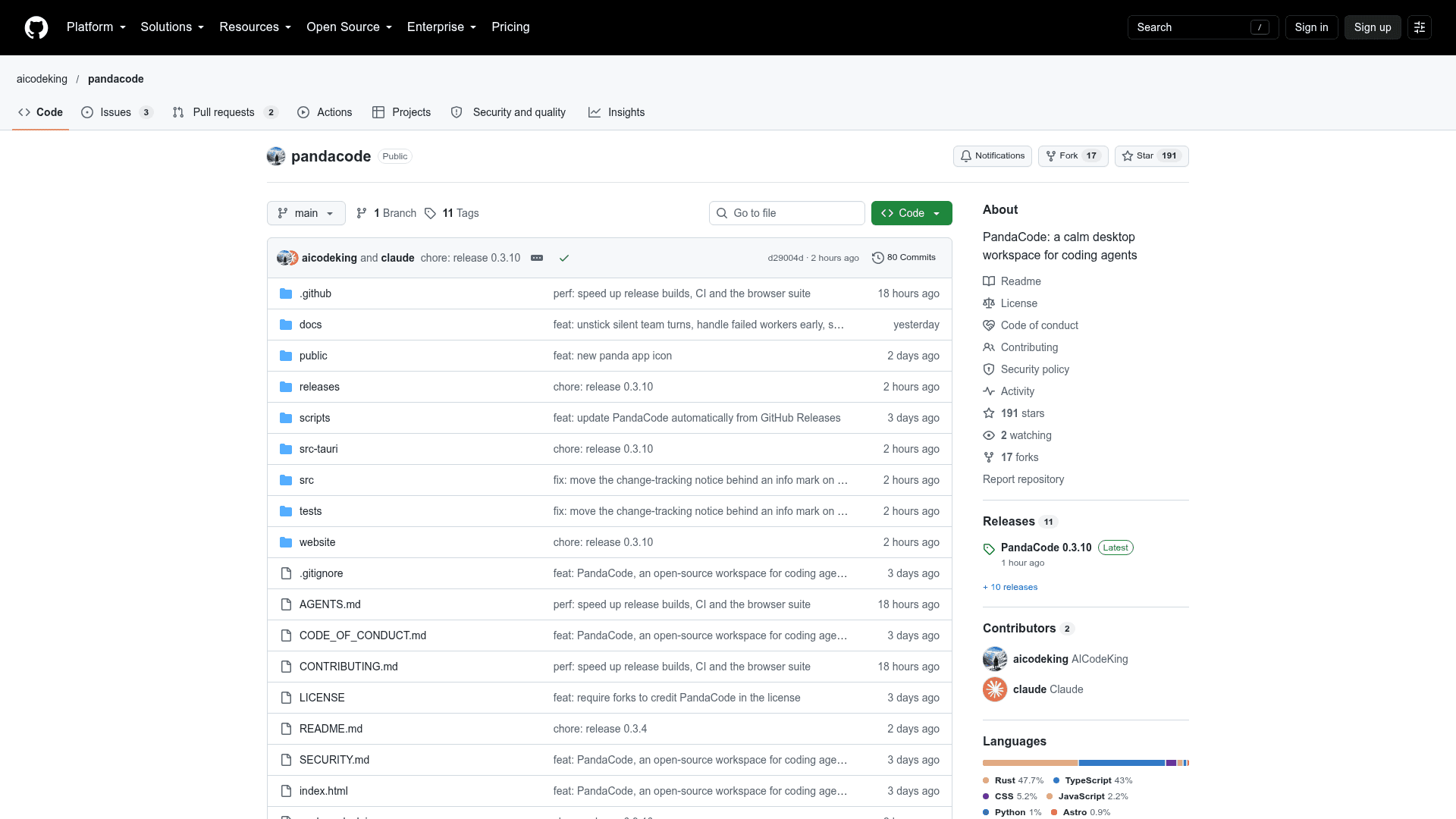
PandaCode
A native desktop workspace that runs multiple coding agent CLIs side by side with projects, Git, a terminal and a browser.
At a Glance
PandaCode is free to use under the PandaCode License (MIT with a fork attribution requirement). No account, license key or telemetry.
Engagement
Available On
Alternatives
Listed Oct 2026
About PandaCode
PandaCode is a desktop workspace for coding agents, published by the GitHub user aicodeking. It runs coding CLIs you already use, including Claude Code, Codex, Kimi Code and OpenCode, in one window alongside projects, Git, a terminal and an embedded browser. The README lists macOS, Windows and Linux builds, and the latest release shown is v0.3.8.
What It Is
PandaCode is a Tauri 2 desktop app, built with Rust, SQLite and plain TypeScript, that uses the operating system's webview. You open a project folder, start a task, and choose the harness, model and reasoning effort from the composer. Supported harnesses include Claude Code, Codex, Kimi Code, OpenCode, GLM Coding Plan and Xiaomi MiMo (via Claude Code), plus Antigravity and xAI's Grok Build via ACP. It does not include provider plans or usage, so you install Git and at least one coding CLI and sign in with its normal login.
How the Workflow Is Organized
Tasks run in parallel across projects and move through a Pending, In progress, Review and Completed board. Agent teams pair an architect with up to three workers, which can mix harnesses and models. Each turn saves its changes with unified and split diffs, and per-task Git worktrees support a local Merge into main. A GitHub view, using the gh CLI, lists repositories with pull requests and issues, and each can open as a linked thread.
Agent Tooling Around the Chat
The app can put an agent behind Telegram, Slack, Discord, WhatsApp or a local web chat. Agents can drive iOS Simulator and Android emulator tools, headless Tart VMs on Apple silicon, and Daytona, Cloudflare and AWS sandboxes. Deploy tasks for Vercel, Cloudflare or AWS use approval-gated CLI runs. Other features include response-style token saver packs, a global quick-overlay shortcut, agent usage and cost estimates, and attachments such as images, PDFs and a mockup sketcher.
Privacy and Licensing
The README states there is no account, license key or telemetry. Projects, conversations and settings are stored locally in SQLite, and provider keys are held in the system keychain. It uses the PandaCode License, which is MIT with a requirement that commercial or publicly released forks state they are forks of PandaCode. Release builds are not code-signed, so operating systems show a warning on first launch.
Community Discussions
Be the first to start a conversation about PandaCode
Share your experience with PandaCode, ask questions, or help others learn from your insights.
Pricing
Free
PandaCode is free to use under the PandaCode License (MIT with a fork attribution requirement). No account, license key or telemetry.
- No account, no license key and no telemetry
- Runs your installed coding CLIs (Claude Code, Codex, Kimi Code, OpenCode, and others) side by side
- Does not include provider plans or usage; sign in to each coding CLI with its normal login
- License is MIT plus an attribution requirement for forks, so it is not a plain OSI-approved license
Capabilities
Key Features
- Run multiple coding agent CLIs side by side
- Per-task harness, model and reasoning effort selection
- Parallel tasks with a Pending to Completed task board
- Architect and worker agent teams
- Bots on Telegram, Slack, Discord, WhatsApp or local web chat
- Local VMs and cloud sandboxes
- iOS Simulator and Android emulator tools
- Approval-gated deploy tasks for Vercel, Cloudflare and AWS
- GitHub view for pull requests and issues
- Git diffs, staging, commits and per-task worktrees
- Per-turn saved changes with unified and split diffs
- Embedded browser and terminal
- Token saver response-style packs
- Global quick overlay shortcut
- Agent usage and cost estimates
- Attachments and mockup sketcher
- No telemetry or accounts