
Panel
An open-source research workspace where an AI agent works beside you with chat, files, PDFs, and notebooks in one configurable dock.
At a Glance
Fully free and open-source under the MIT License. Self-host locally.
Engagement
Available On
Alternatives
Listed Sep 2026
About Panel
Panel is an open-source, self-hosted research workspace built by greentfrapp (SK) that puts an AI agent alongside your files, PDFs, Jupyter notebooks, and chat sessions in a single configurable interface. It is an early-stage build released for testers, with the project noting that rough edges should be expected and issues are welcome.
What It Is
Panel is a local-first research environment designed for researchers who frequently context-switch between different types of files and tasks. Rather than a standalone chat interface, it provides a multi-pane dock where the agent and the human share the same workspace — reading, writing, and editing files together. The agent is powered by Claude Code and can optionally use the OpenAI API for chat and tools.
How the Workspace Is Organized
The UI is built around configurable windows called Panes, each of which can display a different type of content:
- File panes for reading and writing files
- PDF panes for viewing documents
- Markdown panes for formatted text
- Jupyter notebook panes that run against a real kernel — both the user and the agent can edit the same notebook simultaneously
- Custom panes that the agent can generate on demand (e.g., a PDB viewer or SQLite visualizer)
Workspaces are folders the agent works in, each with its own chat history and saved layout. Conversations and agent activity are stored in ~/Panel/panel.db, and workspaces live in ~/Panel/workspaces — both outside the repo so re-cloning doesn't lose data.
Module Protocol and Architecture
Panel introduces a Module Protocol that extends the concept of agent skills with typed definitions for Inputs, Outputs, and Intermediates. Intermediates provide observability into long-running or multi-stage processes — such as chain-of-thought scratchpads or progress updates — making agentic workflows more transparent. A Data Abstraction Layer (DAL) bridges in-memory and filesystem objects, letting modules work with a URI regardless of whether it points to an in-memory store or a local file.
Current Capabilities and Limitations
The README lists what currently works and what does not:
Working:
- Agent chat with file read/write, with tool-use confirmation before execution
- Long-running background commands with live monitoring and stop controls
- Literature review: ask the chat to run one, then open the result from the tool card
- Agent-generated custom panes for visualizations not covered by built-ins
Not yet working:
- Full support is limited to Claude Code; OpenAI API support for modules is incomplete
- Modules can only be launched via chat — no UI button exists yet
- Hypothesis modules lack their own view, making results harder to read
- Literature review and hypothesis modules require Claude Code's web search capability
Setup Path
Panel requires Node 22.18+ (or 24.12+), pnpm, uv (which fetches Python 3.12+ automatically), and Claude Code installed and signed in. After cloning, pnpm install && uv sync && pnpm start builds and launches the app at http://localhost:4173. An optional OpenAI API key can be added via a .env file to enable the OpenAI agent picker for chat and tools.
Current Status
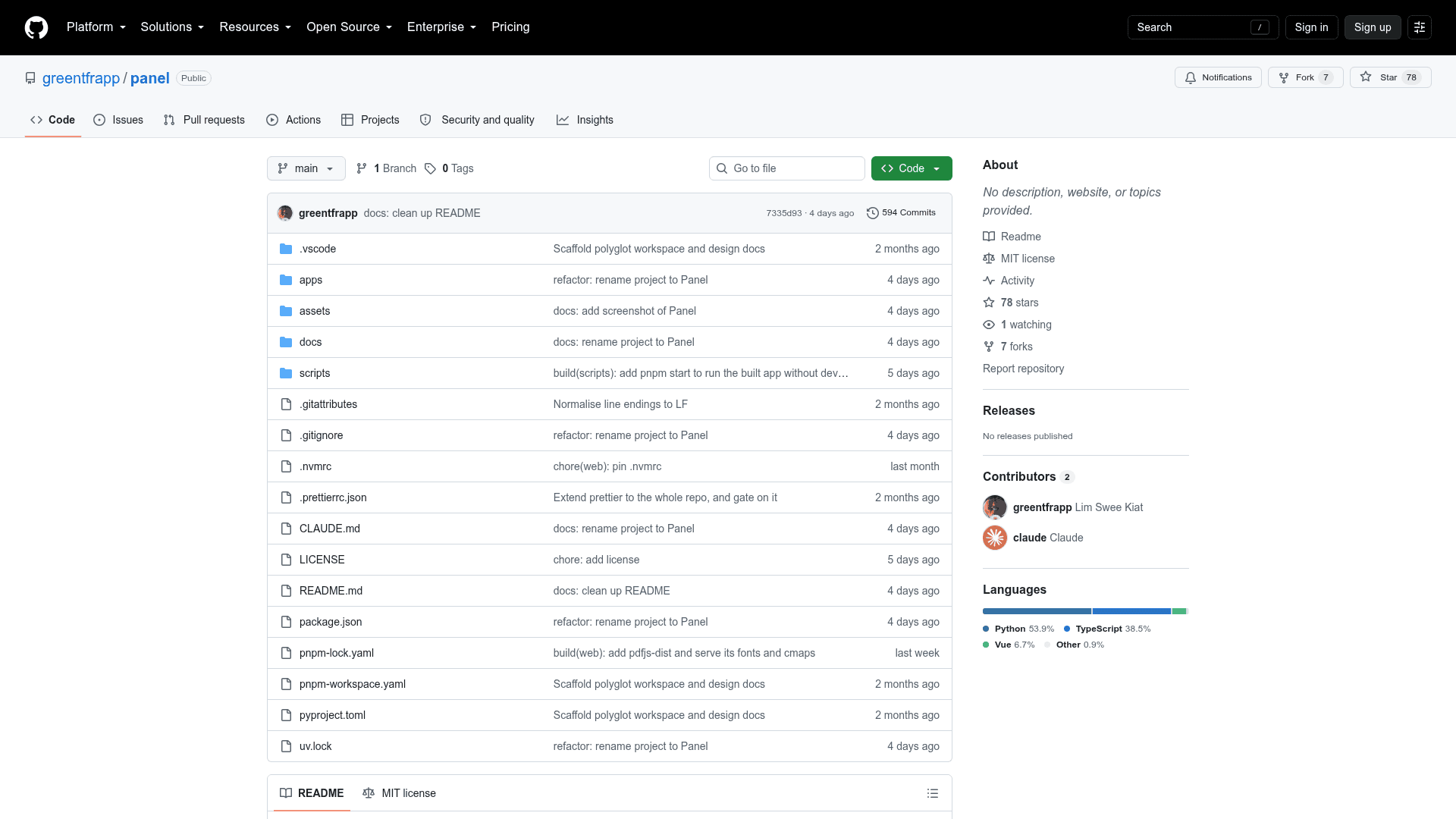
The repository was created in September 2026 and last updated shortly after, with 78 stars and 7 forks at the time of indexing. The project is explicitly described as an early build for testers. It is released under the MIT License.
Community Discussions
Be the first to start a conversation about Panel
Share your experience with Panel, ask questions, or help others learn from your insights.
Pricing
Open Source
Fully free and open-source under the MIT License. Self-host locally.
- Multi-pane workspace UI
- Agent chat with Claude Code
- PDF, Markdown, and Jupyter notebook panes
- Literature review module
- Agent-generated custom panes
Capabilities
Key Features
- Multi-pane configurable workspace UI
- AI agent chat with file read/write
- PDF viewer pane
- Jupyter notebook pane with shared editing
- Markdown pane
- Agent-generated custom panes
- Literature review via Claude Code
- Long-running background command monitoring
- Workspace folders with saved layouts
- Module Protocol with typed Inputs/Outputs/Intermediates
- Data Abstraction Layer (DAL)
- Optional OpenAI API agent support
- Local SQLite conversation storage