Parallel Code
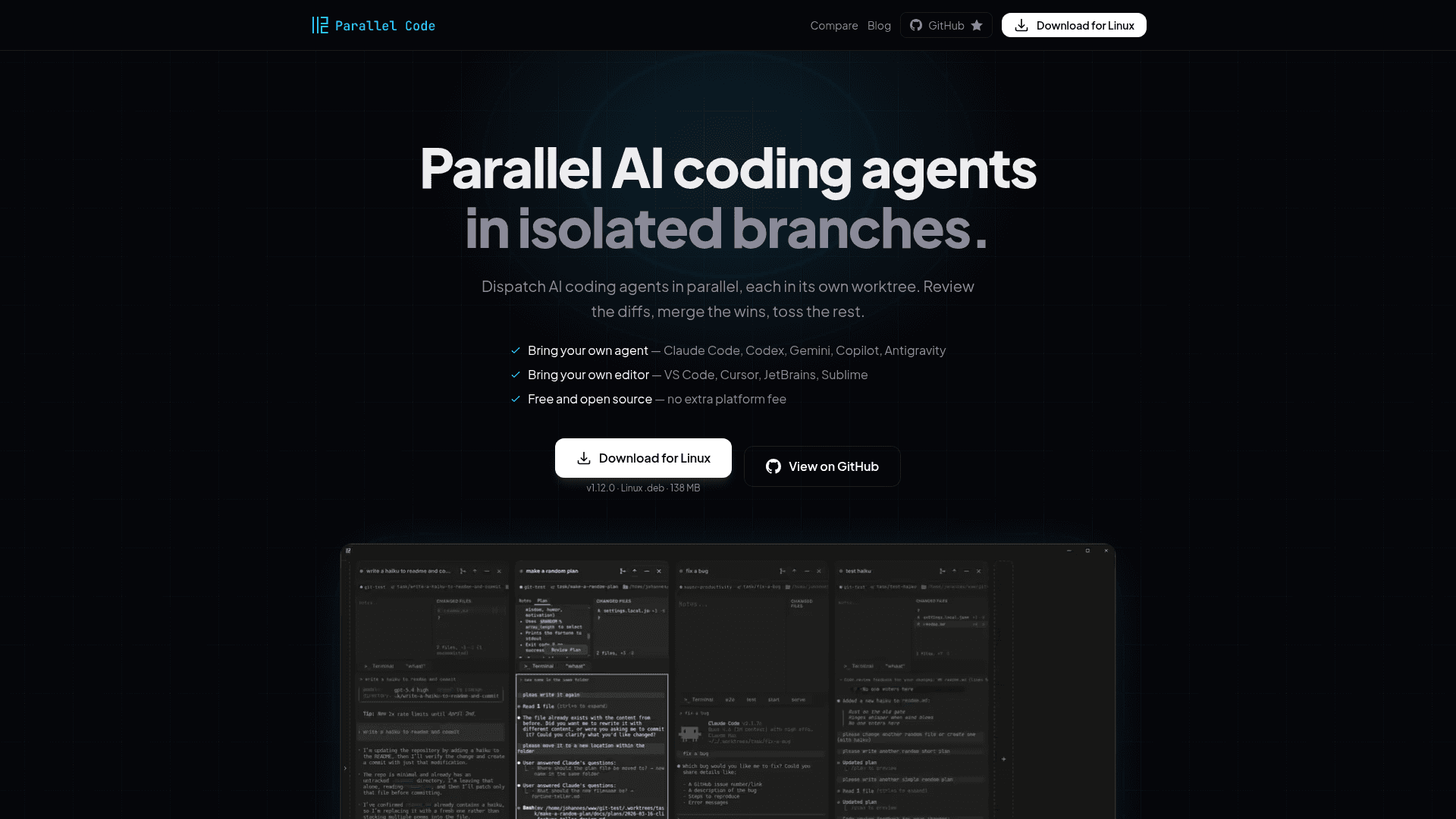
An open-source desktop app that dispatches multiple AI coding agents in parallel, each isolated in its own git worktree, so you can review diffs and merge only what works.
At a Glance
About Parallel Code
Parallel Code is a free, MIT-licensed desktop application built by Johannes Millan that lets developers run multiple AI coding agents simultaneously, each in its own isolated git branch and worktree. It works with Claude Code, Codex CLI, Gemini CLI, Copilot CLI, and Antigravity CLI out of the box, and supports any CLI-based coding agent that runs in a terminal. The app is available for macOS and Linux and is built with Electron, SolidJS, and TypeScript.
What It Is
Parallel Code sits between your AI coding agents and your git repository, acting as a coordination layer that eliminates the shared working-copy collisions that occur when multiple agents modify the same files. Instead of running agents one at a time or manually managing worktrees in a terminal, Parallel Code automates branch creation, worktree setup, and the review-and-merge workflow through a native desktop GUI. It is editor-agnostic — you keep VS Code, Cursor, JetBrains, or Sublime; Parallel Code manages the agents and worktrees while your IDE handles the code.
How the Isolation Model Works
When you create a task, Parallel Code automatically:
- Creates a new git branch from your main branch
- Sets up a git worktree so the agent works in a separate directory
- Symlinks
node_modulesand other gitignored directories into the worktree - Spawns the chosen AI agent inside that worktree
Each task is fully isolated from every other running task. Branches can still conflict if they touch the same code, but those integration conflicts are surfaced at review time rather than silently overwriting each other mid-run. When satisfied, you merge back to main with one click from the sidebar.
Workflow Patterns It Enables
The parallel isolation model unlocks workflows that are impractical with sequential agents:
- Divide the backlog — assign six tickets to six agents and let them all run in one afternoon, each in its own worktree
- Background runner — send one agent after a flaky test while another builds the next feature; slow tasks finish off the critical path
- A/B the approach — run the same prompt with different framings, compare diffs side by side, and pick the design you actually want
- AI Arena mode — race agents head-to-head on the same problem and review the results competitively
Key Features
Beyond the core parallel dispatch model, the GitHub README lists a range of additional capabilities:
- Built-in diff viewer with inline review comments and per-commit navigation
- Steps tracking panel — an engineering-manager-style timeline of agent progress
- Notes panel per task with direct prompt injection
- PR CI status watcher with desktop notifications when GitHub checks settle
- Docker sandboxing via project-specific Dockerfiles (
.parallel-code/Dockerfile) - Coverage radar — per-file test-coverage badges in the Changed Files panel
- Phone monitoring via QR code over Wi-Fi or Tailscale
- 10 built-in themes and configurable keyboard shortcuts
- Direct mode for working on the main branch without isolation
- Existing worktree import
Update: v1.12.0
The latest release is v1.12.0, published on July 4, 2026. The repository was created in February 2026 and has accumulated 876 stars and 117 forks on GitHub as of mid-July 2026, with active issue tracking and ongoing pushes. The project is developed in public with a visible release history and issue tracker at the GitHub repository.
Tradeoffs to Know
Parallel Code currently supports macOS and Linux only — Windows is not listed as a supported platform. The Antigravity CLI agent cannot run inside Docker-isolated tasks because its keyring-based authentication cannot reach a secret-service daemon from inside a Linux container; it must be run as a native (non-Docker) task. The app requires at least one supported AI coding CLI to be installed separately before use, and API keys are managed by the user — nothing is proxied or collected by the app.
Community Discussions
Be the first to start a conversation about Parallel Code
Share your experience with Parallel Code, ask questions, or help others learn from your insights.
Pricing
Free & Open Source
Fully free, MIT-licensed desktop app. No subscription required. Your API keys stay yours — nothing is proxied or collected.
- Parallel AI agent dispatch
- Git worktree isolation per task
- Built-in diff viewer with inline comments
- All supported agents: Claude Code, Codex CLI, Gemini CLI, Copilot CLI, Antigravity CLI
- Docker sandboxing
Capabilities
Key Features
- Parallel AI agent dispatch in isolated git worktrees
- Supports Claude Code, Codex CLI, Gemini CLI, Copilot CLI, Antigravity CLI
- Editor-agnostic — works with VS Code, Cursor, JetBrains, Sublime
- Built-in diff viewer with inline review comments
- One-click merge back to main branch
- Steps tracking panel for agent progress
- Notes panel per task with direct prompt injection
- PR CI status watcher with desktop notifications
- Docker sandboxing via project-specific Dockerfiles
- Per-file test-coverage badges (coverage radar)
- Phone monitoring via QR code over Wi-Fi or Tailscale
- AI Arena mode — race agents head-to-head
- Focus mode for single-task layout
- 10 built-in themes
- Configurable keyboard shortcuts
- Existing worktree import
- Direct mode for main-branch work without isolation
- State persists across restarts
- Inline code Q&A with Claude Code or MiniMax M2.7
Integrations
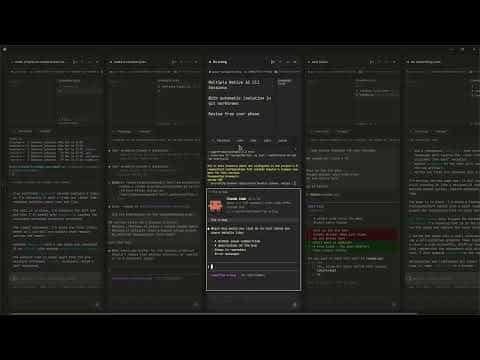
Demo Video