
Parrot
Open-source macOS meeting recorder with a live AI assistant that suggests answers from your own documents during calls.
At a Glance
Parrot is free and open source under GPL-3.0, with no account and no paid plan. Optional cloud AI uses your own provider keys (external costs).
Engagement
Available On
Listed Oct 2026
About Parrot
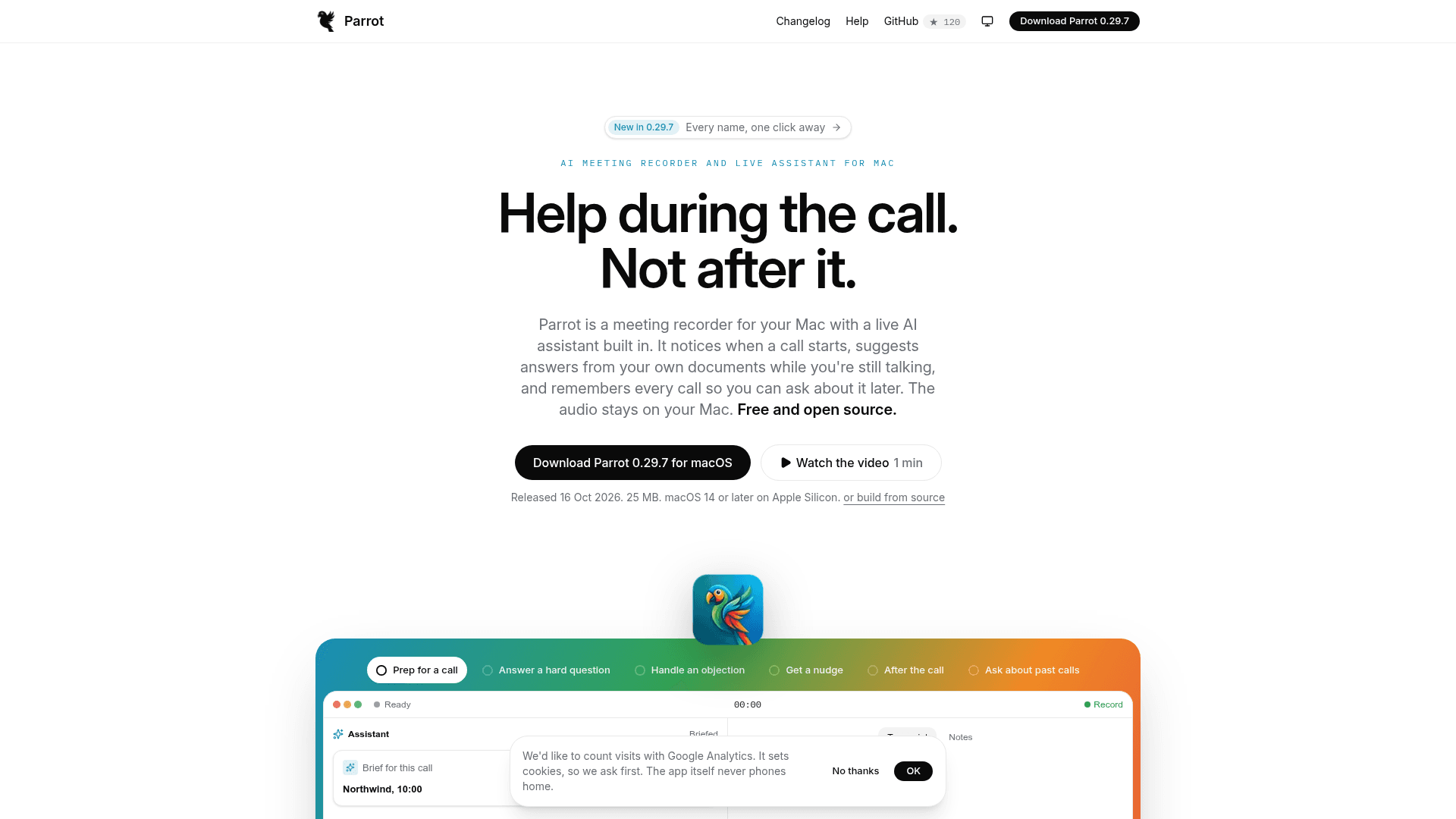
Parrot is a free, open-source (GPL-3.0) meeting recorder for Mac, made by Uygar Turantekin, with a built-in live AI assistant. It records and transcribes calls on the machine, suggests answers from the user's own documents while a call is in progress, and writes a report afterward. The current release listed on the site is 0.29.7, for macOS 14 or later on Apple Silicon.
What It Is
Parrot is a native SwiftUI desktop app that captures system audio and the microphone as two tracks, so no bot joins the meeting. It works with Google Meet, Zoom, Teams, or anything else the Mac can hear. Transcription, speaker detection and the document index run on the Mac; the developer states there is no account, no telemetry and no Parrot server.
How a Call Works
Before a call, users can add a short brief and drop PDFs, text or Markdown files into a knowledge base. These are chunked and embedded on the Mac using Apple's NaturalLanguage framework. During the call, the Assistant shows suggested answers that name their source, pinned cards for objections and open questions, captured next steps, a live call score and nudges when the call drifts. Call profiles (eight built-ins, or custom ones) decide which card types and gauges appear and how the post-call report is written.
After the Call
The report includes a summary, talk balance, objections marked handled or missed, coaching, and commitments, with time chips that link each point to the transcript line. Speaker detection runs on-device after the call and lets users name voices. Reports export as PDF, and notes can go to Obsidian, Reminders, follow-up email drafts or a webhook. Ask Parrot (⌘K) answers questions about past calls, and Claude Desktop, Claude Code, Codex and Cursor can read meetings through an opt-in connection. Existing audio files can be imported.
Model Choices and Privacy
Transcription can use on-device Whisper or Parakeet, or Groq or Deepgram with the user's own key. The Assistant can run on Claude, a local model through Ollama, or any OpenAI-compatible server. Running Whisper and Ollama keeps everything on the Mac and works offline after the models download. With cloud options, transcript text goes to the provider the user picked, and audio leaves only if Groq or Deepgram is chosen for transcription.
Community Discussions
Be the first to start a conversation about Parrot
Share your experience with Parrot, ask questions, or help others learn from your insights.
Pricing
Free
Parrot is free and open source under GPL-3.0, with no account and no paid plan. Optional cloud AI uses your own provider keys (external costs).
- Open source, GPL-3.0
- No account
- No telemetry
- On-device transcription and speaker detection
- Live Assistant with answers from your own documents
Capabilities
Key Features
- Bot-free recording of system audio and microphone
- On-device transcription with Whisper or Parakeet
- Live Assistant cards with answers from your own documents
- On-device knowledge base for PDF, text and Markdown
- Call profiles with custom card types, gauges and report formats
- On-device speaker detection with optional remembered voices
- Post-call reports with coaching and source time links
- Ask Parrot chat across past calls
- Claude, Codex and Cursor access to meetings via MCP
- Import existing audio recordings
- PDF, Markdown, TXT and SRT export
- Obsidian, Reminders, email draft and webhook connections
- Calendar-based profile selection and speaker names
- On-device-only mode and redaction for cloud AI
- Per-call AI cost display
- Automatic call detection and menu bar controls