
Yap
Blazing-fast, open-source voice dictation for macOS that uses Apple's on-device Speech framework — no cloud, no API keys, no account required.
At a Glance
Completely free and open source under the MIT License. No account, no API key, no cost.
Engagement
Available On
Alternatives
Listed Jul 2026
About Yap
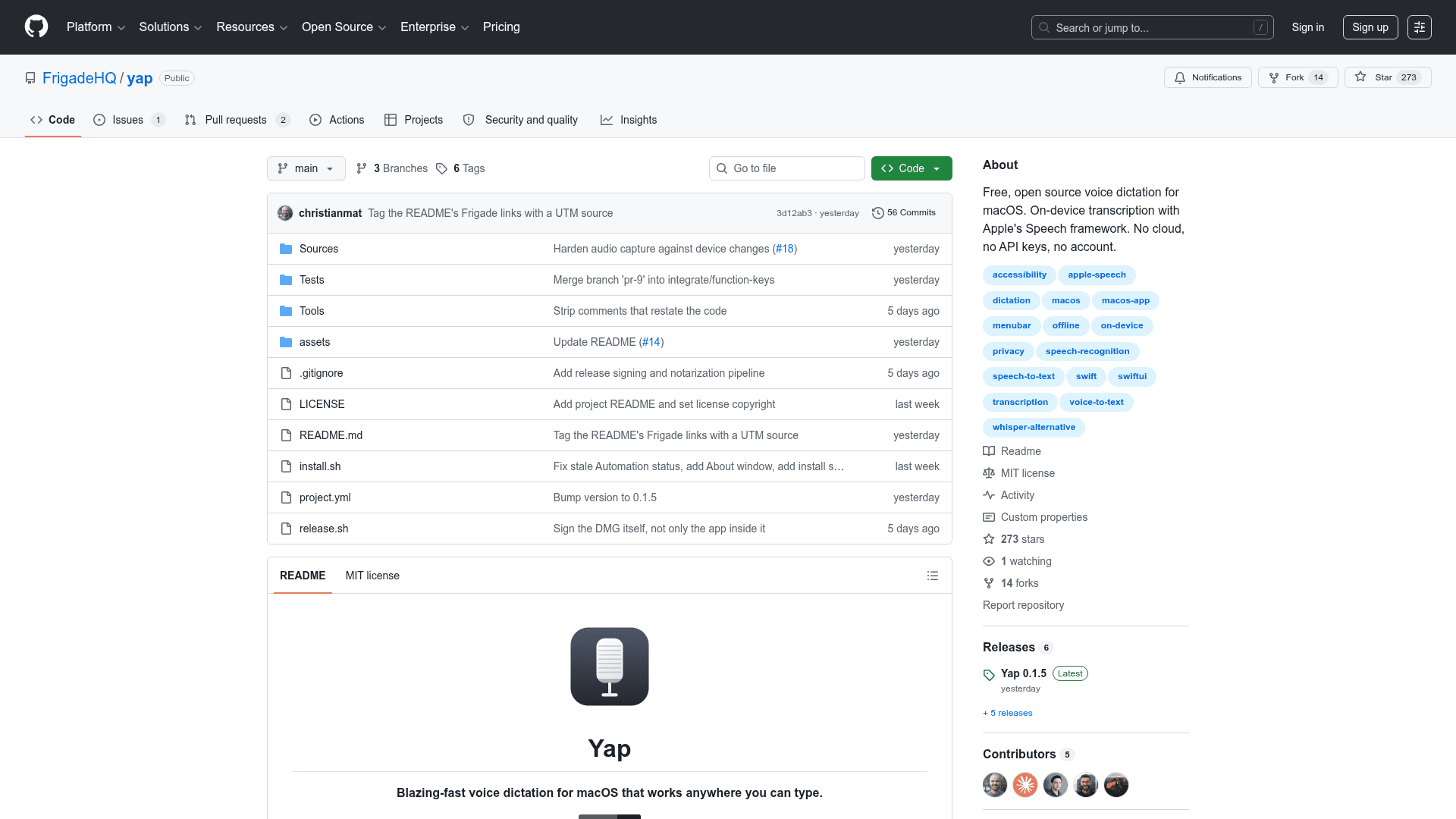
Yap is a free, open-source macOS menu bar app built by Frigade that delivers on-device voice dictation using Apple's SpeechAnalyzer and SpeechTranscriber APIs introduced in macOS 26 (Tahoe). Press a global shortcut, speak, press it again, and your words are pasted directly into whatever text field you were using — no network calls, no model downloads, no account. The project is written in roughly 3,000 lines of native Swift, weighs about 4 MB, and idles around 60 MB of memory.
What It Is
Yap is a lightweight voice-to-text dictation tool that sits in the macOS menu bar and intercepts a configurable global shortcut. When triggered, a small overlay appears with a live waveform and a running partial transcript. Pressing the shortcut again pastes the final text into the previously focused app. Every transcript is saved locally in SwiftData with search, copy, and delete support. The app carries no speech model of its own — it delegates entirely to the models Apple ships with macOS 26, which means nothing is loaded into memory before the first word and no per-minute API cost is incurred.
Why It Was Built
The README explains the motivation directly: existing voice-to-text tools for macOS each hit some combination of cost, heavy model downloads (Whisper weights run to hundreds of megabytes), Electron-based memory overhead, or closed-source audio handling. macOS 26 changed the equation by shipping SpeechAnalyzer, an on-device streaming speech-to-text API that runs exclusively on Apple Silicon. The README cites a third-party benchmark showing Apple's model achieved a 2.12% word error rate on clean audio versus 3.74% for Whisper Small, running approximately three times faster across 5,559 LibriSpeech clips. Yap was built to expose that API in the smallest possible native wrapper.
How It Works
- Audio is captured via
AVAudioEngineand buffered before the speech stack finishes initializing, so the first word is never clipped. - Transcription runs through
SpeechAnalyzerwith volatile (streaming) results enabled for the live preview. Older APIs likeSFSpeechRecognizerare deliberately excluded because they can fall back to Apple's servers. - Text insertion writes to the clipboard, fires
⌘Vvia System Events, then restores the previous clipboard contents after a deliberate delay to handle Chromium-based apps that read the pasteboard asynchronously. - State is managed by a
RecordingCoordinatorstate machine whose dependencies are all protocols, enabling unit tests without a physical microphone.
Platform and Requirements
Yap requires macOS 26 (Tahoe) or later on an Apple Silicon Mac. Intel support was intentionally dropped: the only path for Intel was SFSpeechRecognizer, which can send audio to Apple's servers, breaking the core privacy promise. Released builds are signed and notarized. Installation is available via Homebrew (brew install --cask frigadehq/tap/yap), direct .dmg download from GitHub Releases, or by building from source with Xcode 26.
On first launch the app requests four permissions — Microphone, Speech Recognition, Accessibility, and Automation — and explains each one. Accessibility must be granted manually in System Settings, as macOS requires this of any app that types on behalf of the user.
Update: Yap 0.1.5
The latest release is v0.1.5, published on 2026-07-28. The repository was created on 2026-07-23 and last pushed on 2026-07-28, indicating rapid early development. The project's stated roadmap is intentionally minimal — a language picker is noted as the most likely next addition, since the current version follows the system locale. The README explicitly frames keeping the app small and focused as the primary design principle.
Community Discussions
Be the first to start a conversation about Yap
Share your experience with Yap, ask questions, or help others learn from your insights.
Pricing
Open Source
Completely free and open source under the MIT License. No account, no API key, no cost.
- On-device transcription via Apple SpeechAnalyzer
- Global shortcut dictation
- Local transcript history
- Live waveform preview
- No network calls or telemetry
Capabilities
Key Features
- On-device transcription via Apple's SpeechAnalyzer API
- Global shortcut, fully rebindable, with optional single-modifier triggers
- Pastes directly into the focused field of any app
- Local transcript history with search, copy, and delete
- Live waveform and partial transcript while speaking
- Press escape twice to discard a dictation in progress
- Follows system default microphone, including mid-session changes
- Optional launch at login
- No account, no network calls, no telemetry
- Signed and notarized releases
- Homebrew installation support