
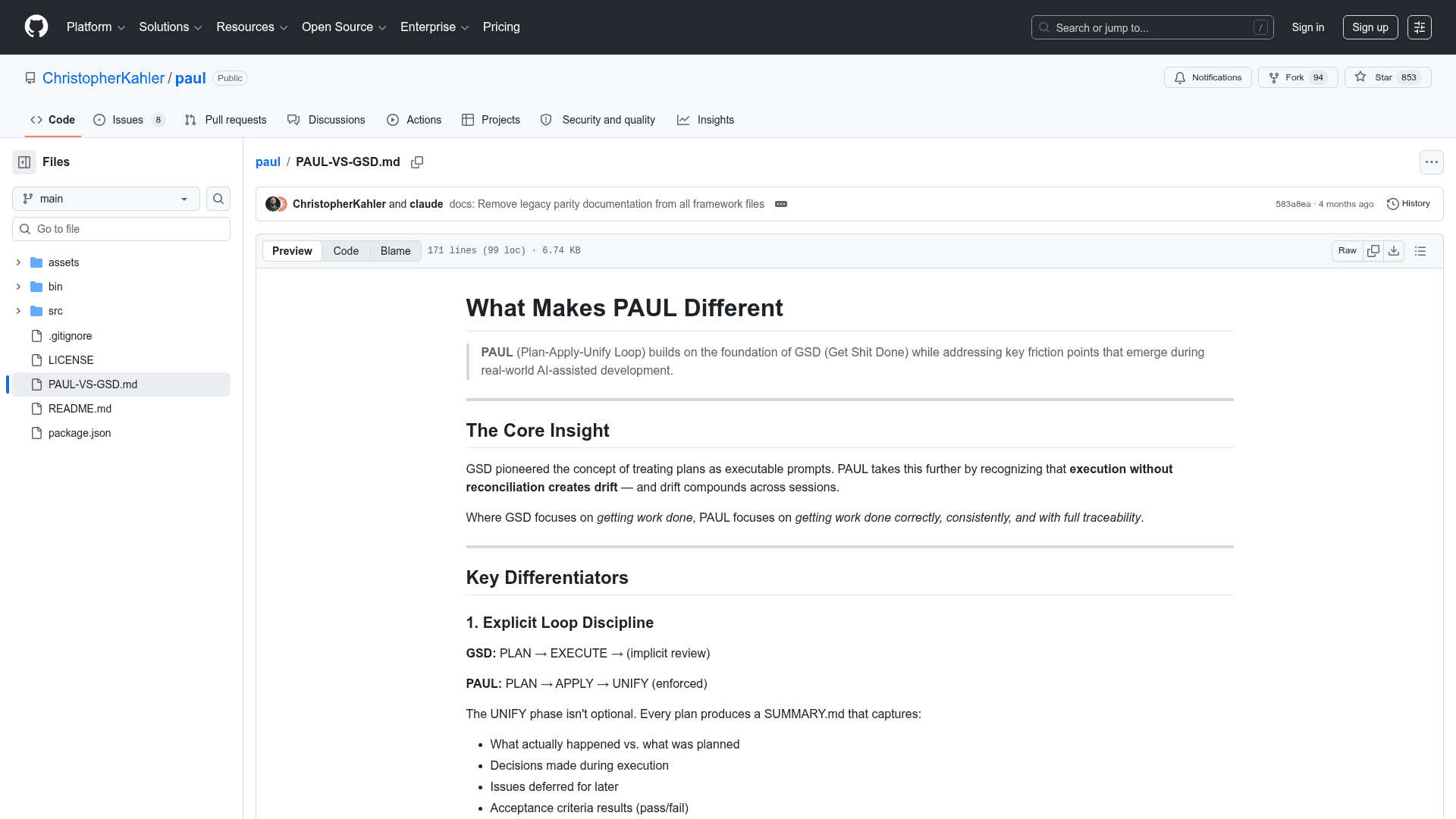
PAUL (Plan-Apply-Unify Loop) is a structured AI-assisted development framework for Claude Code that enforces loop integrity, in-session context management, and acceptance-driven development.
At a Glance
Fully free and open-source under the MIT License. Install via npx and use without restrictions.
Engagement
Available On
Listed May 2026
About PAUL
PAUL (Plan-Apply-Unify Loop) is an open-source CLI framework that brings structured, reliable AI-assisted development to Claude Code. It solves "context rot" — the quality degradation that happens as AI sessions fill up — by enforcing a strict Plan → Apply → Unify loop with mandatory closure on every unit of work. PAUL supports not just software development but also marketing campaigns, funnel builds, email sequences, and automation workflows.
- Plan-Apply-Unify Loop — Every plan must be closed with UNIFY, which reconciles what was planned vs. what happened, updates STATE.md, and logs decisions — no orphan plans.
- Acceptance-Driven Development (A.D.D.) — Define acceptance criteria in BDD format (Given/When/Then) before tasks begin; every task references its AC and requires a verify step.
- Scope-Adaptive Planning — Auto-routes plans into quick-fix (1 task), standard (2–5 tasks), or complex (6+ tasks) tiers with appropriate ceremony for each.
- Execute/Qualify Loop — Each task in APPLY is independently verified against the spec and linked AC after execution, catching drift and false completions before they compound.
- Escalation Statuses — Tasks report DONE, DONE_WITH_CONCERNS, NEEDS_CONTEXT, or BLOCKED instead of binary pass/fail, surfacing uncertainty honestly.
- Diagnostic Failure Routing — Classifies failures as intent, spec, or code issues before attempting fixes, preventing the common mistake of patching code when the plan itself was wrong.
- Coherence Validation — Plans are automatically checked against PROJECT.md, STATE.md, recent file changes, and ROADMAP.md before approval.
- Session Continuity — STATE.md tracks loop position, decisions, and blockers;
/paul:resumereads state and suggests exactly one next action after any break. - CARL Integration — Works with CARL (Context Augmentation & Reinforcement Layer) for dynamic, just-in-time rule injection — keeping context lean without static prompt bloat.
- 26 Commands — Organized into Core Loop, Session, Roadmap, Milestone, Pre-Planning, Research, Specialized, and Quality categories; run
/paul:helpfor the full reference. - Install in seconds — Run
npx paul-frameworkand choose global (~/.claude/) or local (./.claude/) installation; verify with/paul:helpinside Claude Code.
Community Discussions
Be the first to start a conversation about PAUL
Share your experience with PAUL, ask questions, or help others learn from your insights.
Pricing
Open Source (MIT)
Fully free and open-source under the MIT License. Install via npx and use without restrictions.
- All 26 slash commands
- Plan-Apply-Unify loop
- Acceptance-Driven Development
- Session state management
- CARL integration
Capabilities
Key Features
- Plan-Apply-Unify loop enforcement
- Acceptance-Driven Development (BDD format)
- Scope-adaptive planning (quick-fix, standard, complex)
- Execute/Qualify loop per task
- Escalation statuses (DONE, DONE_WITH_CONCERNS, NEEDS_CONTEXT, BLOCKED)
- Diagnostic failure routing
- Coherence validation before plan approval
- Session continuity via STATE.md
- 26 slash commands for Claude Code
- CARL dynamic rule injection integration
- Structured project state management
- Milestone and roadmap management
- Research agent deployment
- Codebase mapping
- Manual acceptance testing guidance