
Peekaboo
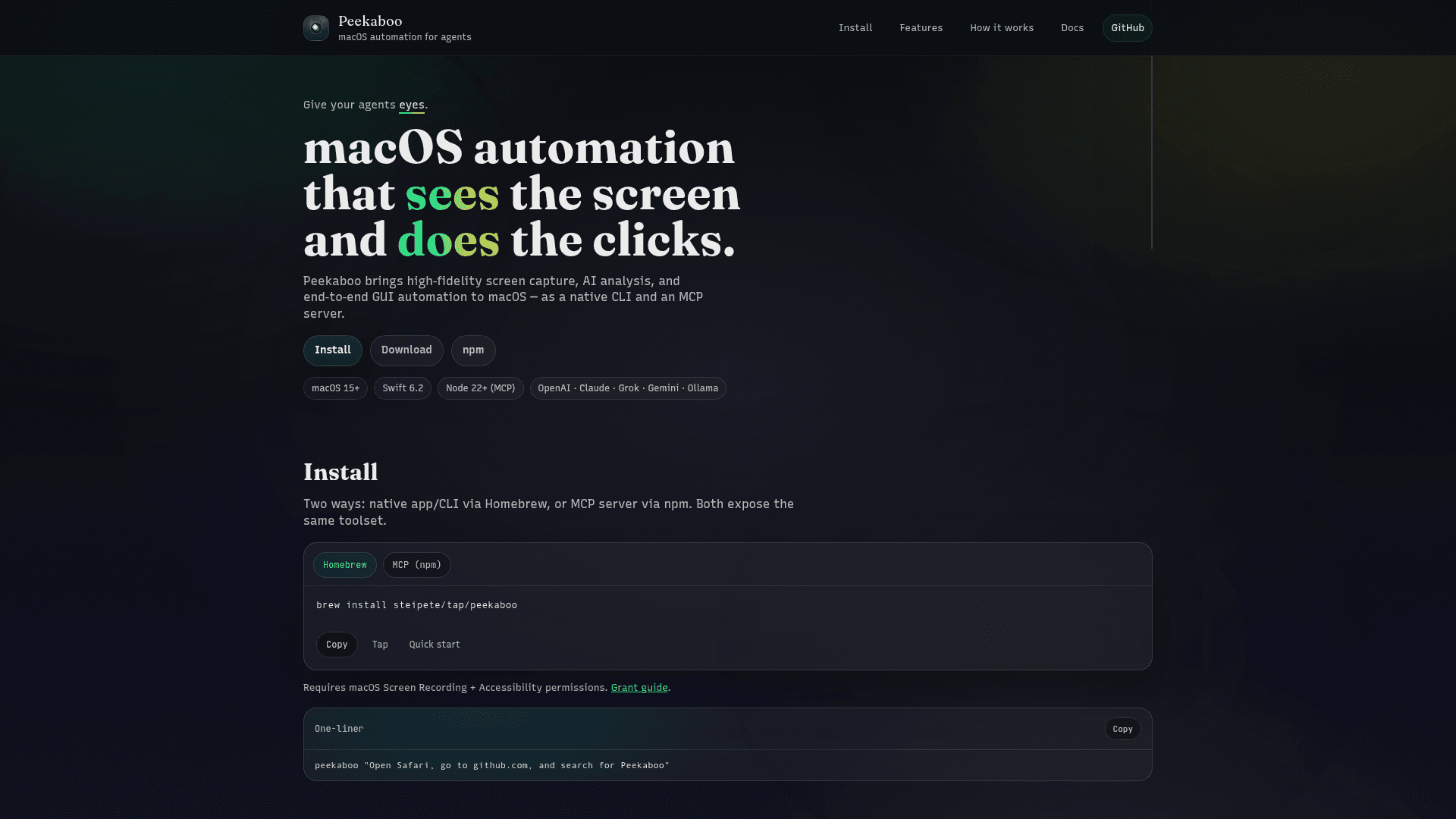
macOS automation tool that captures the screen, produces structured UI maps, and executes end-to-end GUI automation via a native CLI or an MCP server.
At a Glance
About Peekaboo
Peekaboo is a macOS automation tool that captures pixel-accurate screenshots, analyzes the UI with AI, and performs deterministic GUI actions (click, type, scroll, drag) from the CLI or an MCP server. It exposes typed JSON outputs and stable UI element IDs so automation workflows and agents can reliably interact with windows, menus, buttons and text fields. Peekaboo integrates with multiple LLM providers and runs as a native macOS CLI app or as a Node-based MCP server.
- Pixel-accurate screen capture — Capture entire screens or individual windows to produce high-fidelity images for analysis.
- Structured UI mapping — Generate a typed JSON representation of the UI with stable element IDs to target buttons, menus, text fields and more.
- LLM integrations — Connect to supported language models to interpret UI context and decide actions.
- End-to-end GUI automation — Click, type, scroll, drag, or execute full agent plans and log receipts for actions taken.
- Multiple runtimes — Use the native macOS CLI app (Homebrew) or run an MCP server via npm (Node) to operate programmatically.
- Deterministic outputs — Typed JSON and composable automation primitives intended for reproducible agent workflows.
Getting started: install the native CLI via Homebrew or run the MCP server with Node/npm, grant macOS Screen Recording and Accessibility permissions, then use the CLI or server API to capture, interpret, and act in a tight loop until tasks are completed.
Community Discussions
Be the first to start a conversation about Peekaboo
Share your experience with Peekaboo, ask questions, or help others learn from your insights.
Pricing
Open-source / Community
Community/open-source distribution providing the CLI and MCP server runtimes for local use.
- Native macOS CLI and MCP server
- Screen capture and structured UI maps
- Basic GUI automation primitives (click, type, scroll, drag)
Capabilities
Key Features
- High-fidelity pixel-accurate screen capture
- AI analysis producing structured UI maps with stable IDs
- End-to-end GUI automation (click, type, scroll, drag)
- Native CLI for macOS
- MCP server via npm (Node runtime)
- Typed JSON outputs for deterministic automation
- Composable automation primitives and action receipts
- Requires macOS Screen Recording and Accessibility permissions