Pencil
An agent-driven MCP design canvas that lives in your codebase, letting you design pixel-perfect UIs and ship production-ready code without leaving your IDE.
At a Glance
About Pencil
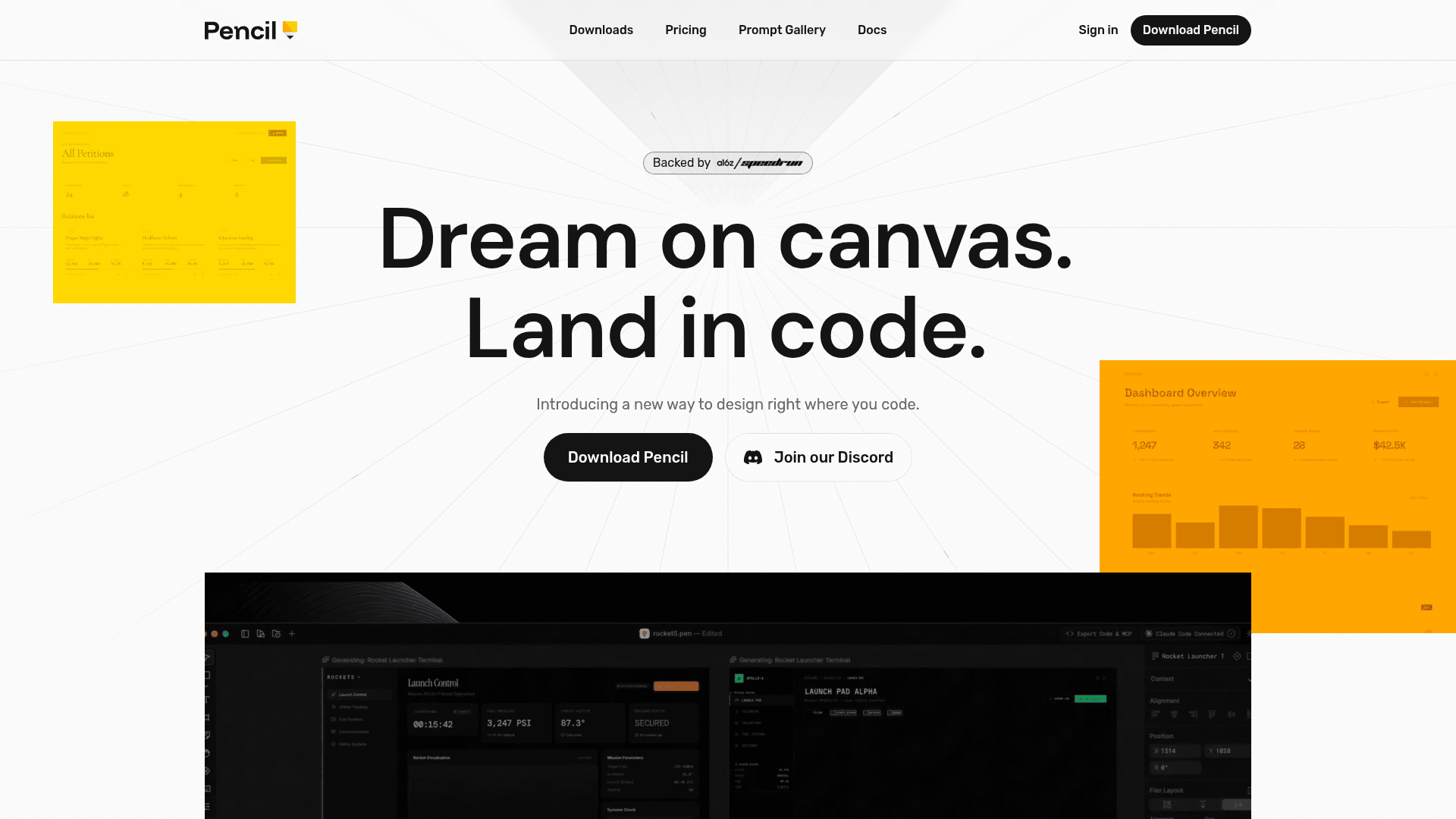
Pencil is an agent-driven MCP (Model Context Protocol) design canvas built around an open design format that lives directly in your codebase. Backed by Speedrun, it bridges the gap between design and development by letting developers and designers work on an infinite canvas right inside their IDE, eliminating traditional design handoffs. The tool is currently available via early access and is free to use.
What It Is
Pencil is a bi-directional MCP vector canvas that integrates with popular IDEs and AI coding tools — including Cursor, VSCode, Claude Code, and OpenAI Codex — to bring design and code under one roof. Unlike traditional design tools that operate in isolation, Pencil stores design files directly in your repository, making them versionable, branchable, and mergeable with Git just like source code. The core idea is "design as code": design files are readable, debuggable, and extensible with your own tools, with no proprietary black box or vendor lock-in.
How the Canvas Works
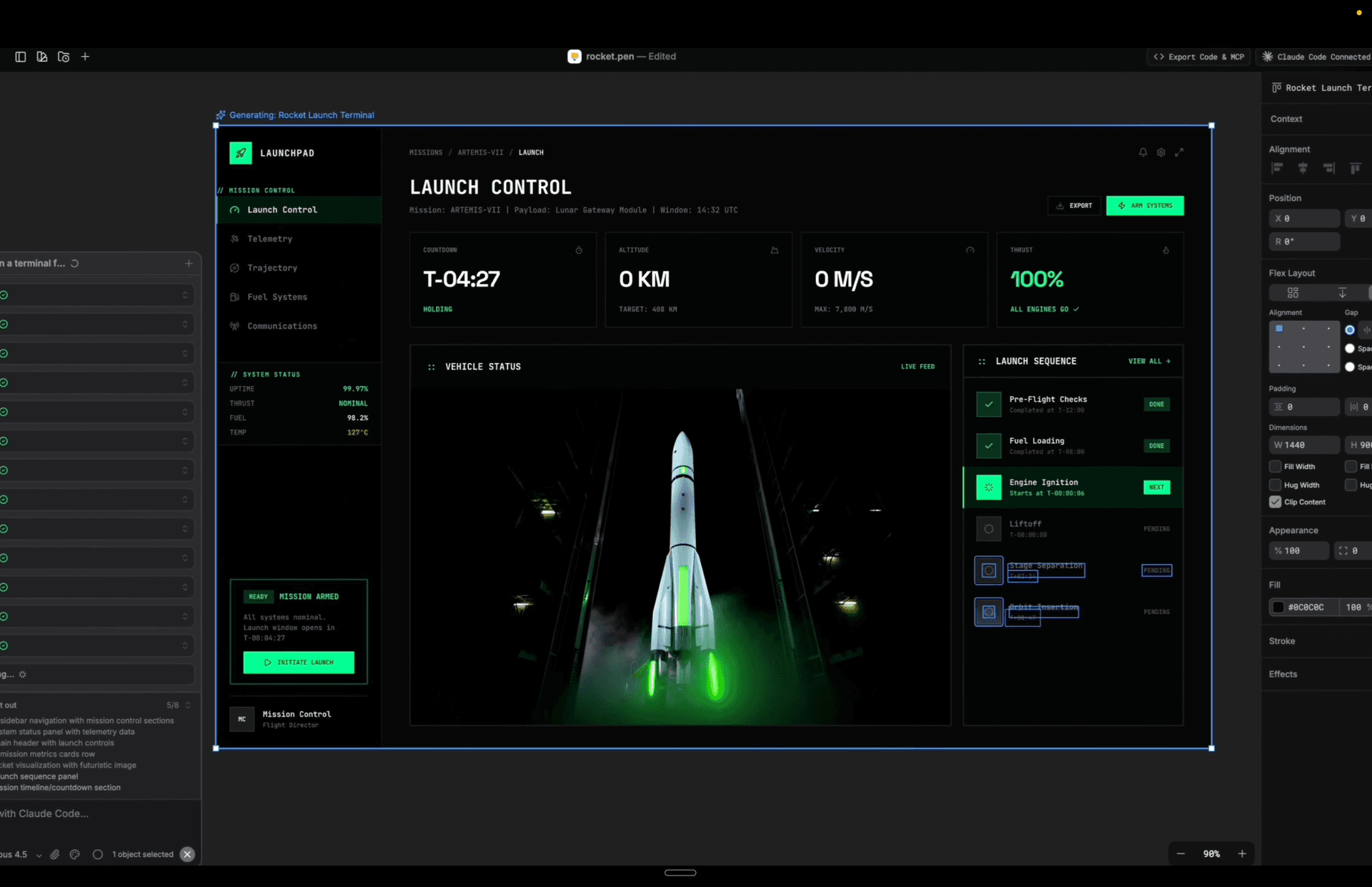
Pencil provides an infinite design canvas with pixel-perfect precision, accessible from a single tab-click within the IDE. Key capabilities include:
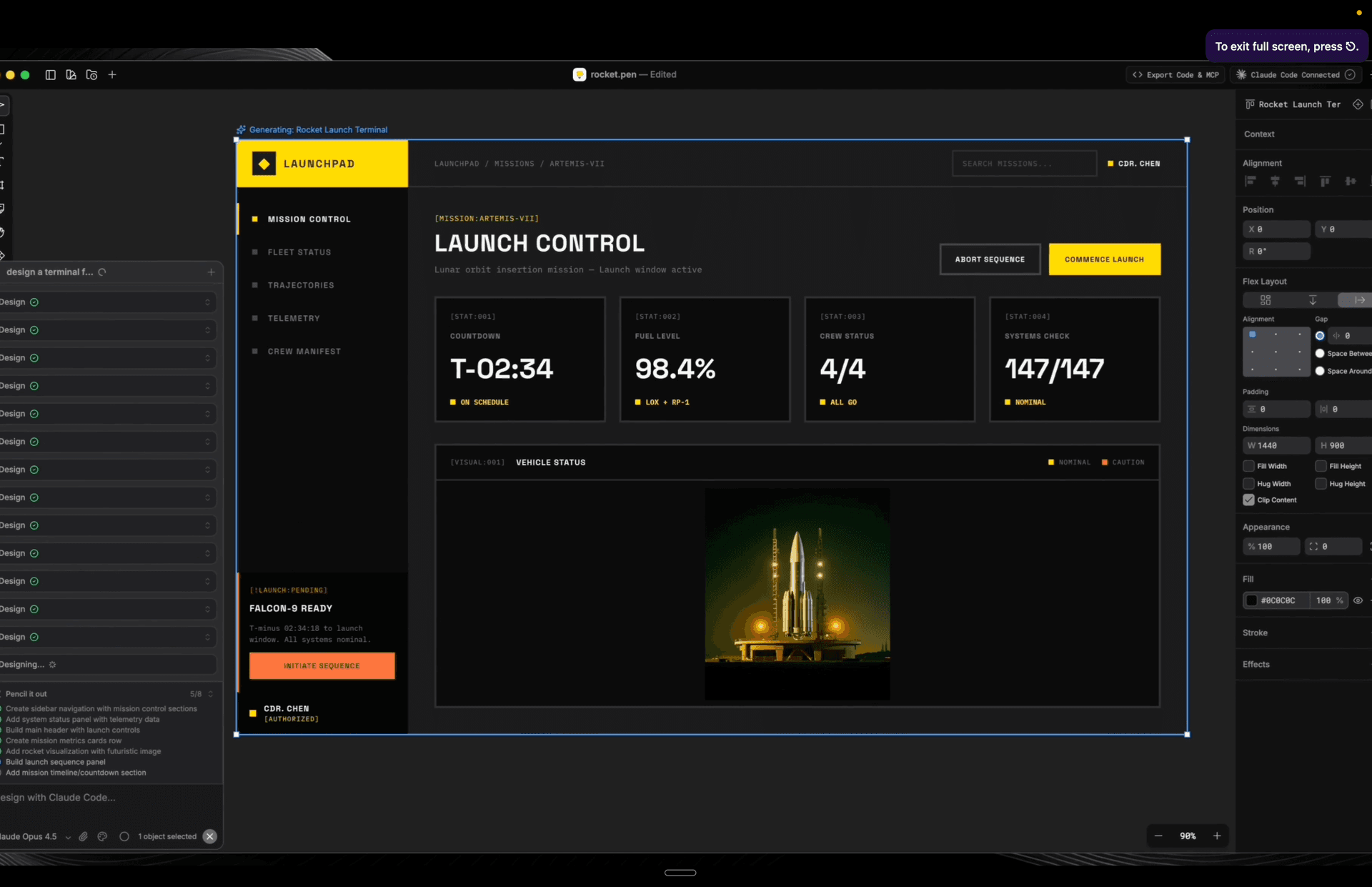
- AI multiplayer: Generate screens or entire flows in parallel using AI agents working side by side, enabling faster exploration of design directions.
- Vibe designing with precision: Prompt entire screens or specific components directly in context, using curated actions optimized for speed and quality, or write custom actions from scratch.
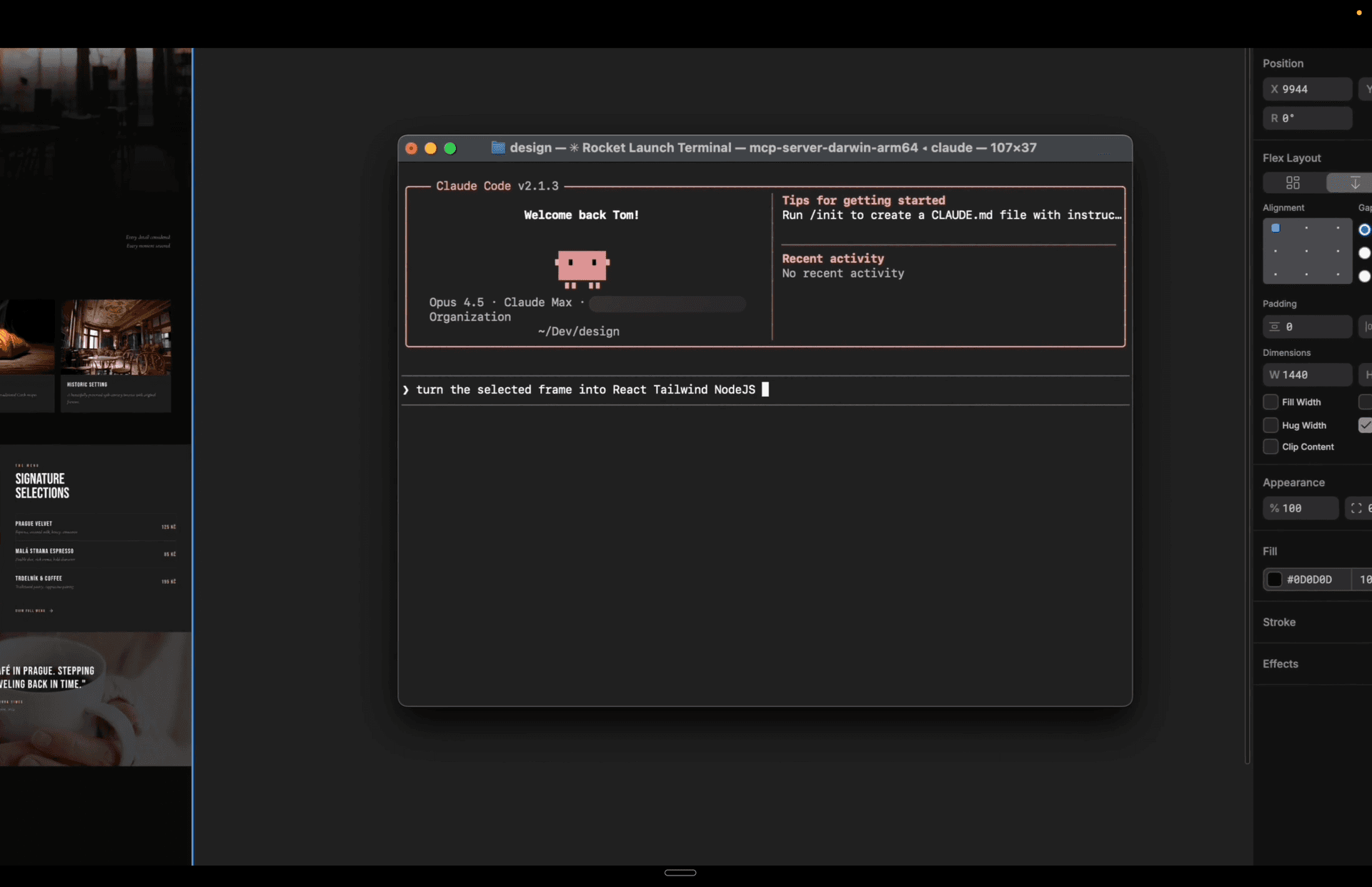
- Vectors to code: Designs translate to production-ready HTML, CSS, and React code, with pixel-perfect fidelity maintained throughout.
- Figma import: Copy and paste designs directly from Figma — vectors, text, and styles transfer intact.
MCP Integration and Extensibility
Pencil goes beyond read-only MCP tooling by providing full write access to the canvas alongside a broad set of tools for operating it programmatically. This means developers can plug in the broader MCP ecosystem, pull in data from databases, APIs, chart sources, or browser automation tools like Playwright and Puppeteer, and connect other agents. The open file format means any external tool can read, debug, or extend design files without restriction.
Design Kits and Design Systems
Pencil ships with curated, component-based design kits that provide the craft and taste of a senior designer out of the box. Teams can also plug in their existing design system directly from the codebase, making it straightforward to maintain brand consistency across projects without switching contexts.
Audience and Deployment Model
Pencil targets developers who want to design without leaving their coding environment, as well as teams looking to eliminate the friction of design-to-development handoffs. Because design files live in the repo, the workflow fits naturally into existing Git-based development processes. The tool is distributed as a desktop download and is currently in early access, with the pricing page stating it is free and noting that paid features or plans may be introduced in the future with clear advance notice.
Community Discussions
Be the first to start a conversation about Pencil
Share your experience with Pencil, ask questions, or help others learn from your insights.
Pricing
Free
Pencil is currently free. Paid features or plans may be introduced in the future with advance notice.
- Infinite design canvas
- Agent-driven AI multiplayer
- Open design file format
- Git-based versioning
- Pixel-perfect vector-to-code export
Capabilities
Key Features
- Infinite design canvas inside the IDE
- Agent-driven AI multiplayer for parallel screen generation
- Bi-directional MCP canvas with full read and write access
- Open design file format stored in your repository
- Git-based versioning, branching, and merging of design files
- Pixel-perfect vector-to-code export (HTML, CSS, React)
- Figma copy-paste import with vectors, text, and styles
- Curated component-based design kits
- Custom design system integration from codebase
- MCP ecosystem integration (databases, APIs, Playwright, Puppeteer)
- Prompt-driven design for screens and components