
PlayCanvas Editor MCP Server
An MCP server that lets AI agents automate the PlayCanvas Editor and verify that scenes run.
At a Glance
About PlayCanvas Editor MCP Server
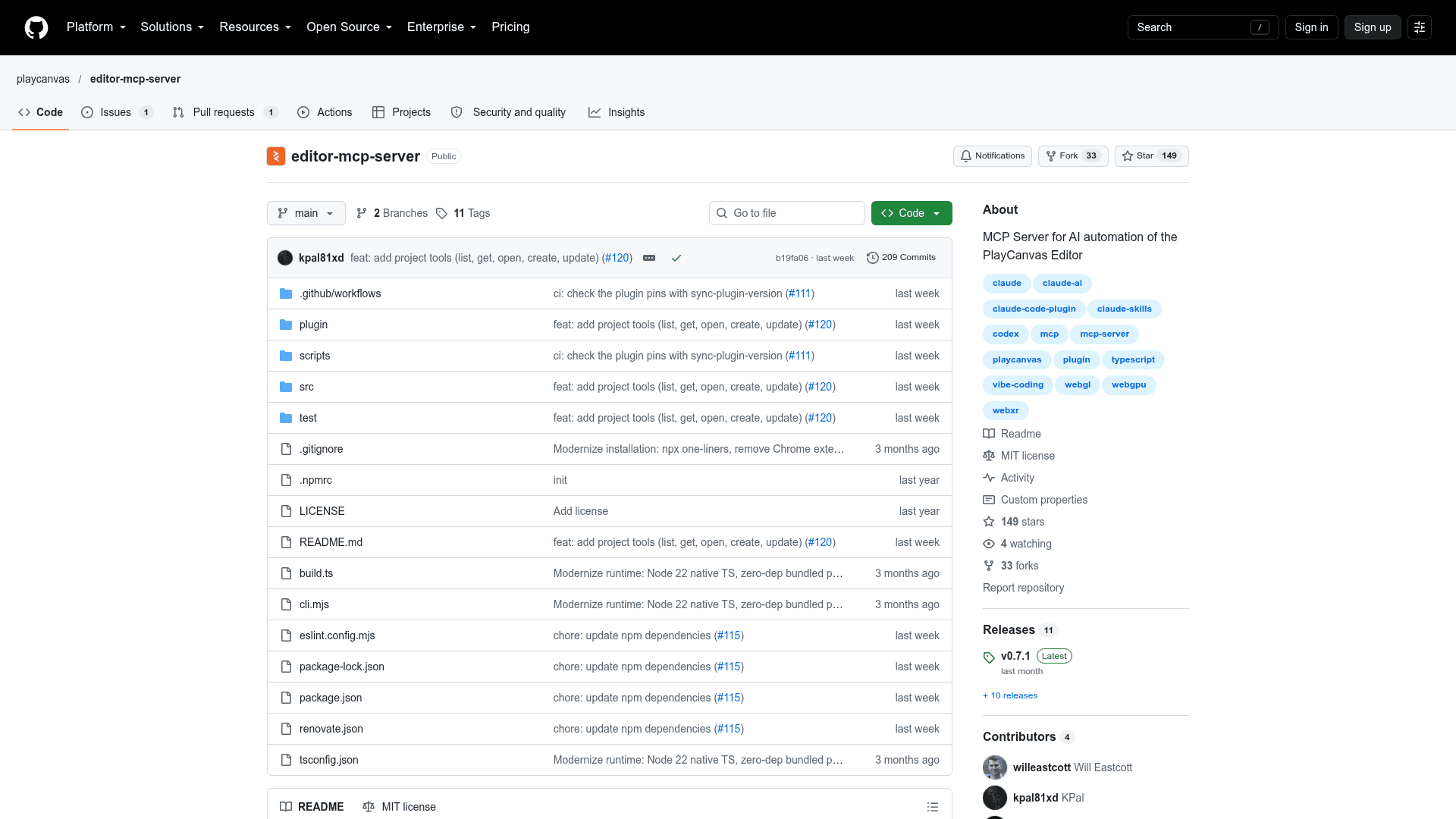
PlayCanvas Editor MCP Server is an open-source MCP server from PlayCanvas that lets AI agents drive the PlayCanvas Editor and check that scenes actually run. The MCP client is built into the Editor, so no browser extension is needed. It is installed through npx and added to MCP clients such as Claude Code, Claude Desktop, Cursor, and Codex CLI.
What It Is
The server exposes 130 tools that act on the project open in the connected Editor. A user asks an agent for an outcome, for example adding a spinning cube with a rotate script, launching it, and capturing a screenshot of the running app to confirm it turns. The agent then calls tools covering the Editor's features.
Tool Coverage
The tools are grouped into categories: projects, entities, scripts, assets, templates, animation, processing (lightmaps, texture conversion, atlases, sprites), scenes, settings, viewport, editor selection and undo/redo, builds, store imports, runtime, and version control. Runtime tools launch the app, take screenshots, read logs, inspect live state, and send keyboard, mouse, and touch input. Version control tools handle branches, checkpoints, merges, and conflict resolution.
Setup Path
Add the server to the MCP client, then open a project in the Editor, click the MCP button below Publish, and click Connect. Node.js 22.18+ is required. Chrome's Apps on device permission must be allowed. The default port is 52000 and can be changed with a --port option.
Data and Network Use
The README states the server has no telemetry. It listens on 127.0.0.1:52000 for playcanvas.com and localhost pages. It touches local files only for upload and download tools, and makes one outbound request, which is the build archive download. The tool definitions total about 43,000 tokens of context, according to the README.
Community Discussions
Be the first to start a conversation about PlayCanvas Editor MCP Server
Share your experience with PlayCanvas Editor MCP Server, ask questions, or help others learn from your insights.
Pricing
Open Source (MIT)
The PlayCanvas Editor MCP Server is released under the MIT License and can be used, modified and distributed free of charge.
- MIT-licensed MCP server
- Runs locally via npx (requires Node.js 22.18+)
- 130 tool definitions for automating the PlayCanvas Editor
- No telemetry
Capabilities
Key Features
- 130 MCP tools for automating the PlayCanvas Editor
- Entity, script, asset, template, animation, and scene management
- Asset processing including lightmaps, texture conversion, atlases, and sprites
- Runtime launch with screenshots, logs, live state inspection, and input simulation
- Version control tools for branches, checkpoints, merges, and conflict resolution
- PlayCanvas Store and Sketchfab asset search and import
- MCP client built into the Editor, no browser extension needed
- No telemetry; local-only listening on 127.0.0.1:52000