
Peon Ping
Game character voice notifications for AI coding assistants when tasks complete or need permission, preventing missed terminal prompts.
At a Glance
Free and open source under MIT License
Engagement
Available On
Alternatives
Listed Feb 2026
About Peon Ping
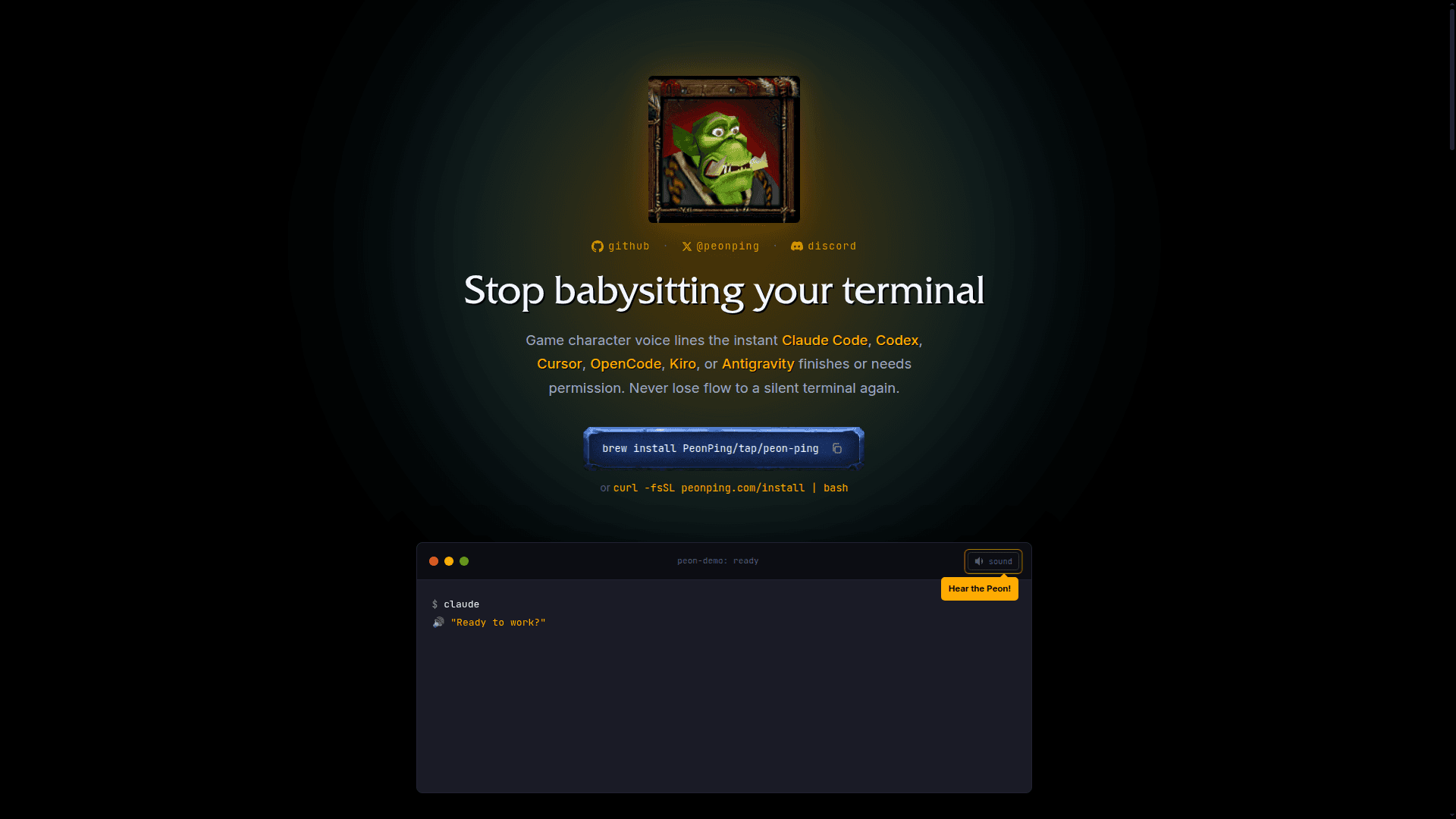
Peon Ping delivers audio notifications using iconic game character voice lines when AI coding assistants like Claude Code, Codex, Cursor, OpenCode, Kiro, or Antigravity finish tasks or require permission. The tool prevents developers from missing silent terminal prompts by playing distinctive sound cues, allowing them to maintain focus while working in other applications.
- Multi-IDE Support works seamlessly with Claude Code, Codex, Cursor, OpenCode, Kiro, and Antigravity through adapters for any IDE with hooks
- 54+ Sound Packs across 7 languages featuring characters from Warcraft, StarCraft, Portal (GLaDOS), Team Fortress 2, Red Alert, Duke Nukem, and many more
- Volume Control allows adjustment from 0.0 to 1.0 in config, making it quiet enough for office environments
- No Repeats System tracks last played sounds per category to ensure variety and prevent hearing the same line twice in a row
- Category Toggles enable or disable specific sound types including greeting, acknowledge, complete, error, and annoyed individually
- Tab Titles display project name and status in terminal tabs with dot indicators when tasks complete
- Desktop Notifications push alerts when the terminal isn't focused, ensuring permission prompts are never missed
- Pack System supports community-contributed sound packs with easy creation and registration through GitHub repositories
To get started, install via Homebrew with brew install PeonPing/tap/peon-ping or use the curl installer. Once installed, the tool monitors your AI coding assistant sessions and plays appropriate voice lines based on the current state. Use peon packs list to browse available sound packs and swap between characters with a single config line change. The tool runs on macOS, Linux, and WSL2, making it accessible across most development environments.
Community Discussions
Be the first to start a conversation about Peon Ping
Share your experience with Peon Ping, ask questions, or help others learn from your insights.
Pricing
Open Source
Free and open source under MIT License
- 54+ sound packs
- Multi-IDE support
- Volume control
- Category toggles
- Desktop notifications
Capabilities
Key Features
- Game character voice notifications for AI coding assistants
- 54+ sound packs across 7 languages
- Volume control (0.0-1.0)
- No repeat sound tracking per category
- Category toggles for greeting, acknowledge, complete, error, annoyed
- Terminal tab titles with project name and status
- Desktop notifications when terminal unfocused
- Multi-IDE support (Claude Code, Codex, Cursor, OpenCode, Kiro, Antigravity)
- Community pack creation and registration
- Cross-platform support (macOS, Linux, WSL2)