
Phoenix Code
An open-source visual code editor for websites, web apps, and Markdown, with live preview, AI integration via Claude Code, and design-mode editing.
At a Glance
Free forever for personal and commercial use. Core editor with live preview, code intelligence, and Git.
15-day free trial of Phoenix Pro that starts automatically on first launch. No account or credit card required.
Engagement
Available On
Listed Jul 2026
About Phoenix Code
Phoenix Code is a modern, open-source code editor built by Core.ai Scientific Technologies, the team behind the original Adobe Brackets editor. It runs on Windows, macOS, Linux, and directly in the browser, and is licensed under the GNU AGPL-3.0. The project describes itself as the official successor to Adobe Brackets, carrying forward that legacy with a focus on visual web development and a "game UX" philosophy.
What It Is
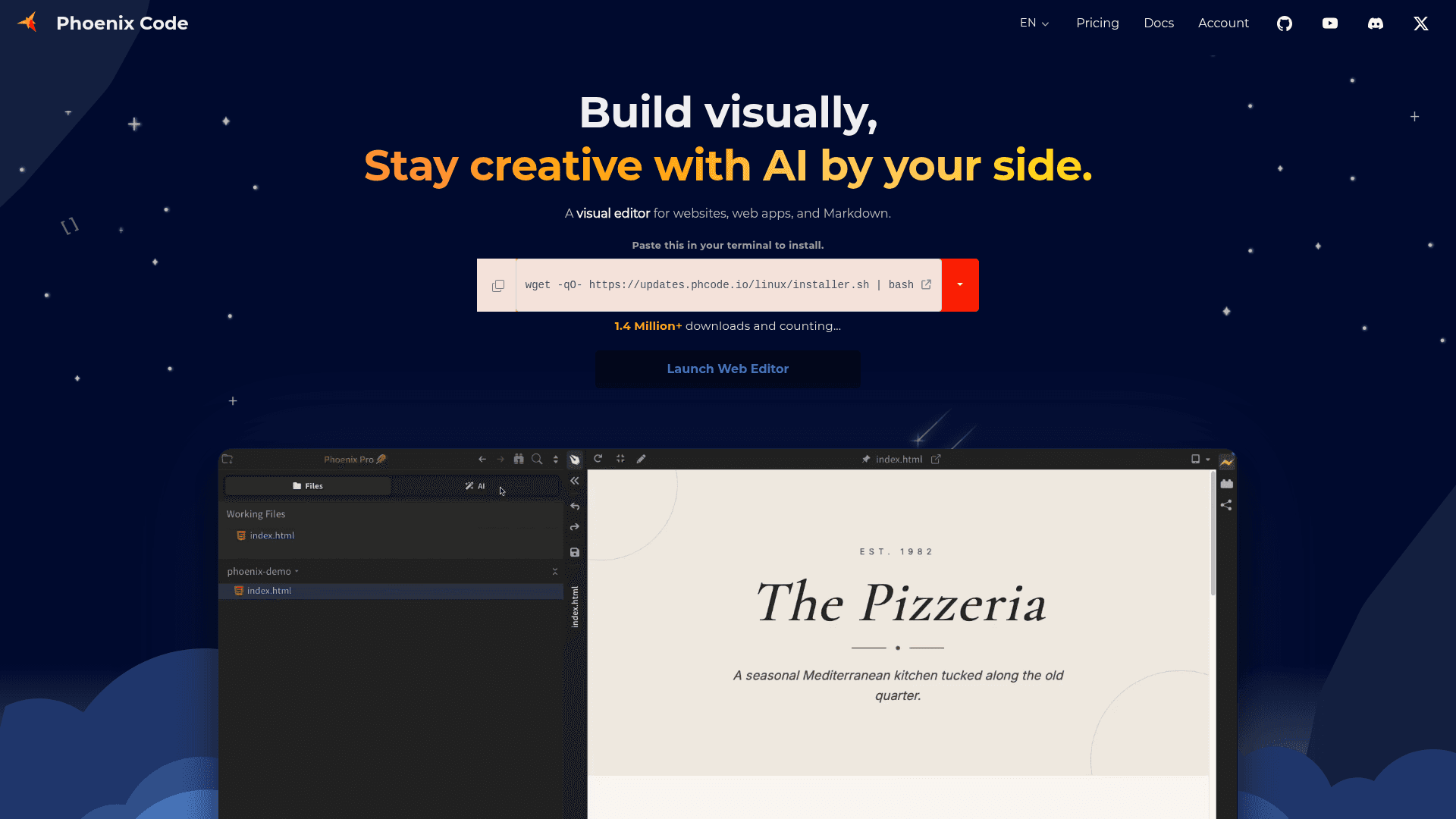
Phoenix Code is a visual editor for HTML, CSS, JavaScript, and Markdown. Its core differentiator is a live preview that updates in real time as you type, combined with a Design Mode that lets you edit text, swap images, and adjust layout directly on the rendered page — without switching between code and browser. The Community Edition is free for personal and commercial use, while the Phoenix Pro tier adds visual AI, a rich Markdown editor, and a stock image library.
Lineage: From Adobe Brackets to Phoenix
The About page traces a clear timeline:
- 2012: Adobe open-sources Brackets, which grows into one of GitHub's most popular projects.
- 2021: Adobe ends official support; the Brackets community, led by the Phoenix Code team, takes over stewardship.
- 2021–2022: Phoenix Code prototypes begin; the first browser-based version ships.
- 2023: The web version graduates from beta to stable.
- 2024: Native desktop apps for Windows, macOS, and Linux launch.
- 2026: Phoenix Pro debuts with Live Editing and AI integration.
Update: v5.1 — Six Features Shipped Together
The homepage highlights version 5.1 as a significant release bundling six updates:
- Claude Code with Eyes — Phoenix gives Claude Code visual context so the AI can see the rendered page, not just source code.
- Responsive Preview — one-click preview across phone, tablet, and desktop layouts.
- Rich Markdown Editor — edit Markdown like a document with images, tables, code blocks, and diagrams.
- Built-in Terminal — run commands without leaving the editor, with multiple terminal tabs.
- Design Mode — direct on-page editing.
- 5× faster Linux app — an all-new native Linux build.
The GitHub repository shows the latest stable release as v5.1.24, published May 28, 2026, with active development continuing.
AI Integration Architecture
The AI feature in Phoenix Pro is powered by Claude Code and is notable for providing visual and runtime context. According to the product page, most AI coding agents read only source code; Phoenix Code also passes the rendered browser view to the AI, so it can reason about what the page actually looks like. Users bring their own Claude account or API key — no AI credits are bundled. Code stays local.
Open-Source Deployment Model
The core Phoenix Code platform is published under the GNU AGPL-3.0 license on GitHub (phcode-dev/phoenix). The repository had 2,937 stars and 196 forks as of the latest metadata. The project can be self-hosted from a static web server, requires no compile step for most development changes, and maintains full compatibility with Brackets extensions (except brackets-node extensions). A web version is also available at phcode.dev without any installation.
Who It Is Built For
Phoenix Code targets web developers — particularly those working with HTML, CSS, and JavaScript — as well as writers and content creators who use Markdown. The About page emphasizes a "game UX" approach: the editor should be approachable enough for a school kid to pick up without reading a tutorial. Students and educators with verified academic email addresses can access most Phoenix Pro features at no cost.
Community Discussions
Be the first to start a conversation about Phoenix Code
Share your experience with Phoenix Code, ask questions, or help others learn from your insights.
Pricing
Community Edition
Free forever for personal and commercial use. Core editor with live preview, code intelligence, and Git.
- Live preview while you code
- Markdown live preview
- Advanced code intelligence
- Integrated Git for Desktop
- Free for commercial and personal use
Phoenix Pro Trial
15-day free trial of Phoenix Pro that starts automatically on first launch. No account or credit card required.
- All Phoenix Pro features
- Image Library limited to 10 searches/downloads per month during trial
Phoenix Pro
Visual editing, AI with Claude Code, rich Markdown editor, and stock image library.
- Visual AI with Claude Code
- Edit In Live Preview (Design Mode)
- Rich Markdown Editor
- Inspect element layout
- Stock Image Library (up to 1,000 searches/downloads per month)
- Responsive Preview
- Built-in Terminal
- Everything in Community Edition
Lifetime License
One-time purchase for permanent access to Phoenix Pro on-device features, including 3 years of updates.
- Everything in Phoenix Pro
- 3 years of updates included
- Lifetime activation
- Use the last version forever after updates end
- No recurring fees
Capabilities
Key Features
- Live preview while you code
- Design Mode — edit directly on the rendered page
- Rich Markdown editor with images, tables, code blocks, and diagrams
- Claude Code AI integration with visual and runtime context
- Responsive preview for phone, tablet, and desktop layouts
- Built-in terminal with multiple tabs
- Advanced code intelligence for HTML, CSS, and JavaScript
- Integrated Git (stage, commit, sync)
- Lightning-fast project-wide search with file type filtering
- Stock image library with hover preview
- Extensions and themes marketplace
- Brackets extension compatibility
- Reader mode and Print to PDF for Markdown
- Chrome OS app support
- Web-based editor (no install required)