
pine
An open-source, event-driven agent harness with a terminal UI that lets AI agents react to folders, webhooks, schedules, and other event sources.
At a Glance
MIT-licensed core CLI agent harness, installed via npm and self-run. Model subscriptions or local model servers are external costs.
Engagement
Available On
Alternatives
Listed Nov 2026
About pine
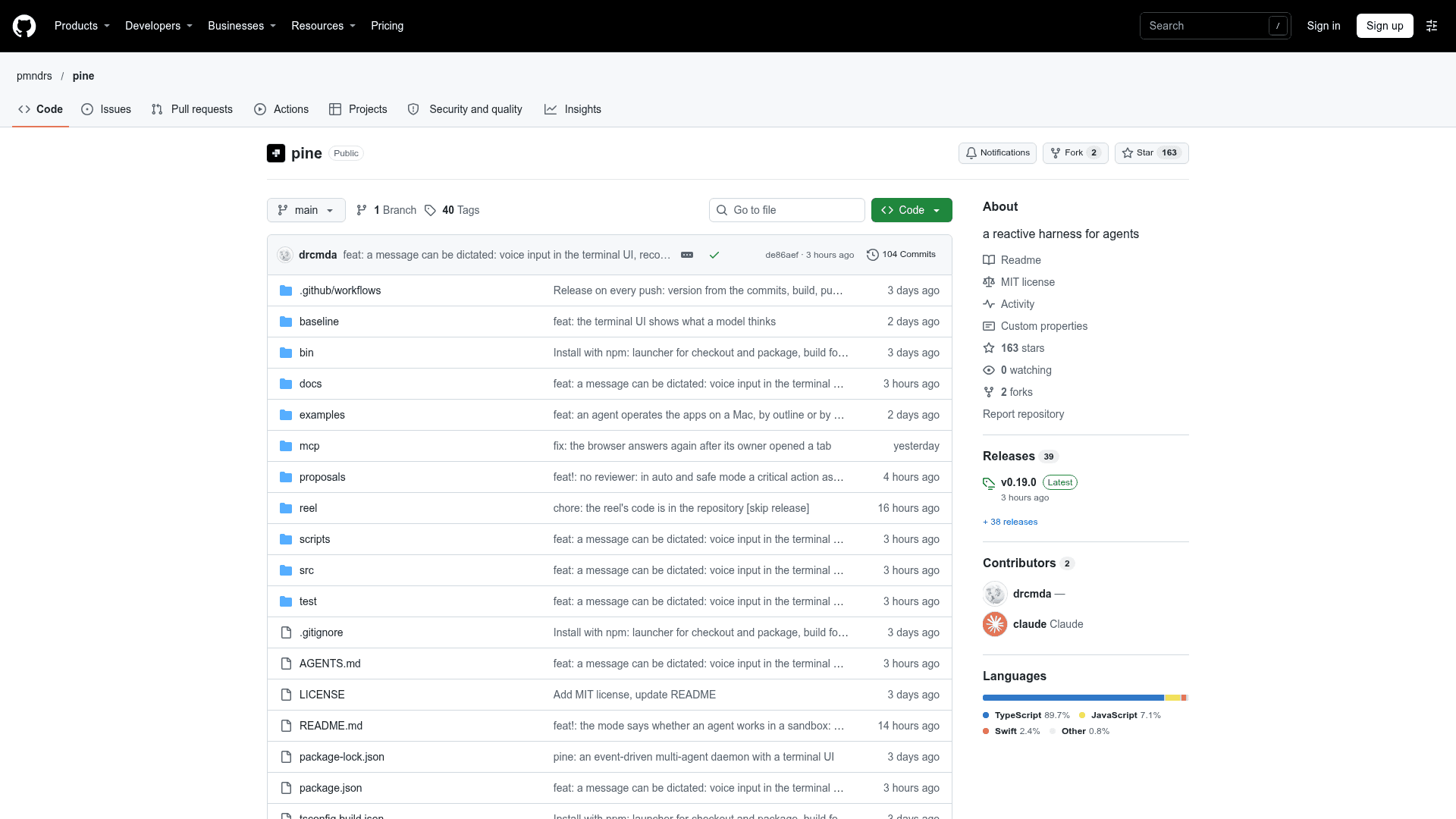
pine is an open-source reactive harness for AI agents from the pmndrs organization, distributed as an npm package and run from the terminal. It lets agents react to events such as folder changes, webhooks, FTP endpoints, MQTT, Telegram, web addresses and commands, in addition to regular chat, coding and scheduled tasks. The latest listed release is v0.19.0.
What It Is
pine is a CLI-based agent harness with a terminal UI. Rather than only accepting chat input or timed schedules, agents subscribe to event sources and act when something happens. An event source is a TypeScript service with a schema, and users can ask the main agent to set up a subscription in plain language, for example watching a folder and extracting summaries and payment details from each new file.
How the Event-Driven Design Works
Events, schedules, MCP servers and skills can be configured by asking the main agent, which uses administrative tool calls to create agents, MCPs, event sources, skills and schedules instead of requiring users to edit configuration files. These can be scoped to the current conversation, to an agent, or globally. Agents can delegate to other agents and spawn sub-agents with distinct prompts in parallel, and a pinned tab persists an agent with its task. A built-in BM25 manual tool lets agents look up API or internal details on demand.
Terminal UI and Built-in Tools
The terminal interface offers tabs, buttons, scroll regions, inline images and video, and drag-and-drop with thumbnails. It works in Kitty-protocol terminals such as Ghostty, with fallbacks for older ones. Built-in capabilities include macOS computer use, web browsing, coding tools with diffs and git, undo, plan mode, and a /goal command that keeps an agent working until done. Running pine in a project folder opens a code pane showing git changes, files and tool output.
Setup Path
After installing globally with npm, pine init prepares the browser used by web tools and the user folder, and on Linux the sandbox used by agents in safe mode. pine check validates configuration and prints security notes, and pine start runs a daemon so agents keep reacting without an open terminal. Models are connected by logging in with subscriptions such as Anthropic or OpenAI Codex, or by adding a local model server like llama.cpp, vLLM or LM Studio. pine runs on macOS and Linux; Windows users can try Docker, and the README notes that full Windows support is still open.
Community Discussions
Be the first to start a conversation about pine
Share your experience with pine, ask questions, or help others learn from your insights.
Pricing
Open Source
MIT-licensed core CLI agent harness, installed via npm and self-run. Model subscriptions or local model servers are external costs.
- MIT License
- Install with npm install -g @pmndrs/pine
- Runs on macOS and Linux; Docker available
- Event-driven agents, MCP servers and skills
- Terminal UI with built-in coding tools, web browsing and orchestration
Capabilities
Key Features
- Event-driven agents that subscribe to folders, webhooks, FTP, MQTT, Telegram, web addresses and commands
- Schedules, repeating or one-time
- Configuration through the main agent via administrative tool calls
- Built-in BM25 manual tool for self-discovery
- Terminal UI with tabs, inline images and video, and drag-and-drop
- Computer use on macOS and web browsing
- Coding tools with git diffs, code pane, undo and plan mode
- /goal command to keep an agent working until done
- Agent delegation and parallel sub-agents
- MCP server and skill support
- Safe mode sandbox for agents
- Docker support
- Daemon mode via pine start