
PlanSwap
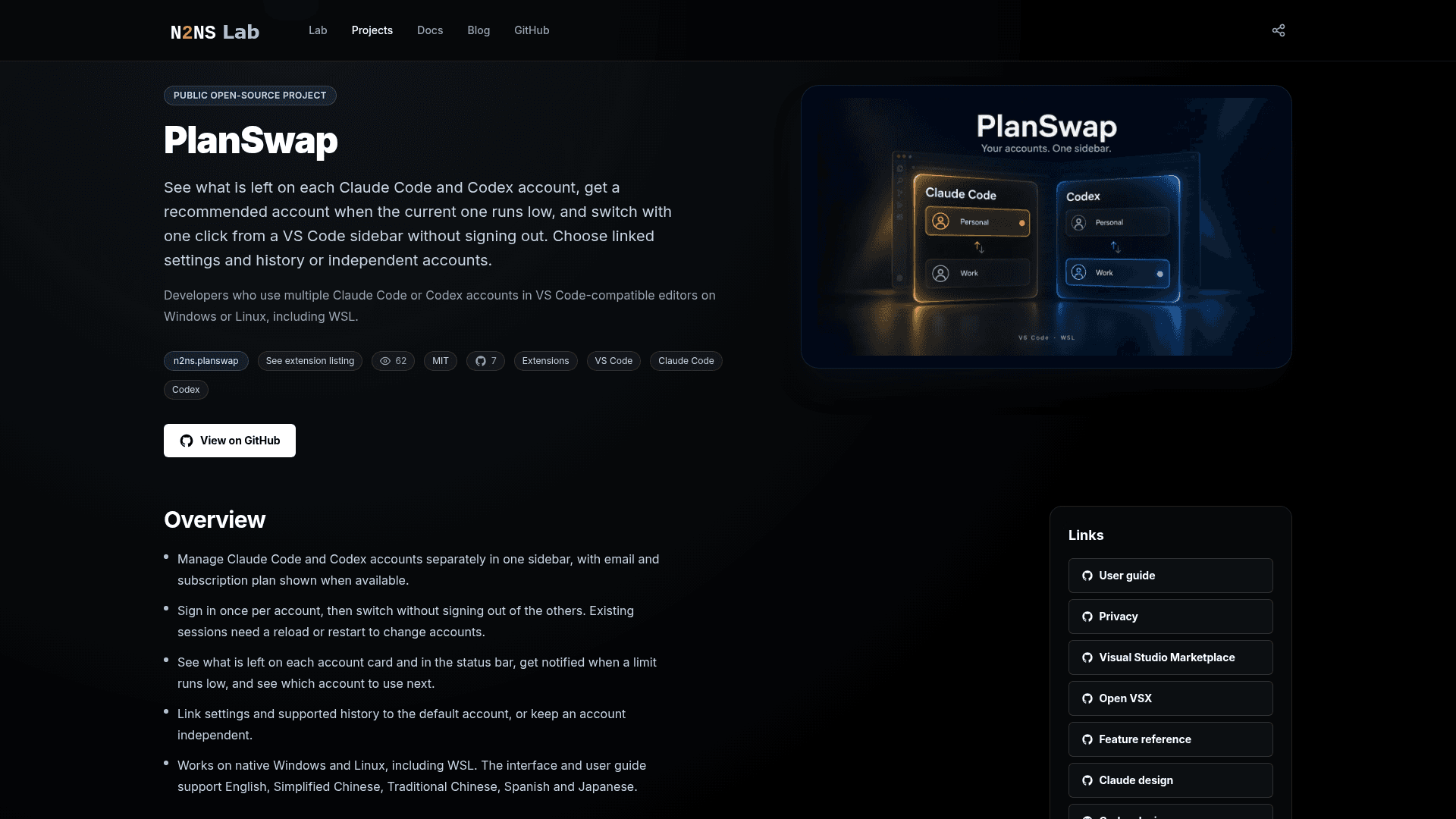
VS Code extension that shows remaining usage on each Claude Code and Codex account, recommends one when the current runs low, and switches accounts from a sidebar.
At a Glance
About PlanSwap
PlanSwap is an open-source VS Code extension from Datafrog LLC (published through N2NS Lab) for developers who use several Claude Code or Codex subscription accounts. It adds a sidebar that lists each account with its email and plan, shows what is left on each usage limit, and lets you switch accounts without signing out of the others.
What It Is
PlanSwap is an account switcher and usage monitor that runs inside VS Code-compatible editors (VS Code, Antigravity IDE and VSCodium). Claude and Codex accounts get separate tabs, and the README also describes an agy tab for Antigravity CLI Google accounts. You sign in once per account through the official CLI, then switch with one click. Claude switches apply to new sessions, and open panels move over after a window reload. Codex switches require an editor or server restart.
Usage Limits and Recommendations
Usage limits are read through the official CLIs and shown on each account card, with reset times. A status bar summary shows what is left and turns yellow or red as limits run low. When the current account's 5-hour or 7-day limit has 20% or less left (adjustable), a notification appears and a card names the signed-in account with the most left. You can switch from that card, open a terminal running the CLI as that account without switching, or exclude an account such as a work account from recommendations. The displayed limits are observations from the last check, not a guarantee.
Linked and Independent Accounts
Each account keeps its own sign-in. Linked accounts reuse the default account's settings, rules, skills and supported history, while independent accounts keep their own copies. The README also documents API cards, which run Claude Code or Codex against other services such as DeepSeek, Kimi, OpenRouter or Ollama, with acceptance testing against real services noted as partly pending.
Requirements and Limitations
It needs a VS Code 1.107+ compatible editor with the official Claude Code and/or Codex extension installed. Switching is not per window, so other windows of the same editor switch too. Continuing another account's session can fail, especially across different ChatGPT organizations. PlanSwap states it has no telemetry and never copies or swaps Claude or Codex credential files. The README describes it as an independent community project not affiliated with Anthropic or OpenAI.
Community Discussions
Be the first to start a conversation about PlanSwap
Share your experience with PlanSwap, ask questions, or help others learn from your insights.
Pricing
Open Source (Apache-2.0)
PlanSwap VS Code extension, licensed under the OSI-approved Apache License 2.0 and free to use, modify and distribute.
- Licensed under Apache License 2.0
- Usage limits shown on each Claude Code and Codex account card
- Recommended account when the current one runs low
- One-click account switching from a VS Code sidebar
- Linked or independent accounts
Capabilities
Key Features
- Per-account usage limits with reset times
- Status bar usage summary
- Low-limit notifications with adjustable threshold
- Recommended account card
- One-click account switching without signing out
- Account-specific terminals
- Linked or independent account modes
- Separate Claude and Codex tabs
- Exclude accounts from recommendations
- API cards for alternative AI services
- Drag-to-reorder account cards
- Localized interface
- No telemetry