
Playwright MCP
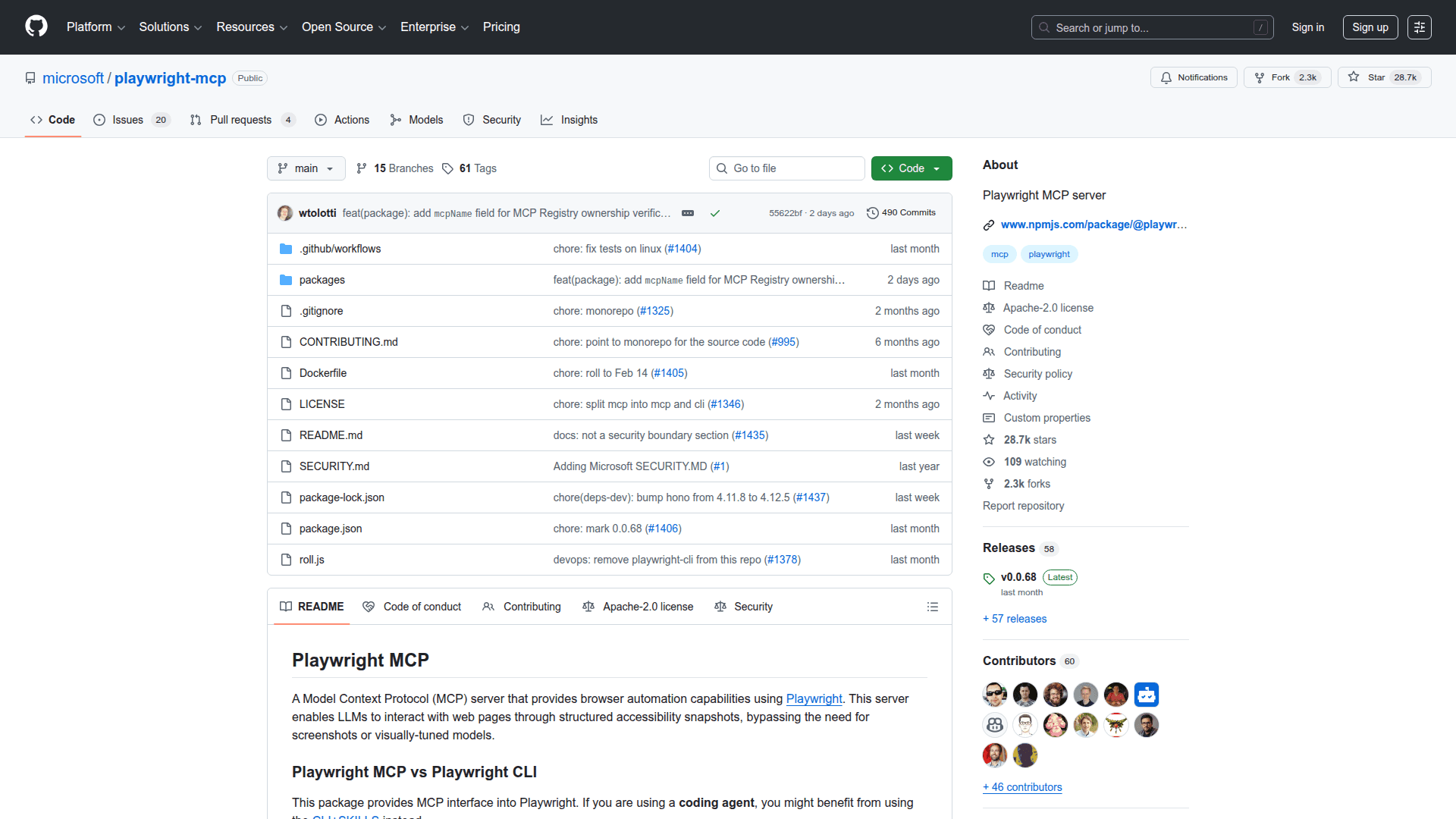
A Model Context Protocol server that provides browser automation capabilities using Playwright's accessibility tree.
At a Glance
Free and open-source under the Apache-2.0 license. Install via npx and use with any MCP-compatible client.
Engagement
Available On
Alternatives
Updated May 2026
About Playwright MCP
Playwright MCP is a Model Context Protocol server built by Microsoft that enables LLMs to interact with web pages through structured accessibility snapshots. Rather than relying on screenshots or vision models, it operates on the page's accessibility tree for fast, deterministic browser automation that works with any MCP-compatible client.
Playwright MCP bridges the gap between AI agents and real browsers, giving coding assistants and autonomous workflows the ability to navigate, click, type, and extract data from web pages through a standardized protocol.
- Accessibility-Based Interaction - Uses Playwright's accessibility tree instead of pixel-based input, enabling fast and deterministic element targeting without vision models
- Core Browser Automation - Provides tools for clicking, typing, navigating, hovering, dragging, form filling, file uploads, dialog handling, and keyboard input
- Page Snapshots - Captures structured accessibility snapshots of pages that are more useful to LLMs than raw screenshots
- Tab Management - List, create, close, and switch between browser tabs within a single session
- Code Execution - Run arbitrary Playwright code snippets and evaluate JavaScript expressions directly on pages or elements
- Screenshot and PDF Generation - Take viewport, element, or full-page screenshots and save pages as PDFs with optional capabilities
- Network and Console Monitoring - Inspect network requests and console messages for debugging and observability
- Persistent and Isolated Profiles - Run with a persistent browser profile that retains login state across sessions, or use isolated mode for clean testing contexts
- Browser Extension Mode - Connect to existing browser tabs using the Playwright MCP Bridge Chrome extension to leverage already logged-in sessions
- Configuration File Support - Configure browser type, viewport, proxy, timeouts, allowed origins, secrets, and more through a JSON config file or command-line arguments
- Docker Support - Run headless Chromium automation inside a Docker container with the official Microsoft container image
- Multi-Client Compatibility - Works with VS Code, Cursor, Windsurf, Claude Desktop, Claude Code, Goose, Cline, Codex, Copilot, Amp, LM Studio, Warp, and many more MCP clients
- Vision and DevTools Capabilities - Opt into coordinate-based mouse interactions and browser developer tools via capability flags
- Test Assertions - Generate locators and verify element visibility, text presence, and input values for test automation workflows
- Code Generation - Automatically generates TypeScript code for browser interactions performed through the MCP tools
Community Discussions
Be the first to start a conversation about Playwright MCP
Share your experience with Playwright MCP, ask questions, or help others learn from your insights.
Pricing
Open Source
Free and open-source under the Apache-2.0 license. Install via npx and use with any MCP-compatible client.
- Full browser automation via MCP protocol
- Accessibility tree-based page interaction
- Chromium, Firefox, and WebKit support
- Persistent and isolated browser profiles
- Screenshot, PDF, and code generation capabilities
Capabilities
Key Features
- Accessibility tree-based browser automation without vision models
- Core browser tools: click, type, navigate, hover, drag, fill forms, upload files
- Structured page snapshots for LLM-friendly page representation
- Tab management: list, create, close, and switch tabs
- JavaScript evaluation and Playwright code execution on pages
- Screenshot capture: viewport, element, and full-page
- PDF generation via optional capability flag
- Network request and console message monitoring
- Persistent browser profiles with login state retention
- Isolated session mode for clean testing contexts
- Browser extension mode to connect to existing Chrome/Edge tabs
- JSON configuration file support for browser, proxy, timeouts, and secrets
- Docker container support with official Microsoft image
- Coordinate-based vision interactions via --caps=vision
- DevTools capability for browser developer tools access
- Test assertion tools: verify elements, text, values, and generate locators
- TypeScript code generation for recorded browser interactions
- SSE and stdio transport modes for flexible deployment
- Supports Chromium, Firefox, and WebKit browsers
- Compatible with VS Code, Cursor, Claude Desktop, Windsurf, Goose, Cline, Codex, Copilot, Amp, and more