
Windows-MCP
An open-source MCP server that enables AI agents and LLMs to interact with the Windows operating system for UI automation, file navigation, application control, and more.
At a Glance
Free and open-source under the MIT License. Full source code available on GitHub.
Engagement
Available On
Alternatives
Listed May 2026
About Windows-MCP
Windows-MCP is a lightweight, open-source MCP (Model Context Protocol) server built by CursorTouch that bridges AI agents and the Windows operating system. It allows any LLM to perform tasks such as file navigation, application control, UI interaction, and QA testing on Windows 7 through 11. The project is available on PyPI, listed in the official MCP Registry, and licensed under MIT.
What It Is
Windows-MCP acts as an MCP server that exposes a rich set of Windows automation tools to connected AI clients. Unlike many automation tools, it does not rely on traditional computer vision techniques or fine-tuned models — it works with any LLM, making it broadly compatible and reducing setup complexity. It communicates via stdio, SSE, or streamable HTTP transports, and can be installed with a single uvx windows-mcp serve command.
Core Toolset
The server exposes a comprehensive set of tools that MCP clients can invoke:
- Click, Type, Scroll, Move, Shortcut — basic mouse and keyboard operations
- Screenshot — fast desktop capture with cursor position and active window info
- Snapshot — full UI tree capture with interactive element IDs and optional DOM mode for browser automation (Chrome, Edge, Firefox)
- App — launch, resize, move, and switch between applications
- PowerShell — execute PowerShell commands
- FileSystem — read, write, copy, move, delete, list, search files and directories
- Scrape — scrape web page content with SSRF protection
- Registry — read, write, delete, or list Windows Registry values
- Process, Clipboard, Notification, MultiSelect, MultiEdit — additional system interaction tools
Typical action latency ranges from 0.2 to 0.5 seconds between operations, according to the project documentation.
Security and Access Control
Windows-MCP includes a layered security model for network deployments. Features include Bearer token authentication (--auth-key), IP allowlisting with CIDR support, TLS/HTTPS via certificate files, OAuth 2.0 + PKCE for MCP clients that support it, CORS origin allowlisting, and per-tool enable/disable controls via --tools and --exclude-tools flags. A windows-mcp auth helper command generates an auth key and writes a working config to ~/.windows-mcp/config.toml. The project documentation notes that Windows-MCP operates with full system access and can perform irreversible operations, and recommends reviewing the Security Policy before deployment.
Client Integrations
Windows-MCP supports installation into multiple AI clients with documented configuration steps:
- Claude Desktop (including the MSIX/Windows Store variant)
- Perplexity Desktop
- Gemini CLI
- Qwen Code
- Codex CLI
- Claude Code (including WSL bridge configuration)
All clients use the same uvx windows-mcp serve invocation pattern, with optional source-based installation via uv --directory.
Update: v0.8.1
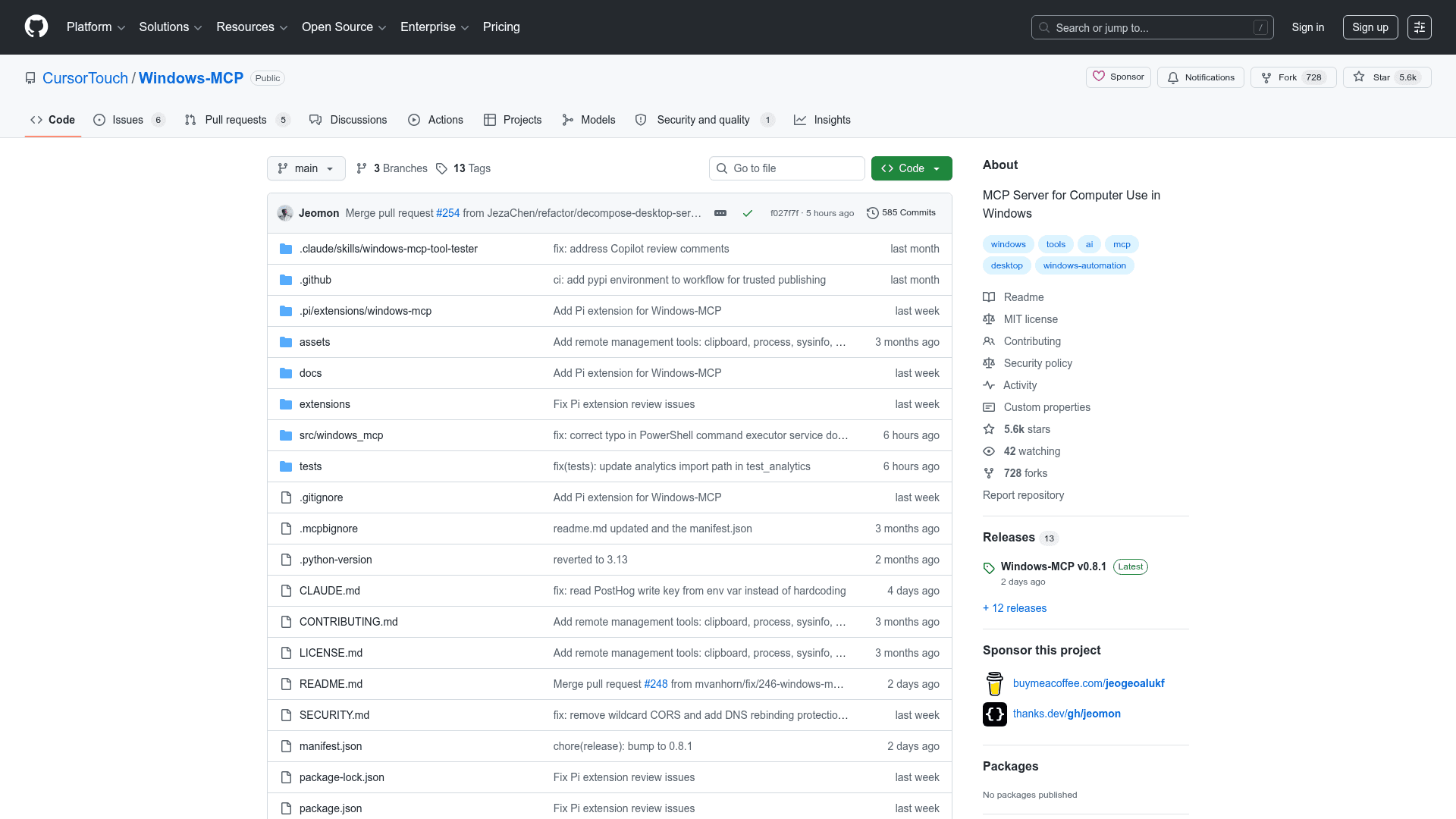
The latest release is v0.8.1, published on May 19, 2026. The project was created in May 2025 and has seen active development, with the repository reporting 5,647 stars and 728 forks. According to the project's README, Windows-MCP reached 2M+ users in the Claude Desktop Extensions directory. The server is now available on PyPI (supporting uvx windows-mcp) and has been added to the official MCP Registry at io.github.CursorTouch/Windows-MCP. A companion agent, Windows-Use, is also available on PyPI and is built on top of Windows-MCP.
Community Discussions
Be the first to start a conversation about Windows-MCP
Share your experience with Windows-MCP, ask questions, or help others learn from your insights.
Pricing
Open Source
Free and open-source under the MIT License. Full source code available on GitHub.
- Full Windows UI automation toolset
- All MCP tools included
- stdio, SSE, and streamable HTTP transports
- Security features (auth, TLS, OAuth)
- PyPI distribution (uvx windows-mcp)
Capabilities
Key Features
- Windows UI automation via accessibility tree
- Screenshot and Snapshot capture tools
- Mouse and keyboard simulation (Click, Type, Scroll, Move, Shortcut)
- Application launch, resize, and window management
- PowerShell command execution
- File system operations (read, write, copy, move, delete, search)
- Windows Registry read/write/delete
- DOM mode for browser automation (Chrome, Edge, Firefox)
- Web page scraping with SSRF protection
- Clipboard read/write
- Process listing and termination
- Windows toast notifications
- Multi-select and multi-edit bulk operations
- Bearer token authentication
- IP allowlisting with CIDR support
- TLS/HTTPS support
- OAuth 2.0 + PKCE authentication
- Per-tool enable/disable controls
- stdio, SSE, and streamable HTTP transports
- Config file support (~/.windows-mcp/config.toml)
- Anonymous telemetry (opt-out supported)
- Run at login via Windows Scheduled Task