
Latch by Plow
Latch connects AI agents like Claude.ai and Codex to your Mac's browser, CLI, files, and saved accounts via MCP, letting them complete real tasks locally without storing your data in the cloud.
At a Glance
About Latch by Plow
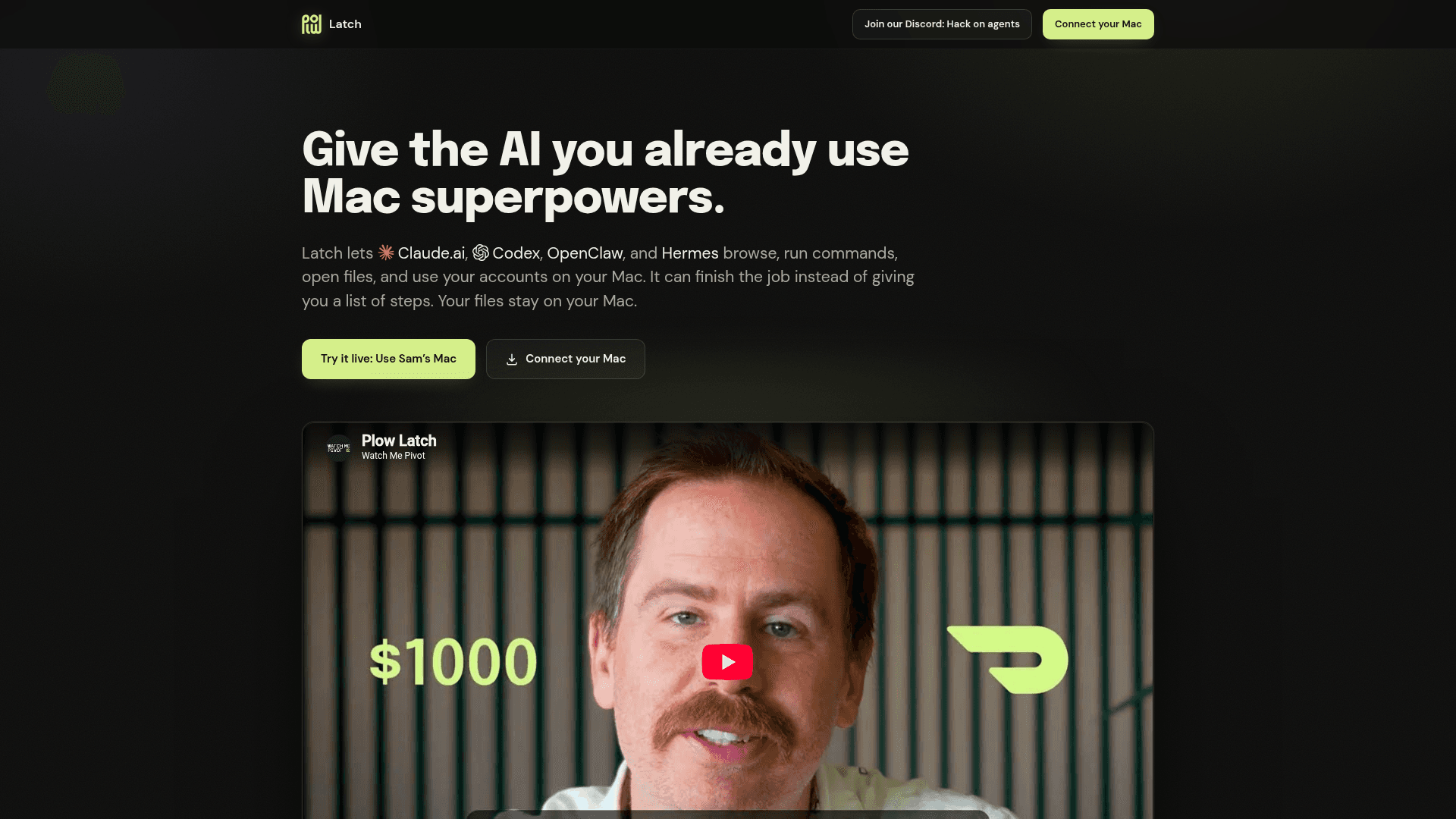
Latch is a macOS desktop app made by The Plow Collective PBC that bridges the AI assistants you already use — Claude.ai, Codex, OpenClaw, Hermes, and any MCP-compatible agent — to the real capabilities of your Mac. Instead of receiving a list of steps to execute yourself, you tell the agent the outcome you want and Latch lets it take the steps: browsing the web, running CLI commands, opening files, and using your saved account logins. Your files and credentials stay on your Mac; the Plow page states there is no Plow cloud database holding your data.
What It Is
Latch is a local MCP (Model Context Protocol) bridge for macOS. It exposes your Mac's browser, terminal, filesystem, and stored credentials as tools that any MCP-compatible AI agent can call. The setup is intentionally minimal: download Latch, copy your Mac's MCP link, and paste it into your agent of choice. From that point the agent can perform multi-step real-world tasks — booking a campsite, matching expenses with receipts, paying a utility bill — that previously required a human to execute each step.
How the Security Model Works
Latch includes a prompt-injection defense layer the product page calls the "AI Reviewer." When a web page, email, or file attempts to redirect the agent and siphon data, any action not already allowed by the user stops for a decision. The reviewer treats whatever the agent wrote as data rather than instruction and denies when it cannot reach a verdict. Passwords can be filled without being revealed to the agent in plaintext, and no copy of credentials is sent to Plow's servers.
Supported Agents and Integrations
Latch is designed to work with any MCP-compatible agent. The product page explicitly names:
- Claude.ai
- OpenAI Codex
- OpenClaw (the open-source companion assistant)
- Hermes
The Mac capabilities exposed include the browser, CLI, local files, iMessage, Gmail, and Slack connectors (shown in the settings screenshot on the product page).
Relationship to OpenClaw
Latch is a companion product to OpenClaw, an MIT-licensed open-source personal AI assistant developed by the OpenClaw Foundation and maintained in the open on GitHub. OpenClaw runs on macOS, Linux, and Windows and connects to messaging channels including WhatsApp, Telegram, Slack, Discord, Google Chat, Signal, and iMessage. Latch specifically targets the macOS local-action layer, while OpenClaw provides the broader cross-platform agent runtime. The GitHub repository for OpenClaw shows a latest release of v2026.7.1-2 published in August 2026, indicating active development.
Community and Builder Audience
The Plow Latch page highlights a Discord community where members have built projects such as a Raspberry Pi you can text from anywhere, a calendar agent that runs a family schedule, and a fridge touchscreen that serves a morning digest. The community publishes build guides formatted to be handed directly to a coding agent for installation. The product is positioned for technically curious individuals who want to push what agents can do on personal hardware, not just enterprise deployments.
Update: OpenClaw v2026.7.1-2
The OpenClaw GitHub repository — the open-source engine that Latch connects to — shows a latest release of v2026.7.1-2 published on August 4, 2026, with the repository last updated August 26, 2026. The project is developed in the open by the OpenClaw Foundation, a non-profit, and lists OpenAI, GitHub, NVIDIA, Vercel, Blacksmith, and Convex as sponsors. The core codebase is TypeScript and distributed under the MIT License.
Community Discussions
Be the first to start a conversation about Latch by Plow
Share your experience with Latch by Plow, ask questions, or help others learn from your insights.
Pricing
Free
Download and connect your Mac to any MCP-compatible AI agent at no cost.
- MCP bridge for Mac browser, CLI, files, and logins
- Local-only data storage
- AI Reviewer prompt-injection defense
- Compatible with Claude.ai, Codex, OpenClaw, Hermes
Capabilities
Key Features
- Connects AI agents to Mac browser, CLI, files, and saved logins via MCP
- Local-only data storage — no Plow cloud database
- Password autofill without revealing credentials to the agent
- AI Reviewer prompt-injection defense layer
- One-minute setup: download, copy MCP link, paste into agent
- Compatible with Claude.ai, Codex, OpenClaw, Hermes, and any MCP agent
- iMessage, Gmail, and Slack connectors
- Watch every agent request and decision in real time
Integrations
Demo Video