
Pocket Agent
A mobile app and local server that lets you run and control coding agents, terminals, and files on your machine from your phone.
At a Glance
Self-hosted Pocket Server runtime released under the Apache-2.0 license. AI provider API keys (OpenAI/Anthropic) are external costs supplied by the user.
Engagement
Available On
Alternatives
Listed Nov 2026
About Pocket Agent
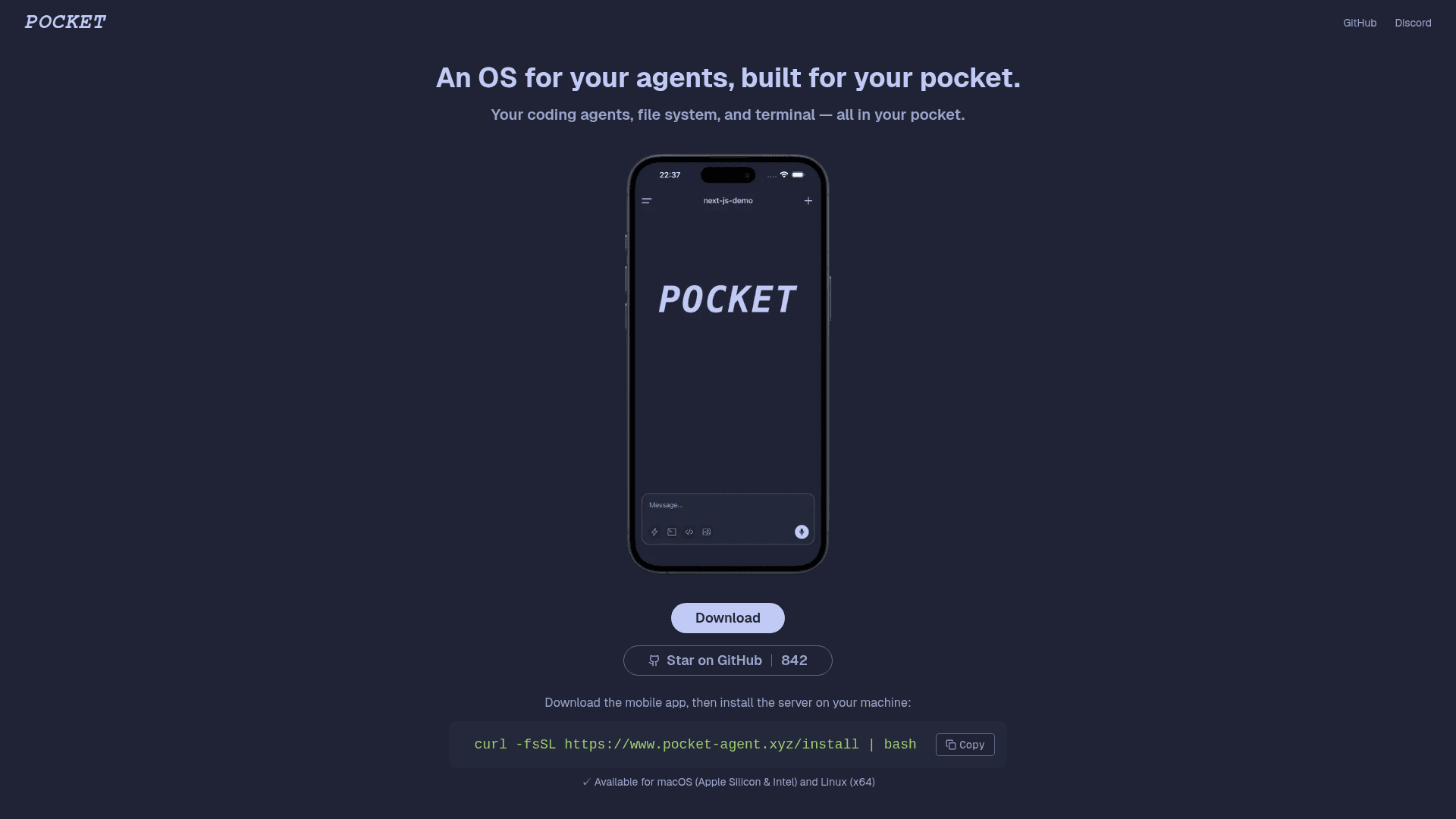
Pocket Agent is a mobile app paired with an open-source local server (Pocket Server), created by Yaya Soumah. It lets you control coding agents, a terminal, and your file system from your phone, with the server running on your own macOS or Linux machine. The mobile app is distributed through iOS TestFlight, and the server is installed with a one-line shell installer.
What It Is
Pocket describes itself as a mobile operating system for AI agents. The phone app is the touch interface for reviewing code, approving agent actions, and managing sessions, while Pocket Server runs on your computer and exposes HTTP and WebSocket APIs. Agents run against your local files and environment, and the server holds conversations and sessions rather than the app.
How the Mobile and Server Setup Works
You install the server, run a pairing command that produces a 6-digit PIN, and enter it in the app. By default pairing and connection happen over the local network. Optionally, a Cloudflare tunnel provides a public HTTPS URL for remote access, with remote pairing requiring a PIN plus a one-time token. Quick-tunnel URLs change on restart, so the URL must be updated in the app.
Agents, Terminal, and Editor
- Approve or auto-run coding agents with bash, editor, and web-search tools, using OpenAI or Anthropic models with your own API keys.
- A multi-tab mobile terminal with real-time streaming, designed to work with CLI agents such as Claude Code, Cursor-agent, Amp-cli, Opencode, Codex, and Gemini-cli.
- A mobile code editor with file browsing, syntax highlighting, diffs, and repo search.
- Terminal sessions started on mobile can be attached from a desktop terminal.
- The server injects project context from the nearest CLAUDE.md or AGENTS.md file into agent prompts.
Cloud Background Agents
Using Cursor's Background Agent API, you can launch autonomous agents from a GitHub repo, each on its own virtual machine. The site says up to 256 can run in parallel. You can monitor progress, send follow-up instructions, review diffs, and approve auto-created pull requests. Push notifications report task completion.
Community Discussions
Be the first to start a conversation about Pocket Agent
Share your experience with Pocket Agent, ask questions, or help others learn from your insights.
Pricing
Pocket Server (Open Source)
Self-hosted Pocket Server runtime released under the Apache-2.0 license. AI provider API keys (OpenAI/Anthropic) are external costs supplied by the user.
- Licensed under Apache License 2.0 (OSI-approved)
- Runs on your machine; exposes HTTP + WebSocket APIs for the mobile app
- Agent runtime with bash, editor and web-search tools
- Native mobile terminal with multi-tab sessions
- File system browsing and editing from phone
Capabilities
Key Features
- Mobile control of coding agents running on your own machine
- Approve or auto-run agent tools (bash, editor, web search)
- Multi-tab touch-optimized mobile terminal with real-time streaming
- Mobile code editor with syntax highlighting, diffs, and repo search
- Works with CLI agents such as Claude Code, Cursor-agent, Amp-cli, Opencode, Codex, Gemini-cli
- Cloud background agents via Cursor's Background Agent API
- PIN-based device pairing with optional remote pairing token
- Optional Cloudflare tunnel for remote access
- Push notifications for task updates
- Attach mobile terminal sessions from a desktop terminal
- CLAUDE.md / AGENTS.md project context injection
- Auto-update for the server CLI