
Point and Yap
A macOS app that records your voice and cursor position so coding agents like Claude Code, Codex and Cursor can fix what you pointed at via MCP.
At a Glance
Free and open source Mac app (MIT License) that lets you point at the screen and talk, sending context to coding agents via MCP.
Engagement
Available On
Listed Oct 2026
About Point and Yap
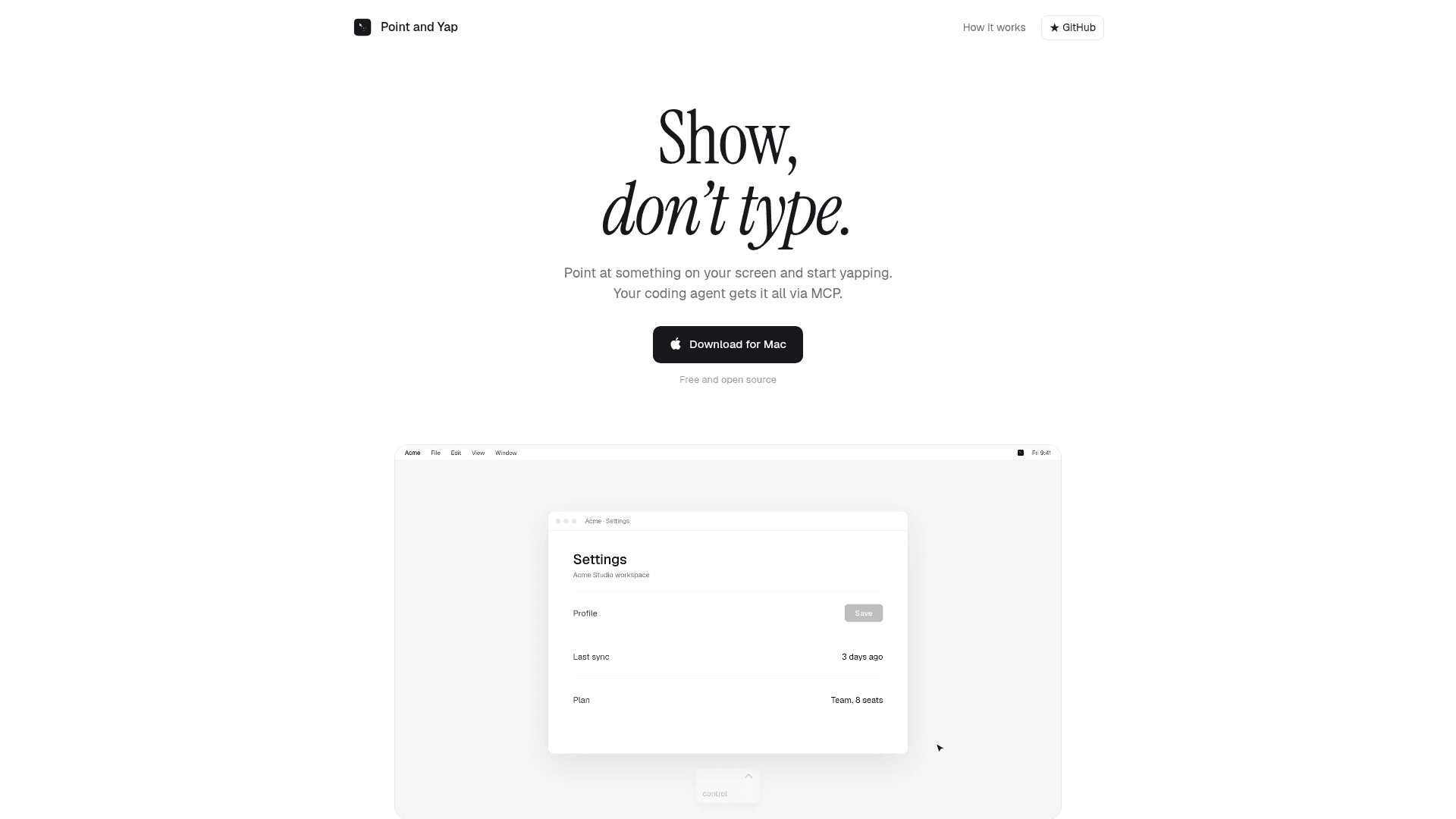
Point and Yap is a free, open-source Mac app by Marc Maurer for showing a coding agent what to change instead of typing it out. You press Control twice, talk while pointing at things on screen, and each recording becomes an item in a local queue that Claude Code, Codex or Cursor can pick up over MCP.
What It Is
Point and Yap is a voice-and-pointer capture tool for agent-assisted development. Each recording stores what you said, the UI element under the cursor (role, label, window, app) and a cropped screenshot. The recording pill is never included in the screenshots. Speech is transcribed on device with Apple's speech model, and word timings are lined up with where the cursor was.
How the Workflow Works
- Press Control twice (or use Start recording). A small pill shows the time and a Stop button.
- Talk and point, resting the cursor on what you mean while saying things like "this" or "here". Clicks count too. Esc cancels and moves the recording to the Trash.
- Press Control twice again. Two lines go on the clipboard for any agent: what is new and how to get it.
- The agent calls
get_open_items, makes the change and callsmark_done. The window shows each recording as To fix, In progress (by which agent) or Done.
MCP Integration
The app includes a local stdio MCP server named pointandyap. When you choose Connect, it is added to Claude Code, Codex and Cursor, and a skill is linked into the agent skills folders. Configs are backed up first. The tools are get_open_items, start_items, list_items, mark_done, release_items, list_sessions, get_session and get_frame. Items left in progress for two hours return to the queue, and a file lock keeps two agents from taking the same item. A shell fallback with --items and --done serves agents without MCP.
Privacy and Setup
Recordings, screenshots, the queue and the MCP server live locally in ~/PointAndYap/sessions, with no account required. The app goes online only to check for updates. What an agent reads, including your words and crops, goes to whatever model that agent uses. It requires macOS 26 or later on Apple silicon, and needs Microphone, Screen Recording and Accessibility permissions. Install options are a curl script, Homebrew or a DMG. The latest release listed is v0.1.4, and the code is MIT licensed.
Community Discussions
Be the first to start a conversation about Point and Yap
Share your experience with Point and Yap, ask questions, or help others learn from your insights.
Pricing
Free
Free and open source Mac app (MIT License) that lets you point at the screen and talk, sending context to coding agents via MCP.
- MIT-licensed open source core
- Runs locally on macOS 26 with Apple silicon
- On-device speech-to-text
- No account required
- Local MCP server for Claude Code, Codex and Cursor
Capabilities
Key Features
- Double-Control hotkey to start and stop recording
- On-device speech-to-text using Apple SpeechAnalyzer
- Captures the element under the cursor (role, label, window, app)
- Cropped screenshots at each point and click
- Local queue of items with To fix, In progress and Done states
- Local MCP server over stdio
- Auto-connects to Claude Code, Codex and Cursor
- Shell fallback with --items and --done commands
- Signed and notarized builds with background auto-updates
- No account, no analytics in the app