
Puppeteer Real Browser MCP Server
Local MCP server that gives AI assistants a Chrome browser they can open, navigate, read, and control.
At a Glance
Local MCP server for browser automation, released under the MIT License. Free to use, copy, modify and distribute.
Engagement
Available On
Listed Oct 2026
About Puppeteer Real Browser MCP Server
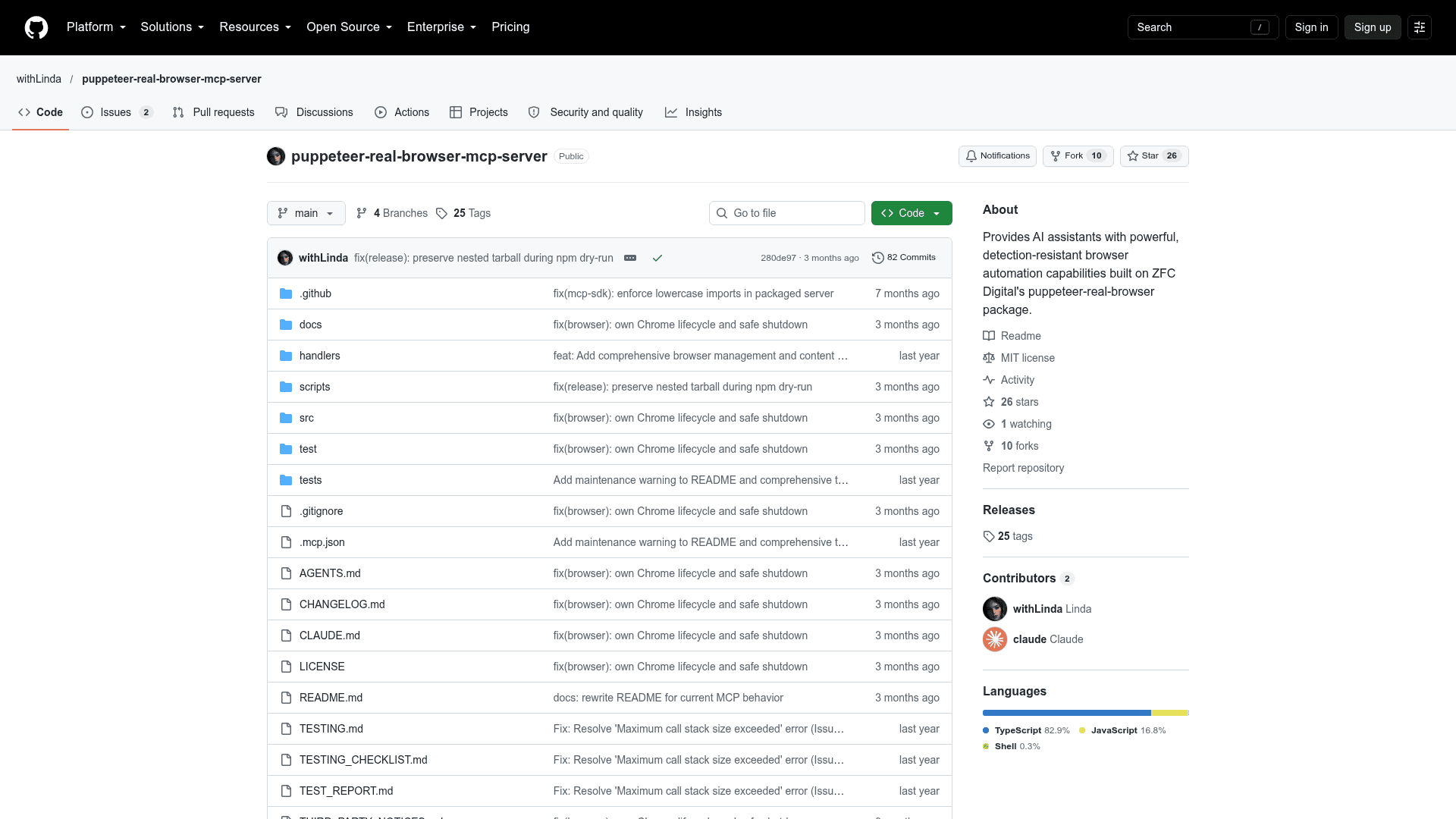
Puppeteer Real Browser MCP Server is an open-source MCP server published by withLinda. It runs locally over stdio and lets an MCP-compatible AI assistant start a managed Chrome session, navigate pages, read content, and interact with elements. The README notes the project is under maintenance, and the main branch may be newer than the npm package.
What It Is
The package is a browser automation server for the Model Context Protocol. The MCP client launches it, and it starts a single Chrome process built on rebrowser-puppeteer-core with a small set of anti-detection settings. It opens a visible browser by default, with optional headless mode. The README states that no browser automation is invisible, so websites may still detect or block it.
Tools and Content-First Workflow
The server exposes 11 tools: browser_init, navigate, get_content, find_selector, click, type, wait, random_scroll, solve_captcha, save_content_as_markdown, and browser_close. It enforces a content-first order: browser_init, navigate, get_content, find_selector, then click or type. After a new navigation, get_content must be called again before interacting.
Browser Configuration and Safety
browser_init accepts options for headless mode, proxy, a dedicated profile path, connection timeout, slowMo, custom Chrome path and flags. Chrome is detected on Windows, macOS, and Linux, and CHROME_PATH or PUPPETEER_EXECUTABLE_PATH can override detection. The server tracks the exact Chrome process it starts and closes only that process. It rejects settings that could attach to another browser or take over a personal profile.
Setup Path and Known Limits
It requires Node.js 18 or newer, Chrome or Chromium, and an MCP client that can start a local stdio server. The README gives configuration for Claude Desktop, Claude Code, Cursor, and other clients using npx. Documented limits: one browser session at a time, solve_captcha is a placeholder without a CAPTCHA-solving service, and save_content_as_markdown is currently blocked by the workflow validator, which the README calls a known code issue.
Community Discussions
Be the first to start a conversation about Puppeteer Real Browser MCP Server
Share your experience with Puppeteer Real Browser MCP Server, ask questions, or help others learn from your insights.
Pricing
Open Source (MIT)
Local MCP server for browser automation, released under the MIT License. Free to use, copy, modify and distribute.
- MIT License
- Runs locally as a stdio MCP server
- Visible browser by default, optional headless mode
- Supports custom Chrome path, proxy and dedicated automation profile
- One browser session at a time
Capabilities
Key Features
- Visible or headless Chrome automation
- Page navigation and HTML/text reading
- Element finding, clicking, typing, waiting, and scrolling
- Anti-detection settings via rebrowser-puppeteer-core
- Chrome detection on Windows, macOS, and Linux
- Custom Chrome path, proxy, and dedicated automation profile
- Exact-process browser ownership and cleanup
- Content-first workflow enforcement
- 11 MCP tools over stdio