
QApilot MCP CLI
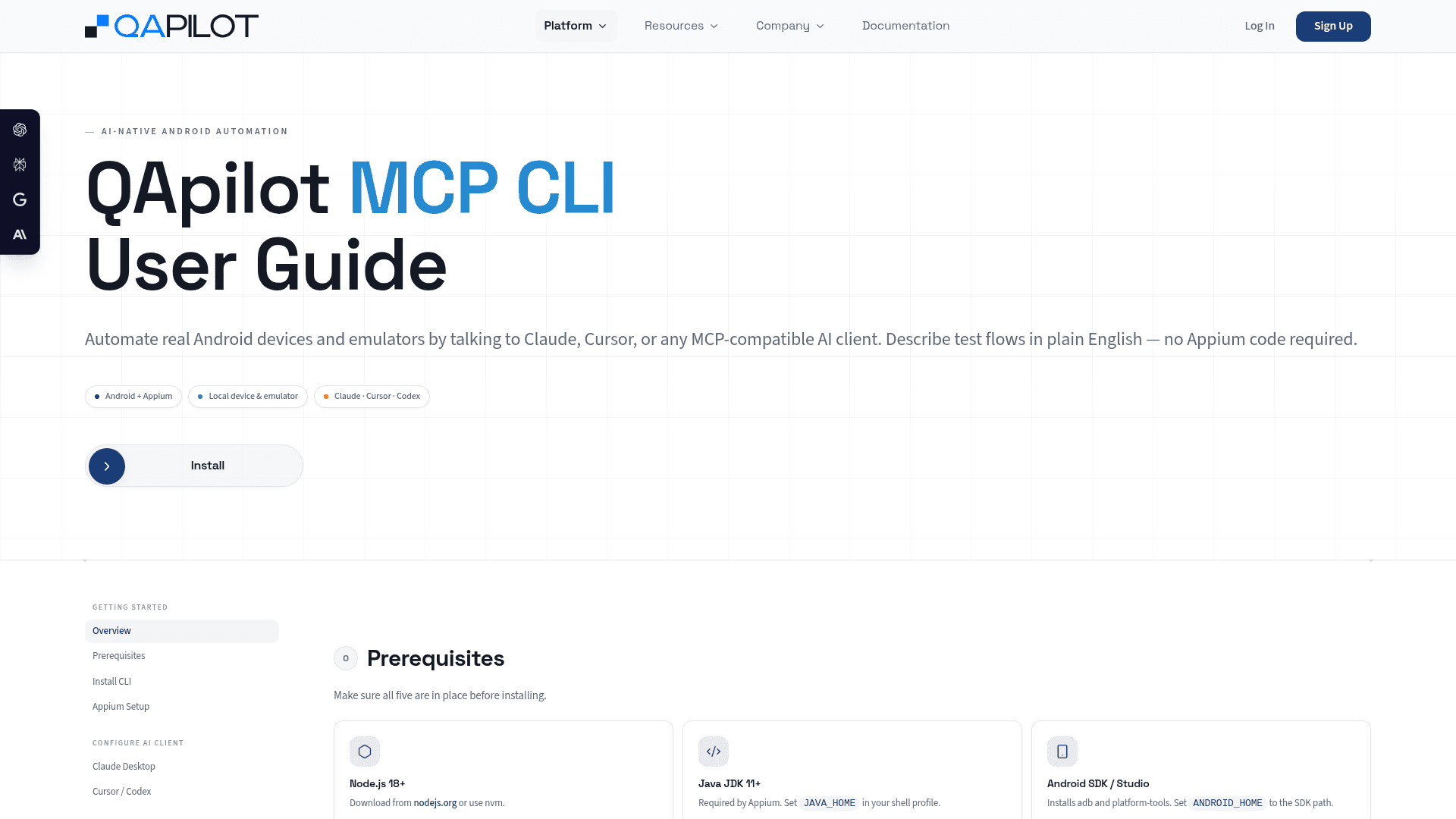
QApilot MCP CLI lets you automate real Android devices and emulators by describing test flows in plain English to Claude, Cursor, or any MCP-compatible AI client — no Appium code required.
At a Glance
Create a QApilot account to get started with the MCP CLI and platform.
Engagement
Available On
Listed Sep 2026
About QApilot MCP CLI
QApilot MCP CLI is a Model Context Protocol server that bridges AI clients like Claude Desktop, Cursor, and OpenAI Codex to real Android devices and emulators. It sits on top of Appium and lets testers describe test flows in plain English — the AI translates those descriptions into structured test plans that execute on connected hardware in real time. The tool is part of QApilot's broader AI-native mobile testing platform, which also includes autonomous crawling, CoWork, Flutter testing, and dual-device testing capabilities.
What It Is
QApilot MCP CLI is a CLI-based MCP server installed globally via npm. Once configured, it exposes a set of MCP tools to any compatible AI client, enabling natural-language control of Android test automation without writing Appium scripts. The server communicates over stdio and integrates with the QApilot cloud platform for test case storage, reporting, and session management.
How the Workflow Operates
The end-to-end flow follows a clear sequence:
- Prerequisites: Node.js 18+, Java JDK 11+, Android SDK, a connected device or emulator, and Appium 2.19.0 with the UIAutomator2 driver.
- Install: The CLI is installed globally from QApilot's distribution package via npm.
- Configure: A JSON block is added to the AI client's config file (Claude Desktop, Cursor, or Codex) pointing to the
qapilot-mcpcommand. - Record: The user describes test steps in natural language; the AI submits a structured plan and executes it on the device.
- Accept & Replay: Successful steps are pushed to QApilot as saved test cases, which can be replayed by ID, in batch, or from an Excel sheet.
- Report: At the end of every session, a report is generated containing
output.json,report.yaml, and a Gherkin.featurefile for passing scenarios.
MCP Tool Surface
The server exposes 25 named tools covering the full test lifecycle:
- Account management:
mobile_signup,mobile_login,mobile_logout - Session control:
mobile_start_session,mobile_stop_appium_session,mobile_check_session_status - Device and app management:
mobile_list_available_devices,mobile_use_device,mobile_list_apps,mobile_launch_app - Test execution:
mobile_submit_plan,mobile_execute_plan,mobile_execute,mobile_execute_testcases,mobile_run_excel_testcases - Reporting and state:
mobile_generate_report,mobile_get_execution_state,mobile_get_preview_url - Caching and usage:
mobile_get_cache_context,mobile_cache_summary,mobile_get_usage
Supported AI Clients
The guide provides explicit configuration blocks for three clients: Claude Desktop, Cursor, and OpenAI Codex. All three use the same stdio transport and the same npx qapilot-mcp --stdio command. The server appears in the connected tools list of each client after a restart.
Platform Context and Integrations
QApilot's broader platform integrates with TestRail, Jira, Slack, Microsoft Teams, BrowserStack, LambdaTest, Sauce Labs, Jenkins, and XRAY. The MCP CLI specifically targets local Android devices and emulators via Appium, while the cloud platform handles test case storage, live preview streaming, and execution reports. SOC 2 Type 2 and HIPAA compliance are listed as in progress on the site.
Community Discussions
Be the first to start a conversation about QApilot MCP CLI
Share your experience with QApilot MCP CLI, ask questions, or help others learn from your insights.
Pricing
Sign Up
Create a QApilot account to get started with the MCP CLI and platform.
- Account registration via MCP or web
- Access to QApilot MCP CLI
- Project creation and management
- Local device and emulator testing
Enterprise
Enterprise plan for teams needing advanced coverage, compliance, and support.
- Autonomous testing
- CoWork collaboration
- Flutter and dual-device testing
- CI/CD integration
- SOC 2 and HIPAA compliance (in progress)
- Dedicated support and walkthrough
Capabilities
Key Features
- Natural language Android test automation via MCP
- Supports Claude Desktop, Cursor, and OpenAI Codex
- Real device and emulator support via Appium 2.19.0 + UIAutomator2
- Live device preview URL during test execution
- Record and replay test cases
- Batch test execution by ID or from Excel (.xlsx) files
- Automatic step title generation (no XPath)
- HTML, JSON, YAML, and Gherkin report generation
- 25 MCP tools covering full test lifecycle
- Cached XPath and skill context per app package
- Token and API usage tracking per session
- Slack community for setup help and prompts