
Quorb
A Windows desktop widget that tracks usage, remaining limits, pace and spending across AI subscriptions and APIs.
At a Glance
Quorb desktop utility released under the MIT License; free to use, copy, modify and distribute.
Engagement
Available On
Alternatives
Listed Oct 2026
About Quorb
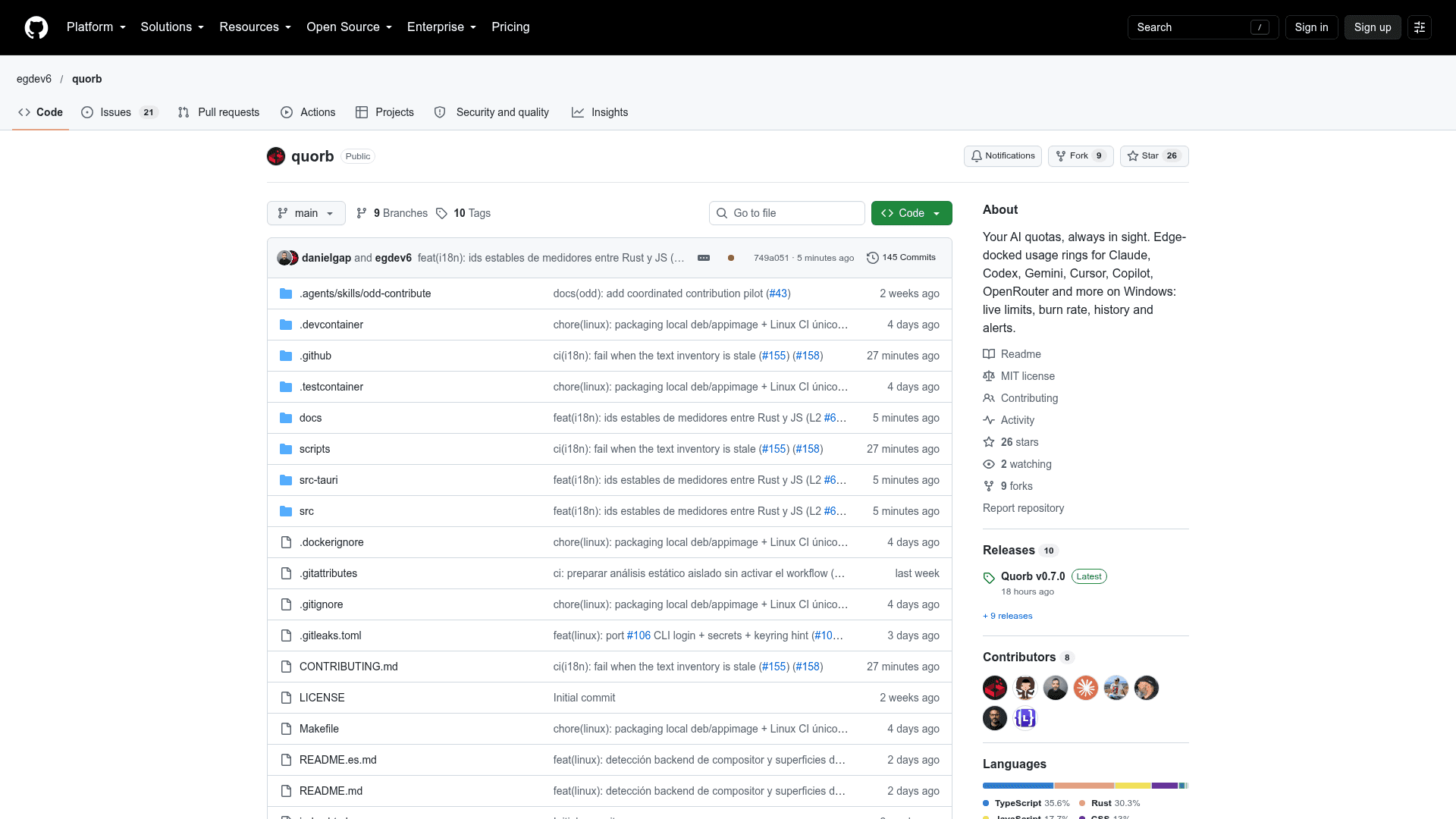
Quorb is an open-source desktop utility by Enrique Gómez Navarro (egdev6) that gathers AI usage limits from several providers into one compact, always-on-top widget. It targets Windows as its main platform, with a Linux port in progress and macOS integrated separately for Apple Silicon. The latest release listed on GitHub is v0.7.0.
What It Is
Quorb is a local usage monitor for AI subscriptions and APIs. Instead of opening a separate dashboard for each provider, users see how much they have used, how fast they are consuming it and when limits reset. The edge-docked widget is compact and transparent, and hovering over a provider shows its limits, plan, spending, pace and history.
Providers and Connections
Quorb reads existing sessions from official tools for Claude, Codex, Gemini and Cursor. Other providers use tokens or API keys:
- Claude Pro / Max: session and weekly limits via the Claude Code login
- ChatGPT Plus / Pro and Codex: session and weekly limits via the Codex CLI login
- Gemini: daily quota per model via the Gemini CLI login
- Cursor: plan usage and on-demand spend via a read-only app session
- GitHub Copilot: premium requests via a fine-grained token
- OpenRouter: spend, key limit and credits via an API key
- NaN Builders: plan quota and daily tokens
- Anthropic API and OpenAI API: monthly cost via admin API keys
The README notes that some integrations use undocumented endpoints that may change or stop working.
Widget Behavior and Alerts
The strip can be dragged to any screen edge and becomes vertical on the sides. Quorb tracks consumption pace and local history over 24 hours, 7 days or 30 days. It sends Windows notifications and configurable effects at a threshold and when limits reset. Size, RGB accent, opacity, provider order, hidden providers and auto-hide are adjustable, and global shortcuts can be remapped.
Privacy and Setup
API keys and the NaN session are stored in the system secure store: Windows Credential Manager, Secret Service on Linux and Keychain on macOS. Official CLI and app session files are read without being written to. Configuration and history stay in the user directory, and Quorb calls provider endpoints directly without a separate backend. The README describes running from source with Node 22+, Rust and Tauri prerequisites. It also states that Linux support is limited to local development and that code signing, winget distribution and click-through mode are roadmap items.
Community Discussions
Be the first to start a conversation about Quorb
Share your experience with Quorb, ask questions, or help others learn from your insights.
Pricing
Open Source (MIT)
Quorb desktop utility released under the MIT License; free to use, copy, modify and distribute.
- MIT License
- Edge-docked usage widget for Claude, Codex, Gemini, Cursor, Copilot, OpenRouter and more
- Consumption pace and local history over 24 hours, 7 days or 30 days
- Windows notifications at thresholds and limit resets
- Run from source with npm install + npm run app:dev
Capabilities
Key Features
- Edge-docked, transparent, always-on-top widget
- Usage, limits, plan and spending per provider on hover
- Consumption pace tracking
- Local history over 24 hours, 7 days or 30 days
- Windows notifications and configurable effects at thresholds and resets
- Adjustable size, RGB accent, opacity, order and auto-hide
- Remappable global shortcuts
- Per-account connection checks
- Secure credential storage
- Signed update checks from GitHub releases