
A lightweight CLI tool for Retrieval-Augmented Generation (RAG) over local documents using LangChain, Chroma, and Ollama with hybrid vector + BM25 retrieval.
At a Glance
Fully free and open-source under the MIT License. Clone, use, modify, and distribute freely.
Engagement
Available On
Alternatives
Listed Sep 2026
About raggy
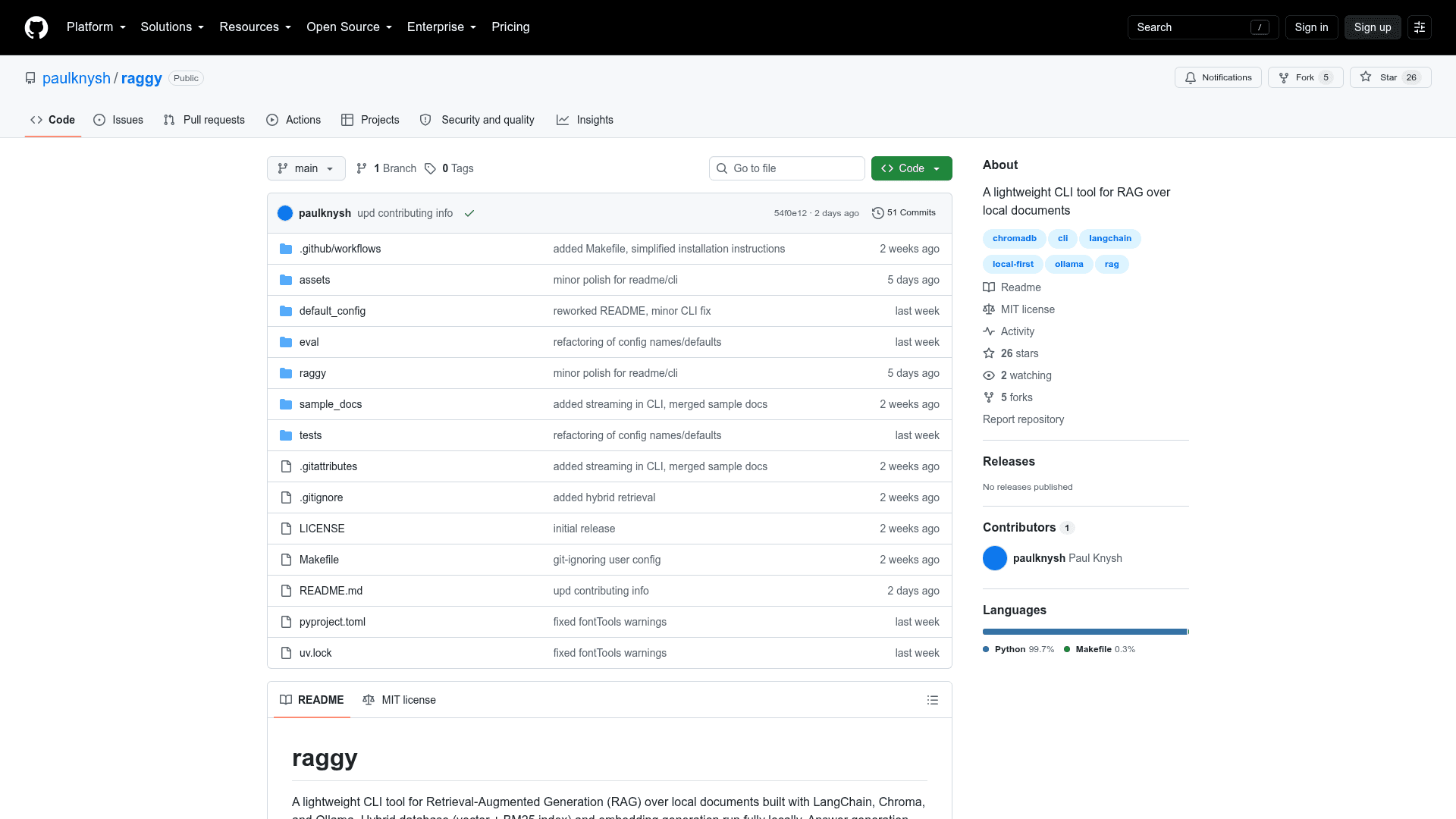
raggy is an open-source, MIT-licensed CLI tool built by Paul Knysh that brings Retrieval-Augmented Generation to local document collections. It runs embedding generation and vector storage fully locally using Ollama and ChromaDB, while answer generation can be handled either by a local LLM or via remote API (OpenAI, Anthropic, or Google Gemini). The project is written in Python and hosted on GitHub.
What It Is
raggy is a local-first RAG pipeline tool that lets users query their own documents from the command line and receive grounded answers with citations, source locations, and relevance scores. It supports a wide range of document formats — PDFs, Word documents, PowerPoint files, plain text, Markdown, HTML, and images (via OCR) — and manages its own hybrid database automatically without requiring manual setup beyond a config file.
How the Pipeline Works
raggy implements a multi-stage retrieval and generation pipeline:
- Hybrid retrieval: Combines dense vector search (ChromaDB embeddings) and lexical BM25 search (
bm25s), merged via reciprocal rank fusion. Thehybrid_alphaparameter controls the split between the two arms. - Cross-encoder reranking: A locally-run ONNX cross-encoder model (e.g.,
cross-encoder/ms-marco-MiniLM-L6-v2) scores query-chunk pairs together for sharper relevance ranking. - Score threshold filtering: Chunks below a configurable relevance threshold are dropped before generation, preventing low-quality context from polluting answers.
- Generation: Surviving chunks are injected into a configurable system prompt and sent to the chosen LLM (local via Ollama or remote via API key).
Database Mechanics and Incremental Indexing
raggy manages its own on-disk database using ChromaDB for vector storage and bm25s for the lexical index. On first run it indexes all source files, records a manifest.yaml with file hashes, chunk parameters, and embedding model details. On subsequent runs it performs incremental updates — only re-embedding files that have changed — unless core parameters like chunk size or embedding model change, which triggers a full rebuild. The BM25 index is always rebuilt after any update, but since it reads from already-stored Chroma chunks, no additional embedding calls are needed.
Supported Formats and OCR
raggy handles documents, text files, web pages, and images out of the box:
- Documents:
.pdf,.docx,.pptx - Text:
.txt,.md,.markdown - Web:
.html,.htm - Images (OCR):
.png,.jpg,.jpeg,.bmp
Scanned documents and image files are processed automatically via OCR, requiring no manual pre-processing.
Setup Path and Configuration
raggy requires Python 3.10+, Ollama (for local embeddings and optional local LLM), and either uv or pipx for installation. The recommended install path is cloning the repo and running an editable install. All runtime behavior is controlled through a single config.yaml file covering sources, database location, embedding model, chunk parameters, LLM provider and model, retrieval budget, hybrid alpha, reranker model, and system prompt. The project also ships with a demo dataset and an evaluation harness (eval/run_eval.py) that computes retrieval and generation metrics against sample documents.
Community Discussions
Be the first to start a conversation about raggy
Share your experience with raggy, ask questions, or help others learn from your insights.
Pricing
Open Source
Fully free and open-source under the MIT License. Clone, use, modify, and distribute freely.
- Full CLI tool
- Hybrid RAG pipeline
- Local embedding and LLM support
- Remote LLM API support
- OCR document processing
Capabilities
Key Features
- Hybrid vector + BM25 retrieval with reciprocal rank fusion
- Local embedding generation via Ollama
- Cross-encoder reranking with ONNX runtime
- Relevance score threshold filtering
- Incremental document indexing with SHA-256 file hashing
- OCR support for images and scanned documents
- Multi-format document support (PDF, DOCX, PPTX, TXT, MD, HTML, images)
- Local LLM generation via Ollama or remote via OpenAI/Anthropic/Google APIs
- CLI interface with citations, source locations, and relevance scores
- Programmatic Python API
- Configurable system prompt with context injection
- Built-in evaluation harness
- Fully local-first operation