
Main Menu
  • Tools
  • Developers
  • Topics
  • Discussions
  • News
  • Blogs
  • Builds
  • Contests
Create
    EveryDev.ai
    Sign inSubscribe
    Home
    Tools

    1,841+ AI tools

    • New
    • Trending
    • Featured
    • Compare
    Categories
    • Agents891
    • Coding869
    • Infrastructure377
    • Marketing357
    • Design302
    • Research276
    • Projects271
    • Analytics266
    • Testing160
    • Integration157
    • Data150
    • Security131
    • MCP125
    • Learning124
    • Extensions108
    • Communication107
    • Prompts100
    • Voice90
    • Commerce89
    • DevOps70
    • Web66
    • Finance17
    1. Home
    2. Tools
    3. Mane
    Mane icon

    Mane

    AI Coding Assistants

    A native macOS menu bar app for quick AI chat interactions powered by multiple language models.

    Visit Website

    At a Glance

    Pricing
    Open Source

    Free and open source macOS menu bar AI chat application

    Engagement

    Available On

    macOS
    Web
    API

    Resources

    WebsiteDocsGitHubllms.txt

    Topics

    AI Coding AssistantsConversational AgentsProductivity Extensions

    Alternatives

    GemletGhostDeskUsagebar
    Developer
    ajagatobby

    Listed Feb 2026

    About Mane

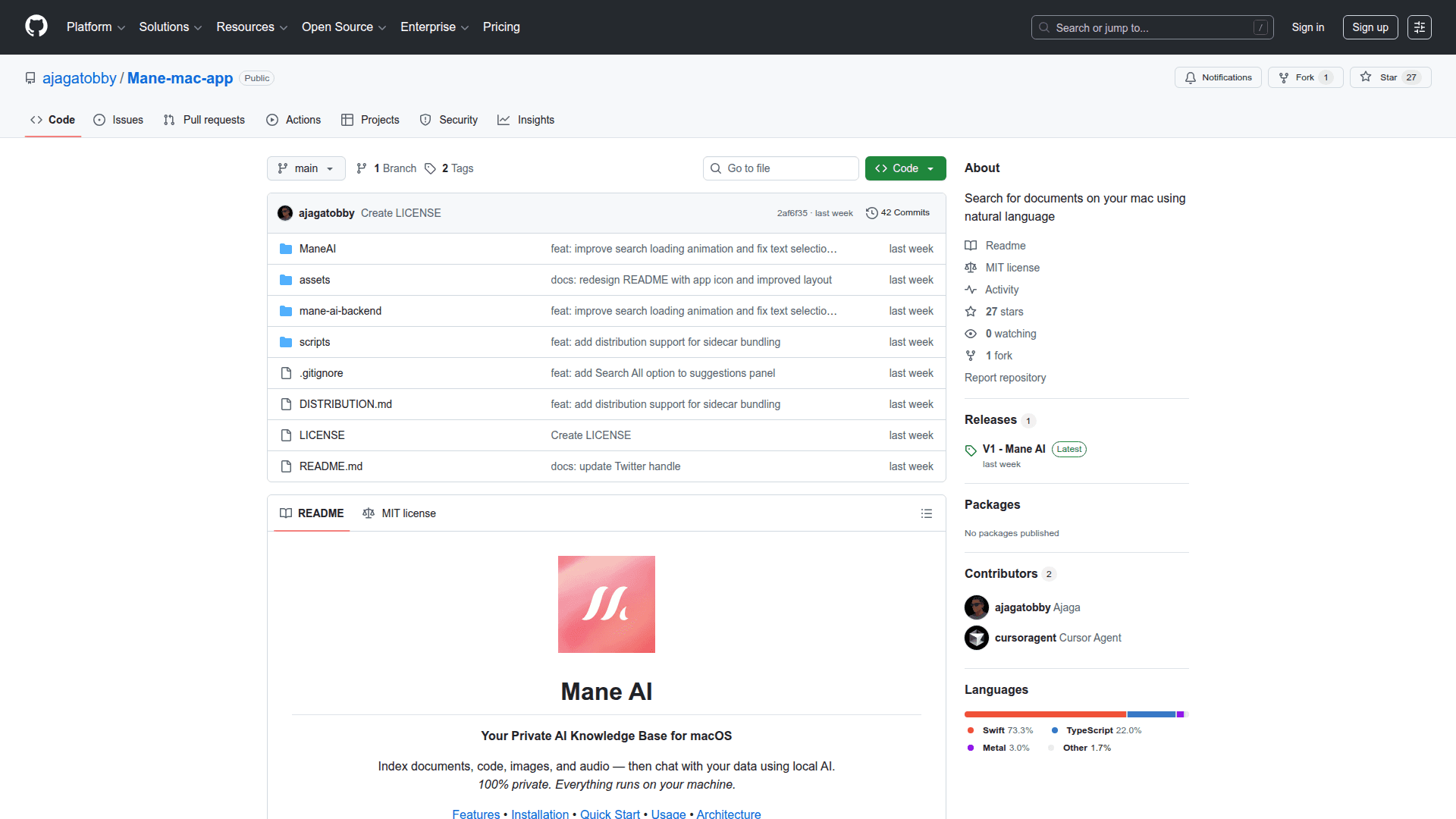
    Mane is a lightweight, native macOS application that lives in your menu bar, providing instant access to AI-powered chat capabilities. Built specifically for macOS users who want quick, seamless interactions with large language models without switching between applications or opening browser tabs, Mane offers a streamlined experience for AI assistance directly from your desktop.

    The app focuses on simplicity and accessibility, allowing users to invoke AI conversations with a single click from the menu bar. This makes it ideal for developers, writers, and professionals who frequently need AI assistance for tasks like code explanations, writing help, brainstorming, or quick information lookups.

    • Native macOS Experience provides a smooth, responsive interface that integrates seamlessly with the macOS ecosystem, following Apple's design guidelines for menu bar applications.

    • Quick Access Menu Bar Integration enables users to start AI conversations instantly without disrupting their workflow, keeping the AI assistant just one click away at all times.

    • Multi-Model Support allows users to leverage different AI language models for their conversations, providing flexibility in choosing the right model for specific tasks.

    • Lightweight Design ensures minimal system resource usage while maintaining fast response times, making it suitable for continuous background operation.

    • Open Source Development means the codebase is publicly available on GitHub, allowing developers to contribute, customize, or learn from the implementation.

    To get started with Mane, users can download the application from the GitHub repository and install it on their macOS system. Once installed, the app appears in the menu bar, ready for immediate use. Simply click the menu bar icon to open the chat interface and begin interacting with AI models for assistance with various tasks.
    Mane - 1

    Community Discussions

    Be the first to start a conversation about Mane

    Share your experience with Mane, ask questions, or help others learn from your insights.

    Pricing

    OPEN SOURCE

    Open Source

    Free and open source macOS menu bar AI chat application

    • Full source code access
    • Native macOS menu bar app
    • AI chat functionality
    • Multi-model support
    • Community support

    Capabilities

    Key Features

    • Native macOS menu bar application
    • Quick AI chat access
    • Multi-model support
    • Lightweight design
    • Instant conversation launch
    • Seamless macOS integration
    API Available
    View Docs

    Reviews & Ratings

    No ratings yet

    Be the first to rate Mane and help others make informed decisions.

    Developer

    ajagatobby

    Read more about ajagatobby
    GitHubX / Twitter
    1 tool in directory

    Similar Tools

    Gemlet icon

    Gemlet

    A native macOS menu bar app that provides keyboard-first, quick access to Google Gemini with chat organization, split panels, multiple profiles, and productivity features.

    GhostDesk icon

    GhostDesk

    An always-on-top AI overlay for Windows that stays invisible during screen shares, recordings, and presentations — no tab switching, no distractions.

    Usagebar icon

    Usagebar

    Track Claude Code usage limits and remaining session context directly from your macOS menu bar.

    Browse all tools

    Related Topics

    AI Coding Assistants

    AI tools that help write, edit, and understand code with intelligent suggestions.

    344 tools

    Conversational Agents

    AI chatbots and virtual assistants that can engage in natural dialogue.

    180 tools

    Productivity Extensions

    Extensions and plugins that improve workflow and productivity.

    55 tools
    Browse all topics
    Back to all tools
    Explore AI Tools
    • AI Coding Assistants
    • Agent Frameworks
    • MCP Servers
    • AI Prompt Tools
    • Vibe Coding Tools
    • AI Design Tools
    • AI Database Tools
    • AI Website Builders
    • AI Testing Tools
    • LLM Evaluations
    Follow Us
    • X / Twitter
    • LinkedIn
    • Reddit
    • Discord
    • Threads
    • Bluesky
    • Mastodon
    • YouTube
    • GitHub
    • Instagram
    Get Started
    • About
    • Editorial Standards
    • Corrections & Disclosures
    • Community Guidelines
    • Advertise
    • Contact Us
    • Newsletter
    • Submit a Tool
    • Start a Discussion
    • Write A Blog
    • Share A Build
    • Terms of Service
    • Privacy Policy
    Explore with AI
    • ChatGPT
    • Gemini
    • Claude
    • Grok
    • Perplexity
    Agent Experience
    • llms.txt
    Theme
    With AI, Everyone is a Dev. EveryDev.ai © 2026
    11views