REA
Open-source CLI and MCP server that lets coding agents reverse engineer binaries, JavaScript/Electron apps, websites and runtime behavior locally.
At a Glance
REA CLI and MCP server released under the MIT license; free to use, copy, modify and distribute.
Engagement
Available On
Alternatives
Listed Oct 2026
About REA
REA (Reverse Engineer Anything) is an open-source tool published by morluto under the MIT license. It connects coding agents to analysis tools through MCP, and the same workflows are available from a command-line interface. It inspects native binaries, JavaScript and Electron apps, .NET assemblies, websites and more, returning findings with the evidence and limitations behind each conclusion.
What It Is
REA is a software-analysis toolkit for agents and developers. An agent can ask how a feature in a local app works, and REA inspects the target without its source code and traces relevant code. It returns results such as pseudocode, assembly, strings, symbols, calls, references, modules, imports and IPC relationships. The agent can then explain the behavior, ask follow-up questions, or write and test an implementation.
What It Can Analyze
The README lists a range of targets: native binaries (via Hopper, Ghidra or IDA), JavaScript and Electron applications (modules, source maps, routes, IPC, native add-ons), websites (page structure, scripts, network observations, screenshots), saved HAR network captures, .NET assemblies, Android APKs, firmware, EVM bytecode, offline ELF layouts, recorded Linux crashes, packages and resources, and process behavior. Static JavaScript and .NET inspection do not need a native analysis engine. Analysis runs locally, while the agent's model provider has its own data policy.
Setup Path
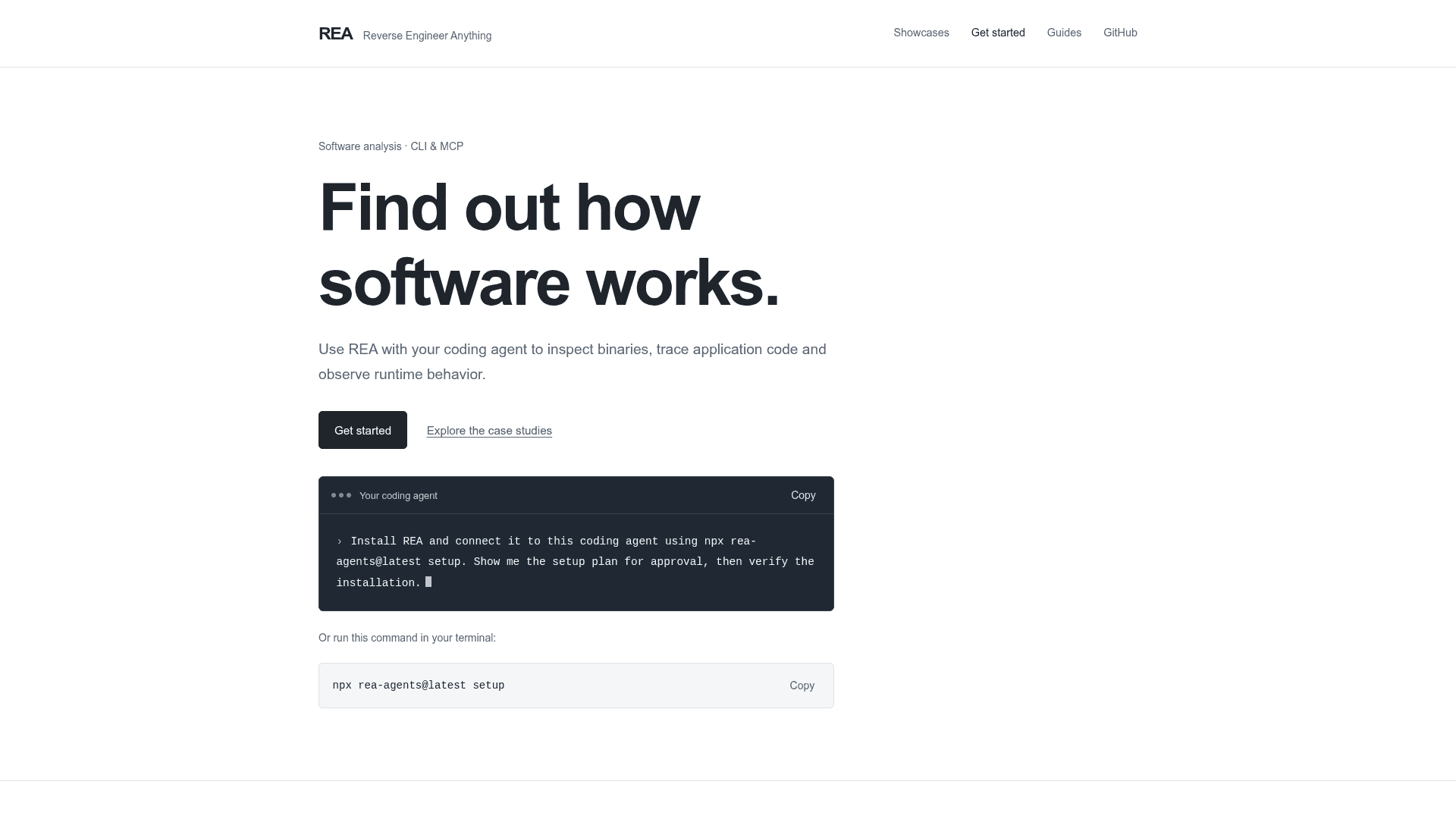
Running npx rea-agents setup lets users choose agents, review proposed changes and approve them. Setup registers REA's MCP server and installs matching workflow instructions, with backups of existing configuration. Supported agents include Claude Code, Codex, Cursor and Gemini CLI, and other MCP-capable agents can be registered manually. The CLI can also be installed globally with npm. REA requires Node.js 22.19+, 24.11+ or 26+.
Case Studies
The project showcases investigations including a reconstruction of a sound-pan calculation in the 1996 Windows game DX-Ball, a trace of Notion's Electron clipboard bridge from renderer through preload and IPC to the main process, and recovery of a bullet-ring angle calculation from the PC-98 game TH04. The project states that the DX-Ball reconstruction is still in progress.
Responsible Use
The project's disclaimer states that REA is for lawful reverse-engineering research, and users are responsible for obtaining required authorization.
Community Discussions
Be the first to start a conversation about REA
Share your experience with REA, ask questions, or help others learn from your insights.
Pricing
Open Source (MIT)
REA CLI and MCP server released under the MIT license; free to use, copy, modify and distribute.
- MIT-licensed core (CLI & MCP)
- Analysis runs locally
- Optional external tools such as Hopper, Ghidra or IDA are separate and may have their own licensing
Capabilities
Key Features
- MCP server and CLI sharing the same analysis workflows
- Native binary analysis returning pseudocode, assembly, strings, symbols, calls and references
- JavaScript and Electron app analysis of modules, imports, source maps, routes and IPC
- Browser and website observation with network captures and screenshots
- HAR and saved network capture analysis
- NET assembly metadata and CIL inspection
- Android APK analysis via JADX
- Firmware extraction and analysis handoffs
- EVM bytecode selector analysis
- Process behavior capture and run comparison
- Guided setup for multiple coding agents with config backups
- Local analysis with evidence and limitations in results