
Remotion
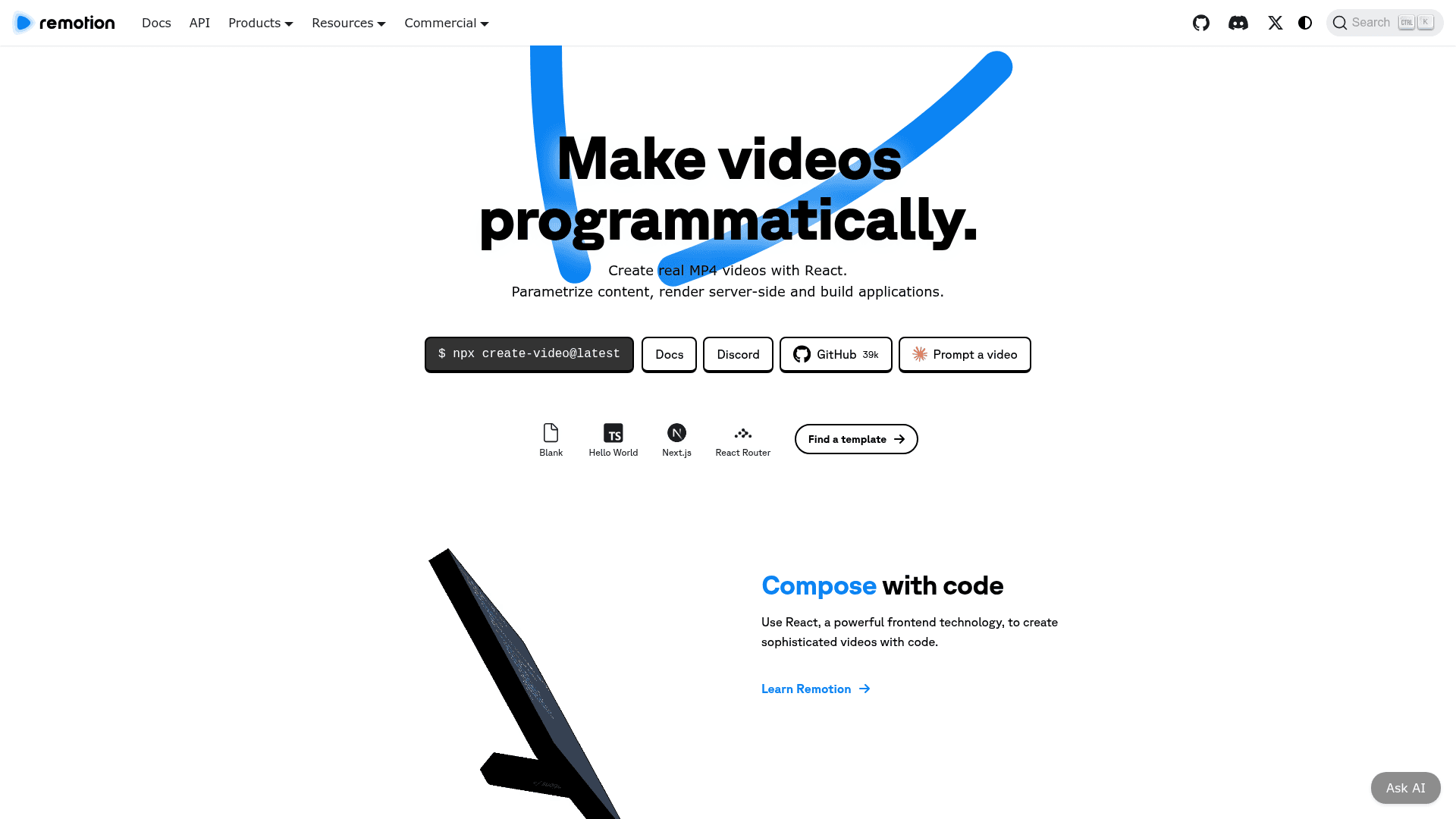
Remotion is a framework for creating real MP4 videos programmatically using React, enabling parametrized content, server-side rendering, and scalable video automation.
At a Glance
About Remotion
Remotion is an open-source framework that lets developers create real MP4 videos using React and TypeScript. It brings the power of frontend web development to video production, allowing you to compose animations, parametrize content with data, and render videos locally, on a server, or serverlessly at scale. With over 39k GitHub stars and 900k installs per month, Remotion has become the go-to tool for programmatic video creation.
AI-Powered Video Workflows
- Prompt-to-video creation: Create videos entirely from natural language prompts via Claude Code, Codex, or OpenCode — scaffold with
npx create-video@latest, install Skills, and start prompting in a terminal. - Agent Skills: Official skill files with 30+ rule modules covering animations, audio, 3D, charts, transitions, captions, and more — 155k+ weekly installs across Claude Code, Codex, Cursor, and OpenCode.
- Community Prompt Gallery: A curated, community-driven gallery at remotion.dev/prompts with submittable example prompts for news highlights, travel route maps, product demos, launch videos, 3D rankings, cinematic intros, chart animations, and more.
- AI SaaS Starter Kit: A Next.js template for building "Prompt to Motion Graphics" products with chat interface, live preview, smart editing, input validation, output sanitation, and self-correction on compilation errors.
- Prompt to Video template: A starter that turns prompts into short videos with auto-generated scripts, images, and voiceover.
- LLM code generation utilities: Generate Remotion component code from natural language using the Vercel AI SDK, with structured output support and a reference system prompt.
- Just-in-time compilation: Compile AI-generated React components in the browser for instant live preview without filesystem access.
- MCP server: An official @remotion/mcp package that indexes Remotion documentation into a vector database for Cursor, VS Code, and other MCP-compatible editors.
- AI-ready documentation: All doc pages support .md URL suffixes and Accept: text/markdown content negotiation, so AI agents can fetch raw markdown directly.
Core Framework
- React-based composition: Use familiar React components and JSX to build sophisticated video compositions with full access to the web platform.
- Remotion Studio: A local development environment where you can preview, scrub, and edit your video in real time before rendering.
- Remotion Player: Embed an interactive video player directly into your web app, powered by the same React components.
- Remotion Lambda: Render videos serverlessly on AWS Lambda for massively parallel, scalable video generation.
- Parametrized rendering: Pass data as props to your video components to dynamically generate personalized or data-driven videos.
- Multiple output formats: Export to MP4, WebM, GIF, and other formats from the same codebase.
- Editor Starter template: A comprehensive starter kit for building full custom video editing applications with React and TypeScript.
- Recorder: A built-in tool for recording screencasts and compositing them into polished video outputs.
- Timeline component: A ready-made timeline UI component for building video editor interfaces.
- Rich template library: 35+ templates and examples including Hello World, Next.js, React Router, and more to get started quickly.
- Large community: 6,000+ Discord members, 300+ contributors, and 700 pages of documentation.
Community Discussions
Be the first to start a conversation about Remotion
Share your experience with Remotion, ask questions, or help others learn from your insights.
Pricing
Free License
For individuals and companies of up to 3 people. Commercial use allowed with unlimited use.
- Create and automate videos
- Commercial use allowed
- Unlimited use
- Must upgrade when team grows beyond 3 people
Remotion for Creators
Create videos for yourself — $25/mo per seat, for teams of 4+ people.
- Create and automate videos
- Commercial use allowed
- Prioritized Support
- $250 Mux credits
- Per seat pricing
Remotion for Automators
Build video creation tools — $0.01 per render, $100/mo minimum.
- Create and automate videos
- Commercial use allowed
- $0.01 per render
- $100/mo minimum
- Prioritized Support
- $250 Mux credits
- Eligible for Enterprise License at this spend
Enterprise License
For advanced needs. Starting at $500/month.
- Everything in Company License
- Private Slack or Discord
- Monthly consulting session
- Custom terms, billing and pricing
- Compliance forms
- Prioritized feature requests
- Editor Starter included
Capabilities
Key Features
- Programmatic video creation with React
- Remotion Studio for local preview and editing
- Remotion Player for in-app video embedding
- Remotion Lambda for serverless rendering on AWS
- Parametrized and data-driven video generation
- MP4, WebM, GIF export formats
- Editor Starter template for custom video editors
- Timeline UI component
- Recorder for screencasts
- Agent Skills with 30+ rule modules for AI coding agents (Claude Code, Codex, OpenCode, Cursor)
- Prompt-to-video workflow via Claude Code (npx create-video → install Skills → prompt in terminal)
- Community Prompt Gallery with submittable examples for product demos, 3D rankings, chart animations, and more
- AI SaaS Starter Kit (Prompt to Motion Graphics) with chat UI, live preview, and self-correction
- Prompt to Video template with auto-generated scripts, images, and voiceover
- LLM code generation with Vercel AI SDK and reference system prompt
- Just-in-time compilation of AI-generated React components in the browser
- Official MCP server (@remotion/mcp) for Cursor and VS Code
- AI-ready documentation with .md URL suffixes and content negotiation
- Remotion Chatbot for documentation Q&A
- 35+ templates and examples
- CLI scaffolding with npx create-video