
Remux
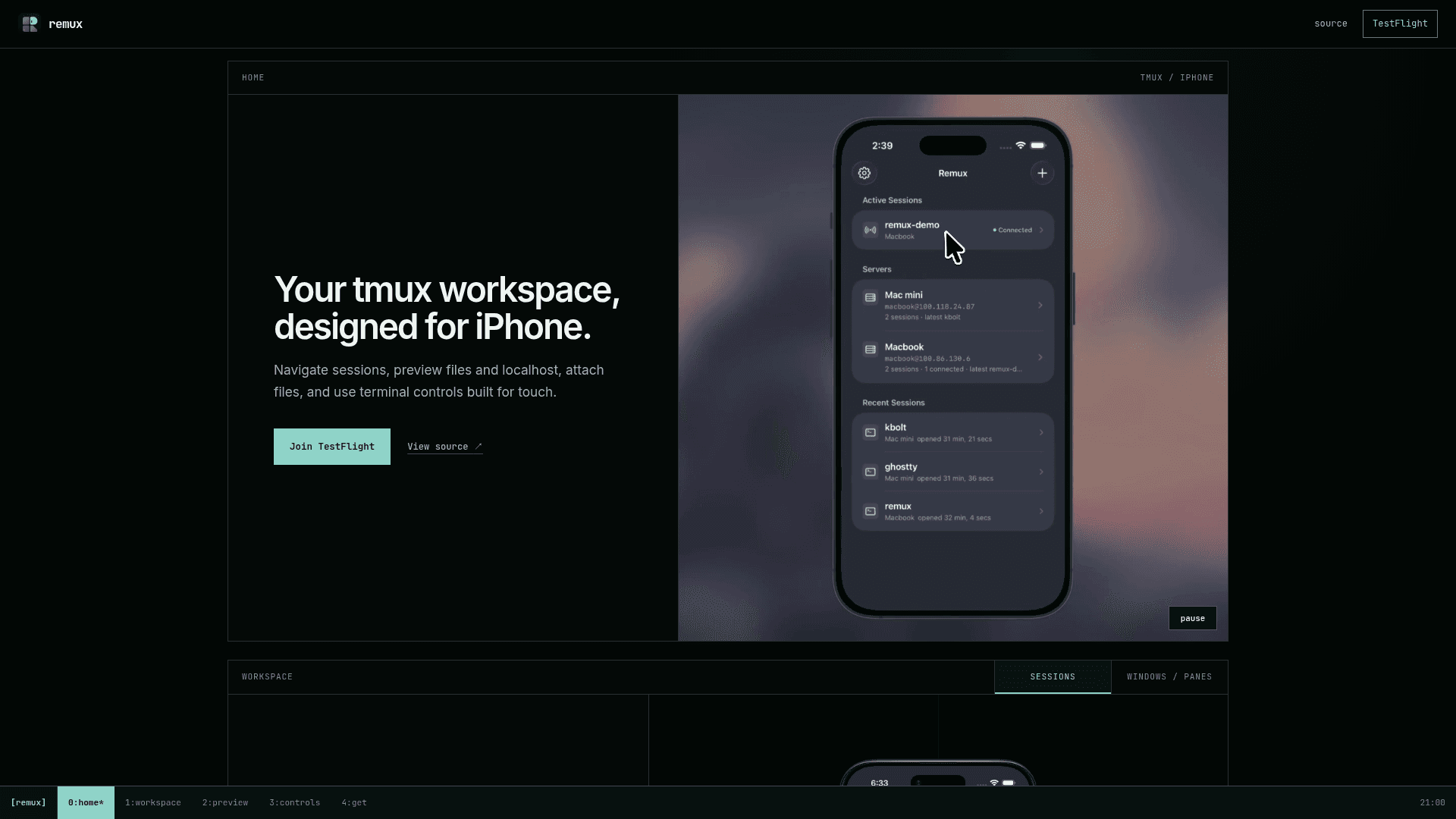
A native iOS client for remote tmux workspaces, bringing session, window, and pane management to iPhone with a mobile-first touch interface and direct SSH.
At a Glance
Free and open source under the MIT License, available via TestFlight public beta or buildable from source.
Engagement
Available On
Alternatives
Listed Jul 2026
About Remux
Remux is a native iOS app that brings tmux's session, window, and pane model to iPhone with a touch-first interface. Built on Ghostty's terminal core and using Citadel for SSH, it connects directly to remote servers without a relay or account requirement. The project is open source under the MIT License and currently available as a public beta on Apple TestFlight.
What It Is
Remux is a mobile terminal client specifically designed around tmux workflows. Rather than a generic SSH terminal, it surfaces tmux's structural concepts — sessions, windows, and panes — as first-class UI elements navigable by taps and swipes. It targets developers who run persistent remote workspaces and want to access them from an iPhone without compromising on tmux's multi-pane, multi-session model.
Mobile-First tmux Navigation
The core interaction model is built around touch gestures that map naturally to tmux concepts:
- Swipe between windows and choose panes from a bottom sheet with live previews
- Split, zoom, or close panes directly from the interface
- Long-press and drag to place the cursor precisely — a key affordance missing from most mobile terminals
- A shortcut palette lets users run saved commands with a single tap; starter sets cover shell, Claude Code, and Codex workflows
File and Localhost Preview
A standout feature is the ability to long-press paths or URLs in terminal output to preview them inline on the device. Supported content types include code files, images, PDFs, and HTML pages. Localhost URLs open the dev server running on the remote machine, with hot reload and WebSocket support — meaning a developer can run a local web server in tmux and preview it live on their iPhone without any port forwarding configuration beyond the SSH tunnel.
Direct SSH and Security Model
Remux connects straight to the server with no intermediary relay and no Remux account. Passwords and private keys are stored in the iOS Keychain, and trusted host keys are remembered across sessions. This architecture means credentials never leave the device through a third-party service, which is a meaningful differentiator from relay-based mobile terminal apps.
Open-Source Architecture and Build Path
The repository is written in Swift and licensed MIT. It depends on a prebuilt GhosttyKit framework (derived from the Ghostty terminal emulator) and uses XcodeGen to generate the Xcode project. Building from source requires Xcode with iOS 18 SDK support. A companion repository, remux-ghostty, is available for developers who want to build GhosttyKit themselves rather than fetching the prebuilt binary. The project had 204 stars and 12 forks as of its last recorded metadata update.
Current Status
Remux is in public beta, distributed via Apple TestFlight. The repository was created in April 2026 and was last pushed in July 2026, indicating active development. The TestFlight link is publicly available without a waitlist.
Community Discussions
Be the first to start a conversation about Remux
Share your experience with Remux, ask questions, or help others learn from your insights.
Pricing
Open Source
Free and open source under the MIT License, available via TestFlight public beta or buildable from source.
- Full tmux session, window, and pane management
- Direct SSH with iOS Keychain credential storage
- File and localhost preview
- Shortcut palette
- File attachments with image annotation
Capabilities
Key Features
- tmux session management (attach, start, navigate)
- Window and pane switcher with live previews
- Swipe-based window navigation
- Split, zoom, and close panes
- Shortcut palette for saved commands
- File attachments with image annotation/markup
- File preview (code, images, PDFs, HTML) via long-press
- Localhost/dev server preview with hot reload and WebSockets
- Cursor control via long-press and drag
- Direct SSH (no relay, no account)
- Passwords and private keys stored in iOS Keychain
- Trusted host key memory
- Themes: Ghostty default, Catppuccin Mocha, Catppuccin Latte
- Adjustable font size
- Built on Ghostty terminal core