Rome
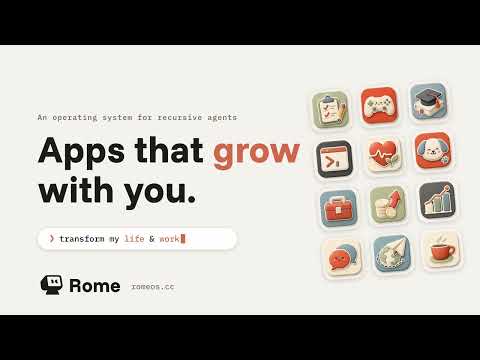
Open-source compounding agent OS where humans and agents build tools, apps, and reusable capabilities together.
At a Glance
Run Rome on your own Mac / self-hosted; core is MIT licensed.
Engagement
Available On
Listed Nov 2026
About Rome
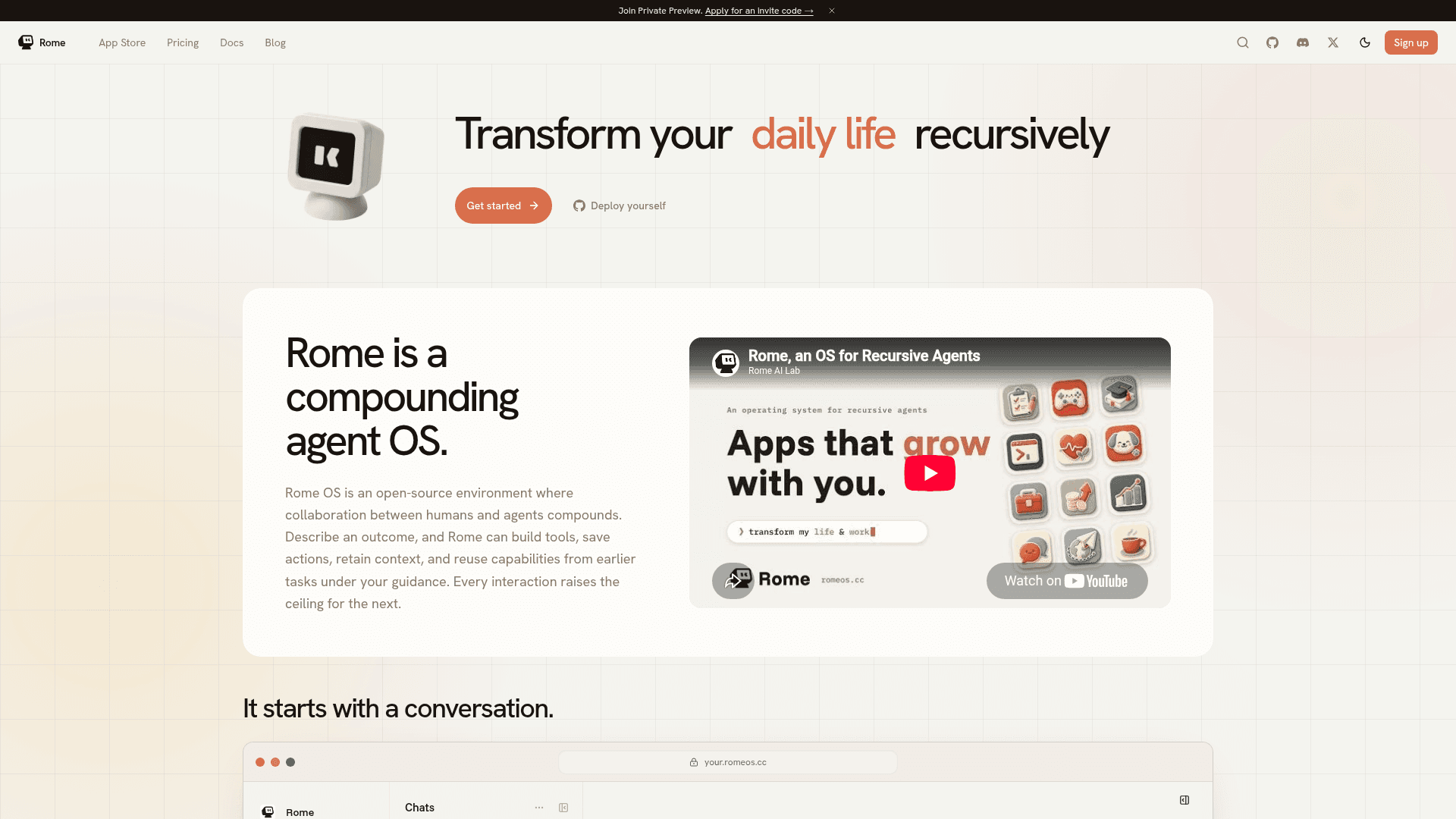
Rome is an open-source agent operating environment from Rome OS (rome-os) in which a human and their agents collaborate and the work compounds. Users describe an outcome, and Rome can build tools, save actions, retain context, and reuse capabilities from earlier tasks. It can be self-hosted with Docker or used through Rome Cloud, which is currently offered as a preview.
What It Is
Rome is a guardrailed agent environment rather than a single chat assistant. The README describes agents that build their own harnesses, design their own SOPs, and orchestrate workflows under the user's guidance, with proven capabilities persisting for later tasks. It also positions Rome as an open-source alternative to Grok Bot and Meta's Muse for persistent agents, scheduled tasks, and custom apps.
Rome Apps and Capabilities
A Rome App combines a purpose-built interface, agent reasoning, reusable workflows, and persistent data into one installable unit. Apps start from an app.yaml manifest and can include actions, agents, skills, hooks, web UI and APIs, and app-private databases and files. Together these form a capability that Rome can discover and reuse. When no suitable app exists, users can describe the need in plain language and Rome can scaffold and build it as git-tracked source code that can be kept private or published to the App Store. Apps are built on two public SDKs, @rome-os/app-runtime and @rome-os/app-web-sdk.
Example: Issue Triage App
The homepage demonstrates Rome building an Issue Triage app from a single prompt. The app labels GitHub issues using the repository's existing labels plus a built-in taxonomy, covering type, priority, area, and needs-info flags. It runs from webhooks or manual triage and includes a dashboard for configuring repositories.
Setup Path
The README documents a Docker quickstart script that pulls the published image and starts Rome with the dashboard on localhost port 7663, bound to loopback only. A development path from source requires Node.js 24 or newer, Corepack with pnpm, and Docker Compose. A Mac app signs in to Rome Cloud and connects the Mac as a device, but does not run Rome itself. The repository is a pnpm monorepo covering the core runtime, web dashboard, desktop app, first-party apps, and SDKs, under the MIT license.
Community Discussions
Be the first to start a conversation about Rome
Share your experience with Rome, ask questions, or help others learn from your insights.
Pricing
Free
Run Rome on your own Mac / self-hosted; core is MIT licensed.
- Where it runs: Your mac
- Setup: On your mac
- Browser: On your mac
- Support: Community Discord
- MIT-licensed open-source core (self-host with Docker)
Pro
For a single inbox and a few channels
- Hosted by Rome
- Always-on
- 2GB memory
- Browser: Limited
- Setup: On Rome cloud
- Support: Email
Max
For heavier workloads and bigger memory
- Hosted by Rome
- Always-on
- 4GB memory
- Browser: Works well
- Setup: On Rome cloud
- Support: Priority email
Ultra
For heavy workloads and business use
- Hosted by Rome
- Always-on
- 16GB memory
- Browser: Powerful
- Setup: On Rome cloud
- Support: Priority email
Enterprise
Built around your team
- Deploy to your server
- Always-on
- Custom machine
- Custom browser
- We handle setup
- Support: Shared Slack, SLA
Capabilities
Key Features
- Builds apps from plain-language descriptions
- Saves and reuses actions, skills, and capabilities across tasks
- Persistent memory and app-private databases
- Rome Apps with UI, agents, actions, skills, and hooks
- App Store for installing and sharing apps
- Scheduled tasks and routines
- Chat channels including Telegram, Discord, and WhatsApp
- Self-hosting via Docker
- Git-tracked source code for generated apps
- Public app SDKs for backend and web
- Actions that can pause for approval and record every run
Integrations
Demo Video