
A native macOS terminal manager that keeps projects, sessions, and coding agents organized by tracking which terminal needs your attention.
At a Glance
No account needed for basic use. Install via Homebrew or direct download.
Engagement
Available On
Listed Aug 2026
About Saggar
Saggar is a native Mac terminal manager built by Marginal Utility, designed for developers running multiple coding agents, dev servers, shells, and tests across several projects simultaneously. It is currently in alpha and requires macOS 26 Tahoe or later on Apple Silicon. The app is installable via Homebrew or direct download, with no account required for basic use.
What It Is
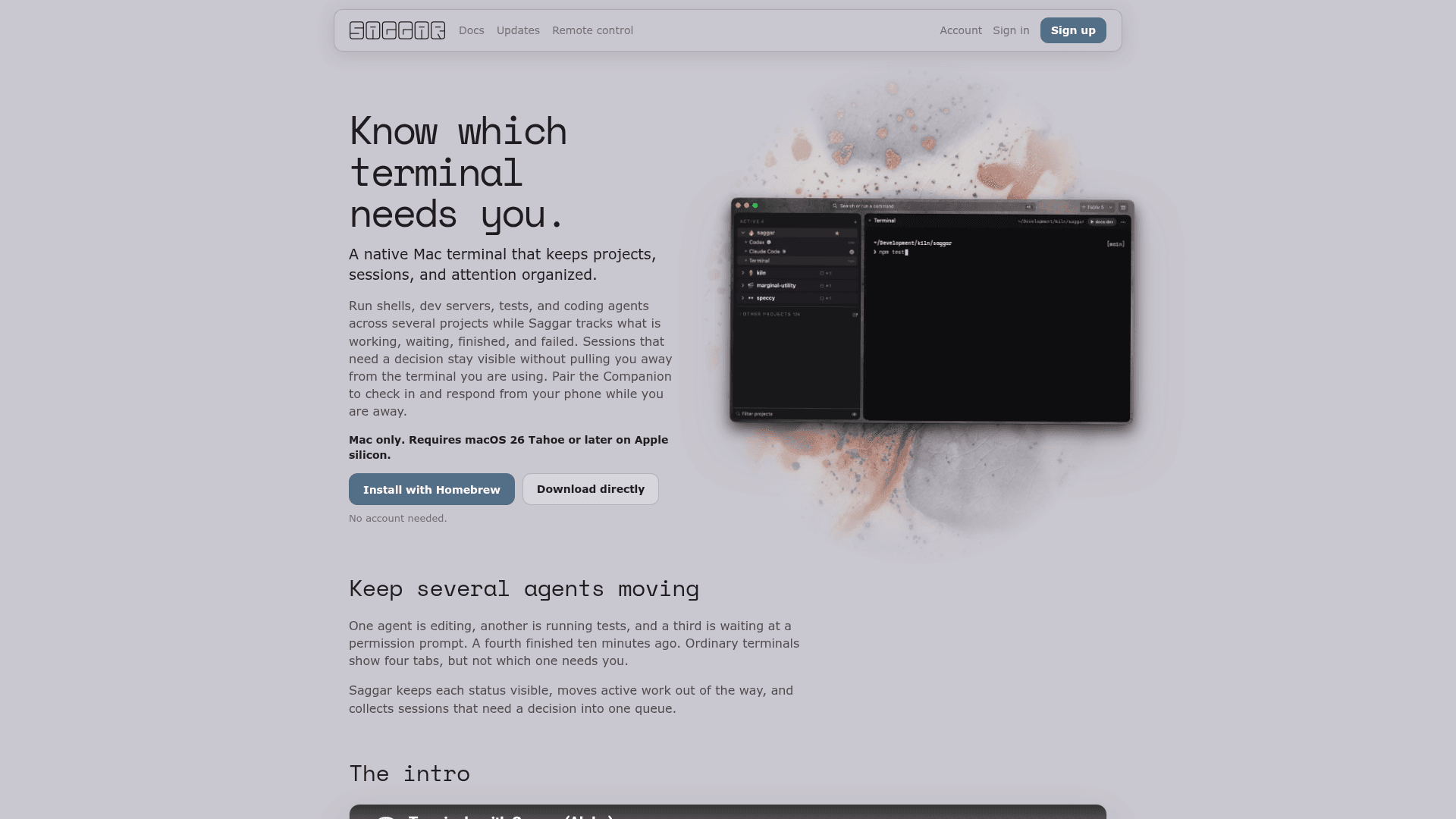
Saggar addresses a specific pain point in modern AI-assisted development: when you have several coding agents running in parallel, ordinary terminal tabs give you no signal about which one needs your attention. Saggar classifies each session as "needs you," "working," "idle," "finished," or "failed," then surfaces only the sessions that require a decision — folding away everything that can wait. It organizes sessions by project, branch, and worktree, and builds a single priority queue from everything waiting on you.
The Supervision Loop
Saggar's core workflow follows four steps:
- Start work across projects — Run agents, shells, dev servers, and tests across every codebase; each session stays attached to its project, branch, and worktree.
- Leave working agents alone — Sessions classify themselves automatically; working sessions stay out of the way while prompts, failures, and finished work remain visible.
- Handle what needs you — Waiting prompts and finished work form one ordered queue; answer from the attention card or press ⌘J to move through it by priority.
- Step away without losing the thread — Pair the Companion (a mobile/browser remote client) to inspect terminals, answer prompts, interrupt runaway processes, or type into a session from your phone.
Remote Control and Security Model
Saggar includes a remote control feature called the Companion, accessible from a browser or paired device. The pairing model is designed around security by default:
- Only devices signed into the same Marginal Utility account can pair.
- The Mac dials out to Saggar's relay — it opens no port on the local network.
- Pairing is done once via QR code scan and does not expire through inactivity.
- Signing out on the Mac revokes all paired devices simultaneously.
- The Mac re-verifies the account on every remote request.
Platform and Audience
Saggar is Mac-only and explicitly requires macOS 26 Tahoe on Apple Silicon. It is aimed at developers who run multiple AI coding agents (such as Codex or Claude) in parallel and need a structured way to supervise them without constant tab-switching. The app is a companion to Kiln, another Marginal Utility product. Themes (vibrant and neutral) allow visual customization.
Update: Saggar 0.25.0
The latest release is version 0.25.0, published on August 18, 2026, distributed via a Homebrew tap (mcclowes/saggar/saggar). Releases are signed and notarized, and the Homebrew cask is updated automatically by Saggar's release workflow. The project is actively maintained with recent pushes to the repository. The product is currently in alpha, as noted on the homepage and in the introductory video.
Community Discussions
Be the first to start a conversation about Saggar
Share your experience with Saggar, ask questions, or help others learn from your insights.
Pricing
Free
No account needed for basic use. Install via Homebrew or direct download.
- Native macOS terminal manager
- Multi-project session organization
- Session status classification
- Priority attention queue
- Customizable themes
Capabilities
Key Features
- Session status classification (needs you, working, idle, finished, failed)
- Multi-project terminal organization by project, branch, and worktree
- Priority queue (triage) for sessions requiring attention
- Remote control via Companion (browser/mobile)
- QR code device pairing with Marginal Utility account
- Secure relay — no open port on local network
- Keyboard shortcut ⌘J to move through attention queue
- Homebrew installation support
- Signed and notarized releases
- Customizable themes (vibrant and neutral)
- Support for coding agents (Codex, Claude, etc.)
- Interrupt runaway processes remotely
- Answer agent prompts remotely
Integrations
Demo Video