
port22
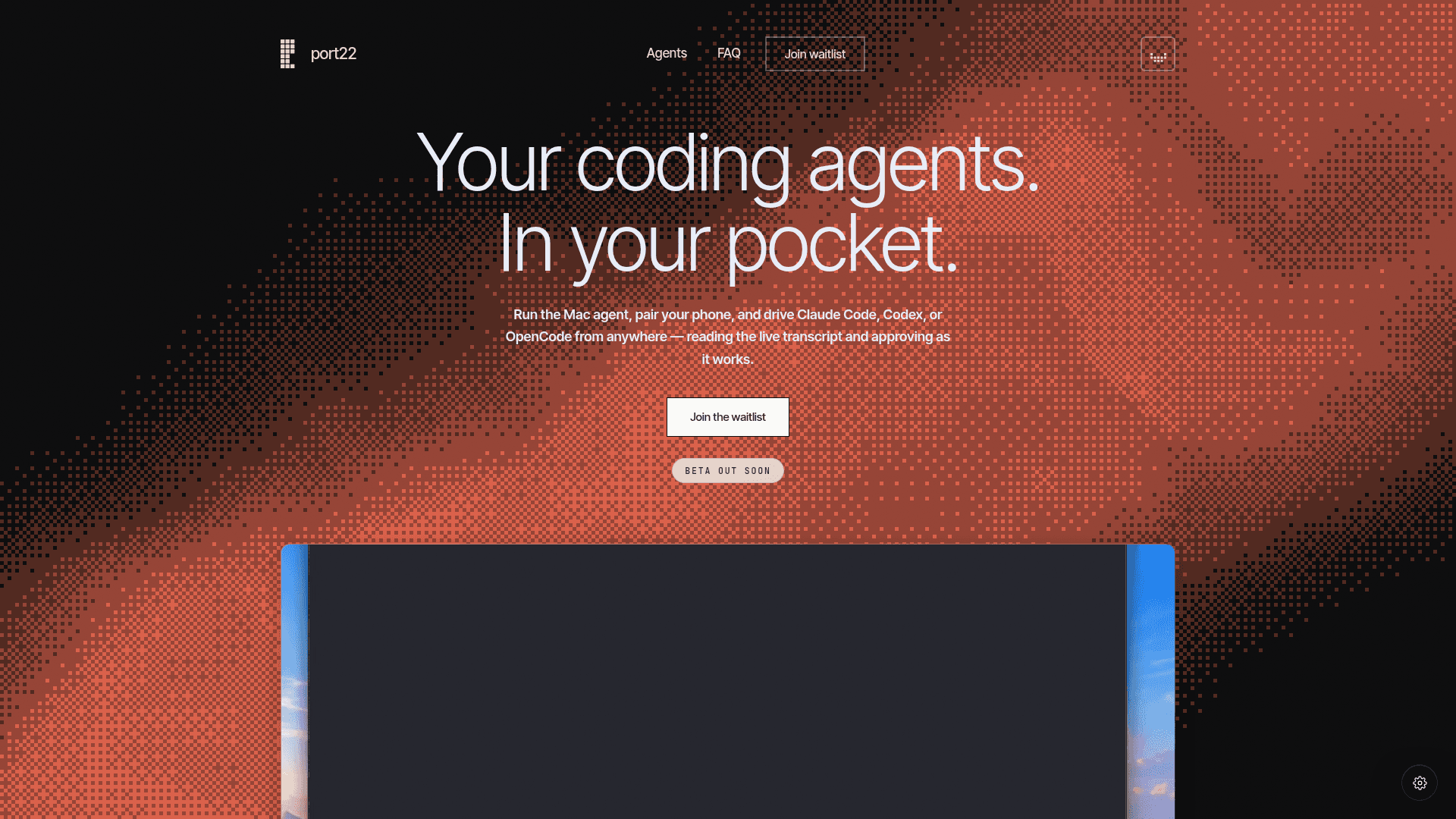
port22 lets you monitor and control your Mac-based AI coding agents (Claude Code, Codex, OpenCode) from your iPhone, streaming live transcripts and approvals from anywhere.
At a Glance
Free forever for 1 Mac and 2 sessions. Free through the beta for all features.
Engagement
Available On
Alternatives
Listed Aug 2026
About port22
port22 is a mobile companion for AI coding agents that lets developers drive terminal-based coding sessions from their iPhone. Built for Mac users who run Claude Code, Codex, or OpenCode, it streams live agent output to your phone and lets you approve actions without being at your desk. The product is currently in pre-beta, with a waitlist open and a beta release described as "coming soon."
What It Is
port22 is a Mac-plus-iOS system that attaches to an already-running AI coding agent session in your terminal — it does not start a new session or fork the existing one. A lightweight Mac binary watches the terminal sessions you point it at, while a paired iPhone app streams every token the agent produces in real time. The pairing mechanism uses iCloud (Apple ID), so there is no separate port22 account or QR code setup required.
How the Architecture Works
The system is LAN-first: when your Mac and iPhone are on the same network, communication stays local. When you leave your desk, an end-to-end encrypted relay automatically carries the same live session over cellular. The relay forwards ciphertext only and never holds decryption keys, meaning port22 cannot read your code in transit. The Mac agent binary is notarized and supports both Apple Silicon and Intel.
Supported Agents and Terminals
port22 currently supports attaching to:
- Claude Code
- OpenCode
- Codex
- OpenClaw (listed as "Soon")
- Hermes (listed as "Soon")
It works with open-source terminals including Ghostty, kitty, Alacritty, WezTerm, tmux, and Terminal.app. It explicitly does not support Warp or IDE built-in terminals.
iPhone-Native Experience
The iOS app surfaces agent activity through several native iOS features:
- Live transcript — every token streamed as the agent thinks, edits, and runs
- Push notifications — alerts when the agent finishes a task or needs approval
- Dynamic Island — a live count of active sessions visible without opening the app
- Lock screen widgets — the full session roster visible at a glance
Setup Path
The pairing flow is described as three steps: run the Mac agent binary, sign into the same Apple ID on both devices (Mac and iPhone), and open the iOS app to pick a session. No new login, no QR code, and no additional software to install beyond the agent CLI already in use.
Current Status
port22 is pre-launch as of the available sources. The waitlist is open at tryport22.com, and the site states "Beta out soon." The homepage notes the product is free through the beta period, with a post-beta model that keeps one Mac and two sessions free indefinitely, and an optional paid tier for unlimited sessions surfaced in the waitlist survey.
Community Discussions
Be the first to start a conversation about port22
Share your experience with port22, ask questions, or help others learn from your insights.
Pricing
Free
Free forever for 1 Mac and 2 sessions. Free through the beta for all features.
- 1 Mac supported
- 2 sessions
- Live transcript streaming
- Push notifications
- iCloud pairing
Unlimited
Unlimited sessions across Macs. Surfaced in waitlist survey as a post-beta paid option.
- Unlimited sessions
- All Free plan features
Capabilities
Key Features
- Attach to existing terminal agent sessions without forking
- Live token-by-token transcript streamed to iPhone
- Push notifications when agent finishes or needs approval
- Approve agent actions from iPhone
- LAN-first with automatic encrypted relay fallback for cellular
- End-to-end encrypted relay (relay never holds keys)
- iCloud/Apple ID pairing — no separate account required
- Dynamic Island live session count
- Lock screen session roster widget
- Supports Claude Code, Codex, OpenCode, OpenClaw (soon), Hermes (soon)
- Works with Ghostty, kitty, Alacritty, WezTerm, tmux, Terminal.app
- Notarized Mac binary for Apple Silicon and Intel