
sandbox-mcp
An MCP server and CLI that automate Windows Sandbox so AI agents can test apps, installers and untrusted files on a fresh, disposable Windows 11 machine.
At a Glance
MIT-licensed sandbox-mcp CLI and MCP server for automating Windows Sandbox; requires Windows 11 24H2+ Pro/Enterprise/Education.
Engagement
Available On
Alternatives
Listed Nov 2026
About sandbox-mcp
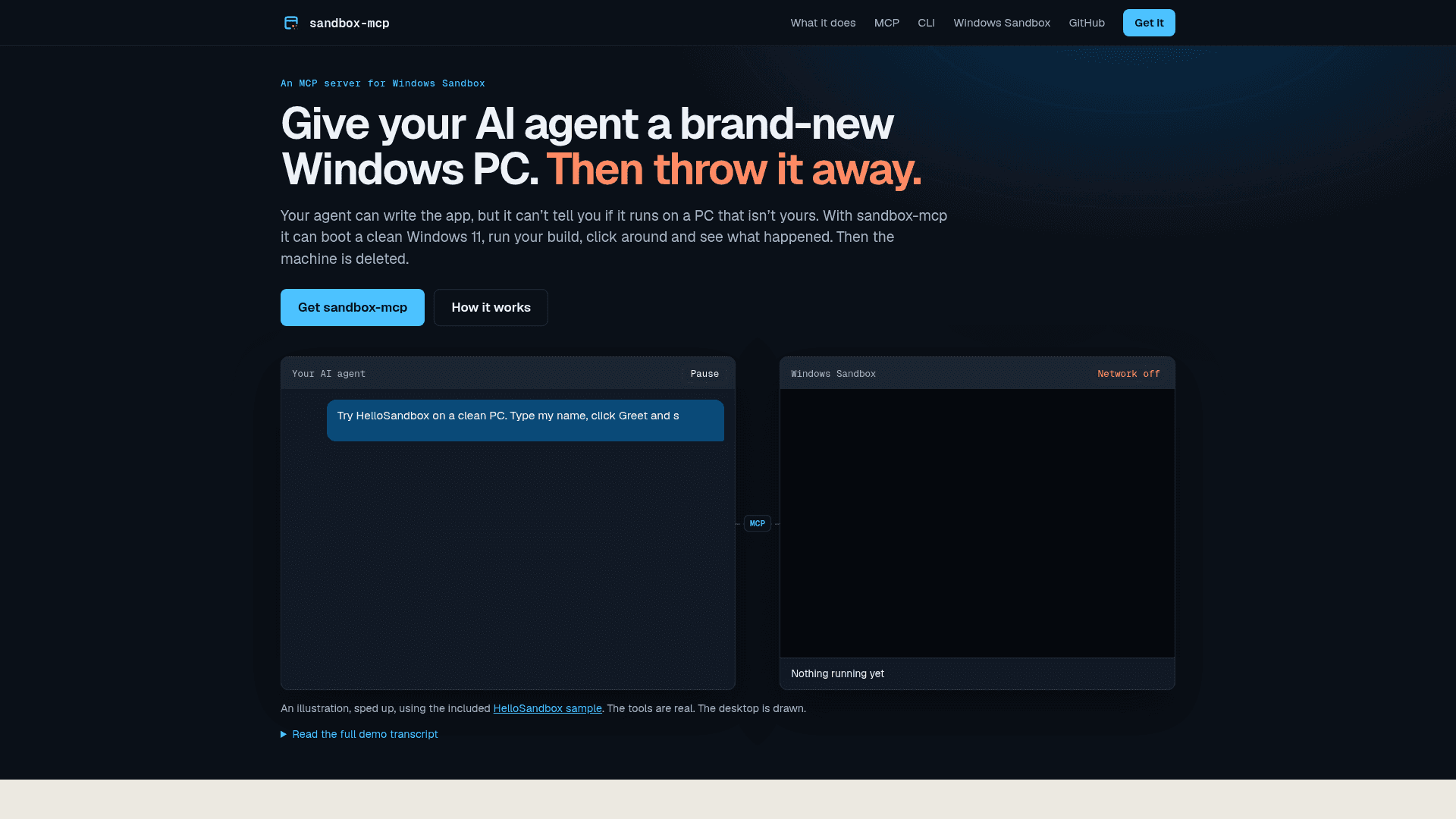
sandbox-mcp is an open-source MCP server and CLI (sbx) created by Scott Hanselman. It automates Windows Sandbox so an AI agent or a person can boot a clean Windows 11 machine, deploy an app, drive its UI, collect evidence and then delete the machine. The latest listed release is v1.2.0, a portable Windows x64 ZIP that bundles Node.js.
What It Is
sandbox-mcp wraps the Windows Sandbox feature (Windows 11 24H2 or later, Pro, Enterprise or Education) in an engine that adds app deployment, UI Automation, screenshots, recordings and reports. The sbx CLI is the complete standalone interface. The MCP adapter is optional and exposes the same engine as discoverable tools with inline screenshots, for clients such as GitHub Copilot, Claude, Cursor and VS Code.
Core Workflows
- Clean-machine app tests:
sbx runcopies in an app, launches it, can run a PowerShell test script that uses UI Automation, and reports failures such as a missing VC++ redistributable. It also accepts MSIX and Appx packages. - Installer testing:
sbx install-testsnapshots a fresh guest, installs, uninstalls, and lists files, registry keys, services, scheduled tasks and autoruns left behind. - Untrusted files:
sbx detonateruns a file with no network or a blocking firewall and reports processes, name lookups, connection attempts and persistence. The docs describe findings as heuristics, not a verdict. - Warm inner loop:
sbx startandsbx deploypush only changed files into a running sandbox, with SHA256 verification.
Evidence and Control
Each run keeps screenshots, reports, copied-out files and an audit log on the host after the guest is destroyed. Recording produces an HTML viewer and an MP4 when host ffmpeg is available. Network modes are on, firewall, or off, where off means no network adapter and control goes through an encrypted shared-folder mailbox. Dependency diagnosis (sbx deps) is a static host scan. Runtime provisioning is opt-in only and reports mark such runs as not clean-machine tests.
Limits to Know
Only one sandbox can run at a time, a logged-in Windows x64 host is required, and hosted CI runners cannot boot one. Not every Windows app or hardware-dependent workload will run. The project advises a dedicated machine for real malware analysis, since the isolation is strong but not a guarantee.
Community Discussions
Be the first to start a conversation about sandbox-mcp
Share your experience with sandbox-mcp, ask questions, or help others learn from your insights.
Pricing
Open Source (MIT)
MIT-licensed sandbox-mcp CLI and MCP server for automating Windows Sandbox; requires Windows 11 24H2+ Pro/Enterprise/Education.
- MIT licensed
- sbx CLI plus optional MCP adapter (27 tools)
- Portable ZIP bundles Node.js
- Requires Windows 11 24H2 or later Pro/Enterprise/Education with Windows Sandbox enabled
- One sandbox at a time
Capabilities
Key Features
- Disposable Windows 11 guest via Windows Sandbox
- 27 MCP tools with inline screenshots
- Standalone sbx CLI sharing the same engine
- UI Automation tree inspection and control actions
- Clean-machine app run with dependency diagnosis
- Opt-in verified runtime provisioning
- Installer/uninstaller leftover diffs
- File detonation with process, DNS and network observation
- Network modes: on, firewall, off
- Incremental verified deploy into a warm sandbox
- Screenshots and bounded recordings (HTML and optional MP4)
- MSIX/Appx package testing
- Audit log and run reports kept on host
- Agent plugin with five skills