Screencap
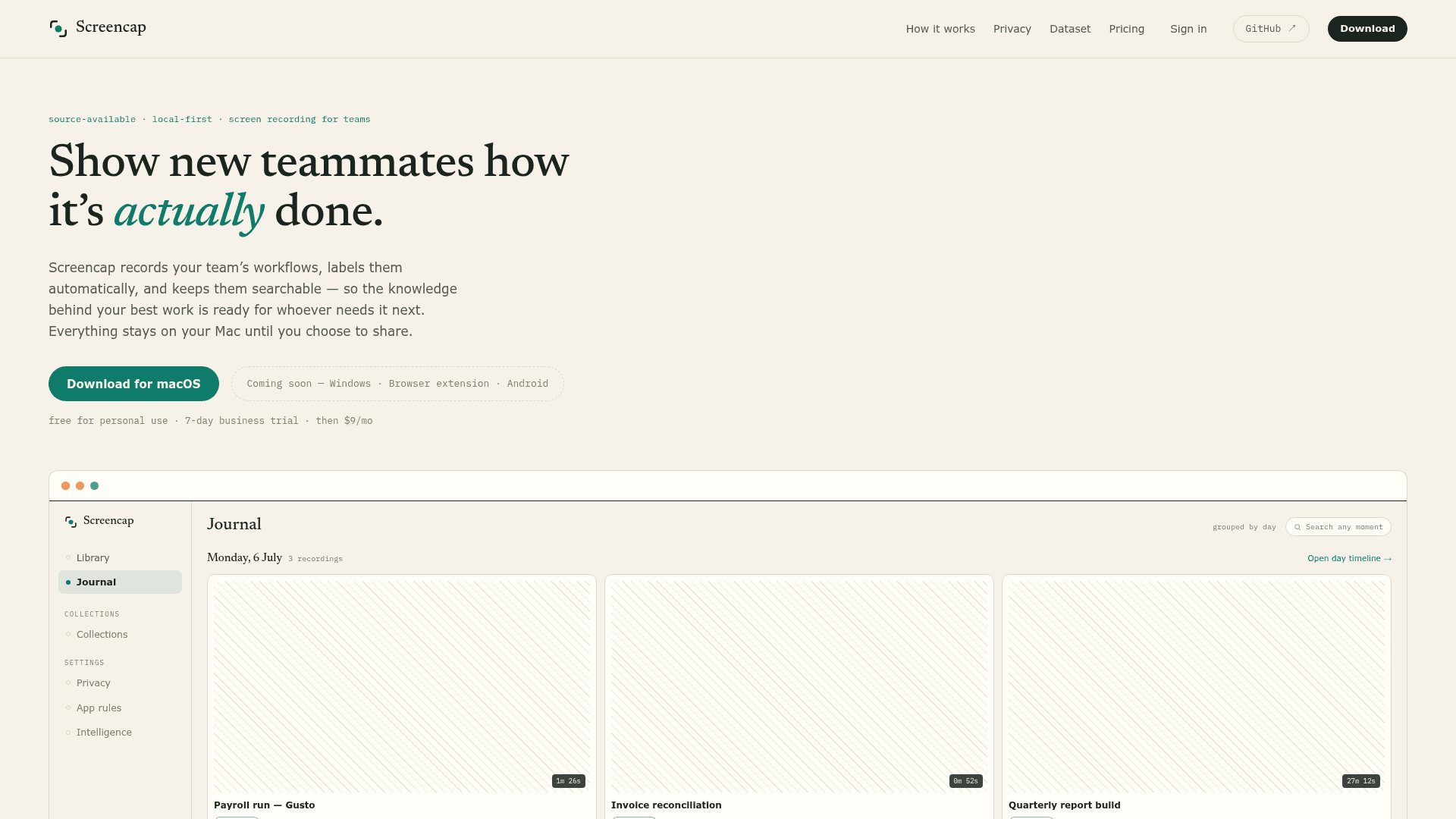
A local-first, source-available screen recorder for macOS that records, labels, and makes your team's workflows searchable while keeping everything on your machine.
At a Glance
Free for personal, research, hobby, and nonprofit use. Build from source or use the official app for permitted purposes.
7-day commercial evaluation trial for any organization size.
Engagement
Available On
Alternatives
Listed Aug 2026
About Screencap
Screencap is a privacy-first screen recording tool for macOS built by Ivy Research LLC. It records your screen, input, and audio, then uses an on-device model to automatically segment and label workflows — turning raw footage into a searchable knowledge base. The source code is publicly available on GitHub under the PolyForm Noncommercial License, and the project is currently at v0.30.0 as of July 2026.
What It Is
Screencap sits in the category of workflow capture and team knowledge tools. Its core job is to record how work actually gets done — payroll runs, CRM data entry, ticket triage — and make those recordings findable by search months later. Unlike traditional screen recorders, Screencap enforces privacy at capture time rather than redacting after the fact, and it ships both a native macOS app and a CLI with a background daemon.
How the Privacy Model Works
The privacy architecture is the defining technical feature. Screencap uses a two-layer system:
- Capture-time blocking (fail-closed): A real-time filter watches the foreground window and blocks capture for sensitive apps before anything is written. Password managers are excluded by default in every mode; banking, login, and checkout pages are excluded from cloud-bound recordings and masked in personal ones.
- Scrub-time redaction: After recording, PII and secrets detection (using Presidio with a GLiNER NER backend, plus
detect-secretsand regex patterns) cleans text and masks screenshots before anything is reviewed for upload. - Local-first storage: Recordings live at
~/.screencapon the recording Mac. Nothing uploads without explicit user action. The rawrecording.dbevent database never leaves the machine, ever.
The full threat model and per-app classification matrix are published in the repository's SECURITY.md.
MCP Integration and Agent Memory
While recording, Screencap queries connected MCP servers for context about what's on screen — the payroll record, the CRM entry, the ticket — and stores that snapshot inside the recording on the local machine. This means recordings carry structured context, not just video. The screencap mcp command runs a stdio MCP server, allowing Claude Desktop, Codex, or any MCP-compatible client to search recordings, ask grounded questions about work history, and retrieve the exact frame where something happened. The daemon also exposes a local UNIX socket API with read-only query verbs (content.search, transcript.search, timeline.query, frame.nearest) for scripting and tooling.
Structured Export and the Open Dataset
Every recording is structured interaction data stored in SQLite — every click, keystroke, scroll, and window event. The screencap export command produces clean JSONL interaction traces suitable for workflow analysis, automation, and training computer-use agents. Screencap also maintains a public dataset of donated recordings: contributors review their recordings frame-by-frame, scrub names, faces, and sensitive data, and opt in per-recording. The project states that donation is off by default and always per-recording, never automatic.
Update: v0.30.0
The latest release is v0.30.0, published July 21, 2026. The homepage footer shows v0.20.0 as the current display version, while the GitHub repository's latest release tag is v0.30.0 — indicating active, frequent releases. The project's stated near-term direction includes making recording reliable enough to leave on all day, moving end-to-end encryption from beta to default, deepening the MCP and daemon surfaces for agent memory, and keeping the focus on macOS until the experience is excellent there. The CLI installer supports pinning specific versions, and releases are described as notarized and reproducible.
Community Discussions
Be the first to start a conversation about Screencap
Share your experience with Screencap, ask questions, or help others learn from your insights.
Pricing
Personal
Free for personal, research, hobby, and nonprofit use. Build from source or use the official app for permitted purposes.
- Unlimited recording and search
- Everything stays on your disk
- Share by exporting encrypted files
- Free for personal, research, and nonprofit use
Business Trial
7-day commercial evaluation trial for any organization size.
- Full commercial use for evaluation, development, and testing
- All features of the paid plan
This Mac only
Single Mac license with local-only storage.
- Unlimited recording and search
- Everything stays on your disk
- Share by exporting encrypted files
Personal cloud
Encrypted cloud backup across your Macs with link sharing.
- Encrypted backup across your Macs
- Share single recordings by link
- Upgrade to a team anytime
Team cloud
Shared team library with E2E encryption and onboarding collections. Contact for pricing.
- Shared team library, E2E encrypted
- Ordered onboarding collections
- Keys stay with your team
Capabilities
Key Features
- Capture-time privacy enforcement with fail-closed blocking
- On-device model segments footage into labeled tasks automatically
- Full-text search across all recordings including spoken words and on-screen text
- MCP server integration for AI agent access to recording history
- Structured JSONL export of interaction events for automation and ML
- End-to-end encrypted cloud backup (beta)
- Team shared library with ordered onboarding collections
- PII and secrets scrubbing before any upload
- CLI with background daemon for scripting and headless setups
- Opt-in public dataset contribution with per-recording consent
- AES-256 encrypted local vault container with optional Touch ID lock
- Whisper transcription (local or API)
- Network capture CA support
- Reproducible, notarized macOS builds