Screenpipe
Open source AI-powered screen and audio recording tool that captures your digital activity 24/7 and lets you search and query it with AI.
At a Glance
About Screenpipe
Screenpipe is an open source alternative to Rewind.ai that continuously records your screen and audio, storing everything locally on your device. It captures screenshots, performs OCR text extraction, and transcribes audio to create a searchable archive of your digital life. You can scroll through your screen history, ask AI questions about what you've seen or heard, and get instant answers with video playback and source references.
-
24/7 Screen & Audio Capture records everything you see and hear on your computer, with ultra-optimized compression using approximately 63MB per hour of data including screenshots, audio transcription, and extracted text.
-
Local AI Processing keeps all your data on your device with optional telemetry, ensuring privacy while enabling powerful AI-powered search and summarization capabilities using local LLMs like Ollama or cloud providers.
-
PII Auto-Removal automatically redacts sensitive information like credit card numbers, phone numbers, emails, and passwords before sending data to AI, protecting your privacy when using cloud AI services.
-
Natural Language Queries let you ask questions like "what did John say about the Q3 deadline?" and get contextual answers from your recorded history with timestamps and source references.
-
Meeting Recall & Summaries automatically transcribes conversations and meetings, allowing you to generate summaries and recall specific details from past discussions.
-
Cross-Platform Support works on macOS, Windows, and Linux with a desktop application that runs in the background with minimal resource usage.
-
Developer-Friendly Architecture built in Rust for performance, with APIs and integrations for tools like Obsidian, Notion, and various AI providers including OpenAI and local models.
-
App Exclusions & Controls let you exclude specific applications from recording and delete data anytime, giving you full control over what gets captured.
To get started, download the desktop application from the website and grant screen recording and microphone permissions. The app runs in the background, continuously capturing your activity. Use the timeline interface to scrub through your day or ask the AI assistant questions about anything you've seen or heard.
Community Discussions
Be the first to start a conversation about Screenpipe
Share your experience with Screenpipe, ask questions, or help others learn from your insights.
Pricing
Open Source
Free open source version with full functionality
- 24/7 screen and audio recording
- Local AI processing
- OCR text extraction
- Audio transcription
- PII auto-removal
Capabilities
Key Features
- 24/7 screen recording and capture
- Audio recording and transcription
- OCR text extraction from screenshots
- Local AI-powered search and queries
- PII auto-removal before AI processing
- Meeting summaries and recall
- Timeline scrubbing interface
- App exclusion controls
- Offline functionality
- Cross-platform desktop support
- Integration with local LLMs (Ollama)
- Video playback with source references
- Searchable transcript archive
- Data deletion controls
Integrations
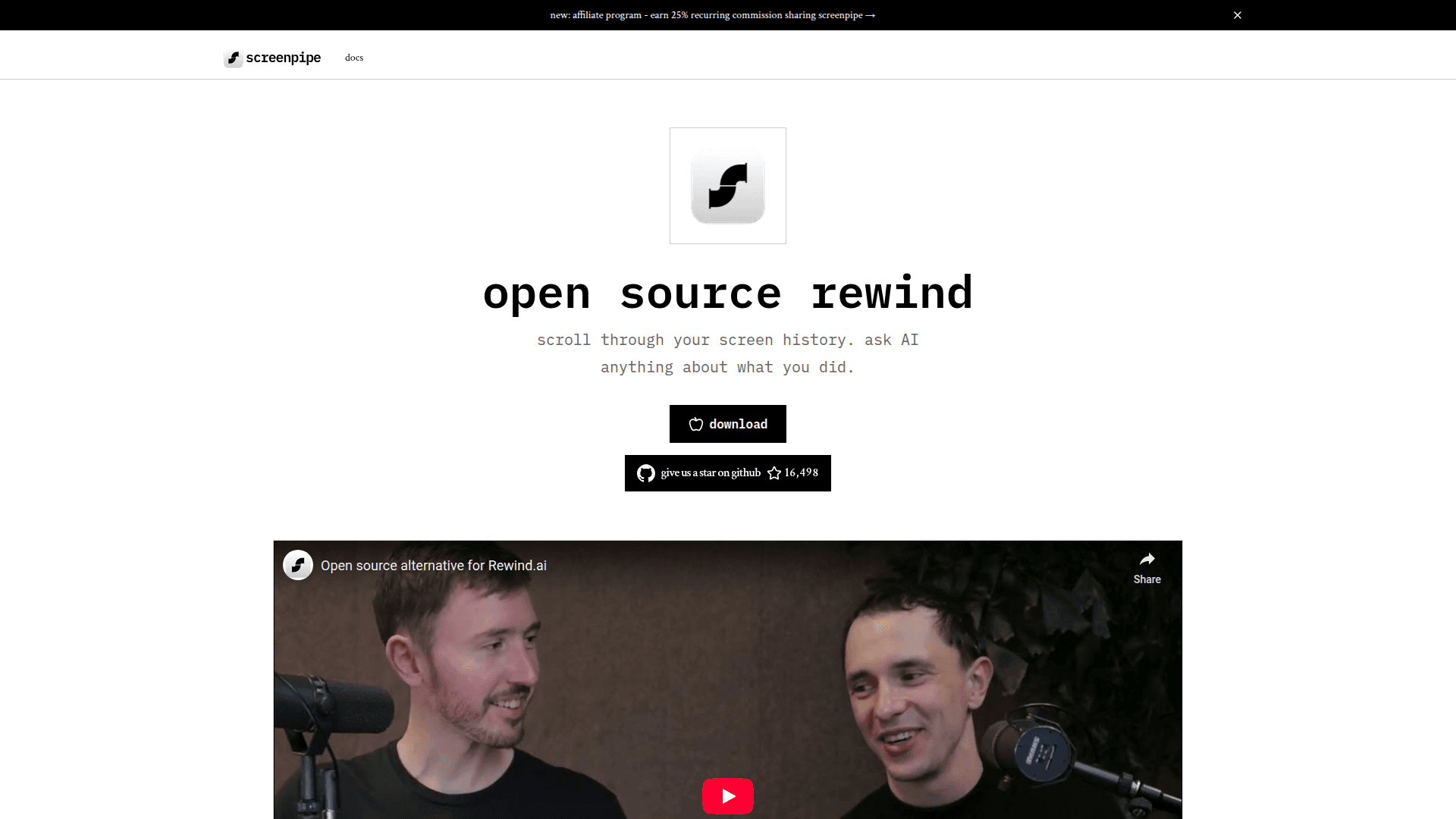
Demo Video