EveryDev.ai
Subscribe
Home
Tools

5,901+ AI tools

  • Featured
  • Gems
  • Trending
  • New
  • Rate tools
  • Compare
  • Arena
Categories
  • Agents2972
  • Coding2248
  • Infrastructure1067
  • Projects818
  • MCP794
  • Research744
  • Analytics565
  • Marketing527
  • Design488
  • Testing476
  • Data442
  • Security412
  • Integration288
  • Communication284
  • Prompts283
  • Extensions238
  • Voice213
  • DevOps190
  • Commerce183
  • Web128
  • Learning123
  • Finance44
AI Tools by Topic
  • AI Coding Assistants
  • Agent Frameworks
  • MCP Servers
  • AI Prompt Tools
  • Vibe Coding Tools
  • AI Design Tools
  • AI Database Tools
  • AI Website Builders
  • AI Testing Tools
  • LLM Evaluations
Follow Us
  • X / Twitter
  • LinkedIn
  • Reddit
  • Discord
  • Threads
  • Bluesky
  • Mastodon
  • YouTube
  • GitHub
  • Instagram
Get Started
  • Users
  • Rate Tools
  • About
  • Editorial Standards
  • Corrections & Disclosures
  • Community Guidelines
  • Advertise
  • Contact Us
  • Newsletter
  • Submit a Tool
  • Start a Discussion
  • Write A Blog
  • Share A Build
  • Terms of Service
  • Privacy Policy
Explore with AI
  • ChatGPT
  • Gemini
  • Claude
  • Grok
  • Perplexity
Agent Experience
  • llms.txt
Theme
With AI, Everyone is a Dev. EveryDev.ai ©
    1. Home
    2. Tools
    3. Screenery
    Screenery icon

    Screenery

    CI/CD Tools

    Publishes screenshots your tests already capture to stable @latest URLs so docs, READMEs and marketing pages update on merge, with optional visual regression checks.

    Visit Website

    At a Glance

    Pricing
    Free

    Publish screenshots from CI to stable URLs. Full plan limits are unpublished.

    Engagement

    Available On

    Web
    API
    VS Code
    CLI

    Resources

    WebsiteDocsGitHubllms.txt

    Topics

    CI/CD ToolsVisual TestingDocumentation

    Alternatives

    SmartUI by TestMu AIScreenmapPercy
    Developer
    ScreeneryColchester, CTEst. 2026

    Listed Nov 2026

    About Screenery

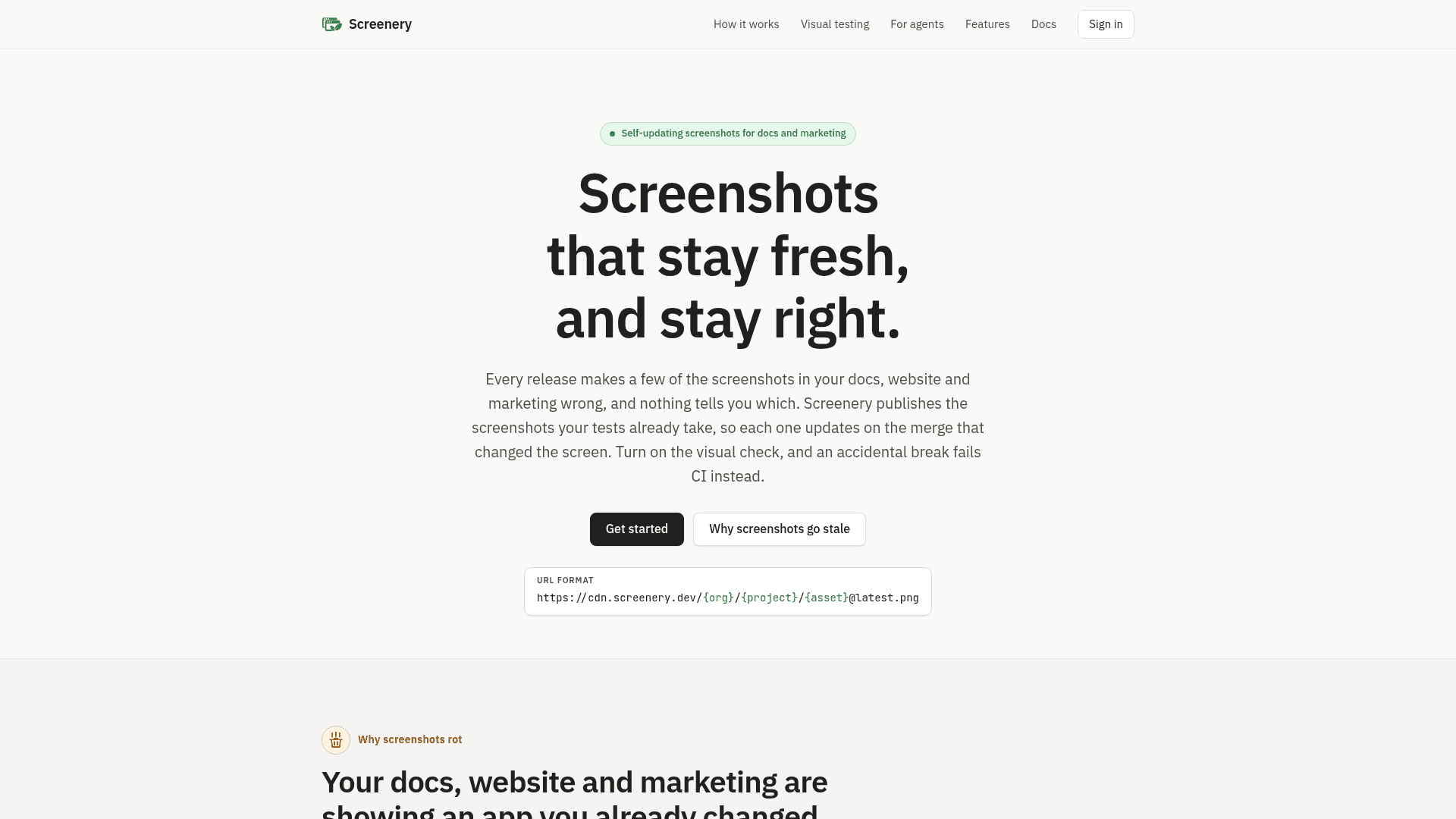
    Screenery is a screenshot registry for product docs and marketing. CI pushes the screenshots that tests already take, and each one gets a stable URL ending in @latest.png whose image follows the default branch. The merge that changes a screen therefore updates the picture everywhere it is embedded, such as READMEs, docs sites and landing pages.

    What It Is

    Screenery works as a package registry for product screenshots. A CI step, the screenery/push@v1 GitHub Action or the screenery CLI, uploads PNGs (and GIF/MP4 clips) from a test output folder. Each asset is served from a CDN at a URL of the form cdn.screenery.dev/{org}/{project}/{asset}@latest.png. You paste the Markdown embed once, and the next push on the default branch changes the image behind it. Pull requests get their own @pr-N channel and do not move @latest.

    Visual testing and review

    Because a self-updating screenshot could publish a spinner or an error toast, Screenery offers an optional visual check. With a committed baseline set through diff-baseline, the Action compares every screenshot pixel by pixel before publishing, and a change past the threshold fails the job so nothing is pushed. Reviewers, or agents over MCP, can approve or reject each changed screenshot, and the result is reported to GitHub as a check named screenery that can be made required. Pull requests also receive a comment showing what changed against @latest.

    Setup and credentials

    On GitHub Actions the Action exchanges a GitHub OIDC token for a publish credential that lives five minutes, so no secret is stored. Other CI systems use a static publish token. Projects bind to a repository's numeric id, so renames do not break publishing and fork pull requests cannot publish. Assets can be public, unlisted (signed URL) or private (read token).

    Agents and framework support

    Screenery ships an MCP server that can create a project, push a first screenshot and wire the workflow from a single instruction in hosts such as Claude Code, Codex, Cursor and VS Code. Docs cover Playwright toHaveScreenshot goldens, Argos upload folders, Cypress, Vitest browser mode, Storybook, and Docusaurus and Starlight plugins. Further features include demo clips, LLM UI evals, live-page monitoring and Slack, Discord or Teams notifications.
    Screenery - 1

    Community Discussions

    Be the first to start a conversation about Screenery

    Share your experience with Screenery, ask questions, or help others learn from your insights.

    Pricing

    FREE

    Free

    Publish screenshots from CI to stable URLs. Full plan limits are unpublished.

    • Screenshot URLs that follow your default branch
    • Separate screenshot channels for pull requests
    • Optional visual regression checks before publishing

    Capabilities

    Key Features

    • Stable @latest screenshot URLs that follow the default branch
    • GitHub Action (screenery/push@v1) and CLI for publishing from CI
    • GitHub OIDC publishing with no stored secret
    • Pixel-diff visual regression gate against a committed baseline
    • Approve or reject changed screenshots, with a required screenery GitHub check
    • Pull request comments with changed-screenshot previews
    • @pr-N channels that do not move @latest
    • Public, unlisted and private asset visibility
    • MCP server for agent-driven setup and review
    • Demo clips as GIF and MP4, LLM UI evals and live page monitoring
    • Chat notifications for Slack, Discord and Microsoft Teams
    • Docusaurus and Starlight docs plugins

    Integrations

    GitHub Actions
    Playwright
    Argos
    Cypress
    Vitest
    Storybook
    Docusaurus
    Starlight
    Slack
    Discord
    Microsoft Teams
    Claude Code
    Codex
    Cursor
    VS Code
    MCP
    API Available
    View Docs

    Ratings & Reviews

    No ratings yet

    Be the first to rate Screenery and help others make informed decisions.

    Rate other tools you’ve used

    Developer

    Screenery Team

    Founded 2026
    Colchester, CT

    Used by

    Pheidi, a running-plan product: its…
    Merge & Tell: Screenery reshoots its…
    Auspex Fatalis: Screenery posts a…
    John Farrell's johnf.build site: its…
    Read more about Screenery Team
    WebsiteGitHub
    1 tool in directory

    Similar Tools

    SmartUI by TestMu AI icon

    SmartUI by TestMu AI

    Visual testing tool that compares screenshots of web pages, mobile apps, Figma designs and PDFs against approved baselines, using Visual AI to filter rendering noise.

    Screenmap icon

    Screenmap

    Screenmap automatically screenshots every screen in an Expo/React Native app during CI and posts changed screens as a pull request comment, without requiring any tests.

    Percy icon

    Percy

    Percy is a visual testing and review platform that automatically detects, highlights, and helps teams review UI changes across browsers and devices with every code change.

    Browse all tools

    Related Topics

    CI/CD Tools

    AI-powered continuous integration and continuous deployment platforms that automate testing, building, and releasing software with intelligent insights and optimization.

    65 tools

    Visual Testing

    AI-driven tools for automated visual interface testing that detect UI/UX inconsistencies, layout issues, and visual regressions across different browsers and devices.

    23 tools

    Documentation

    AI-driven tools that automatically generate, maintain, and organize technical documentation, user guides, and project artifacts with context-aware content and intelligent updating.

    130 tools
    Browse all topics
    Back to all toolsSuggest an edit
    ratings
    discussions