
Segue
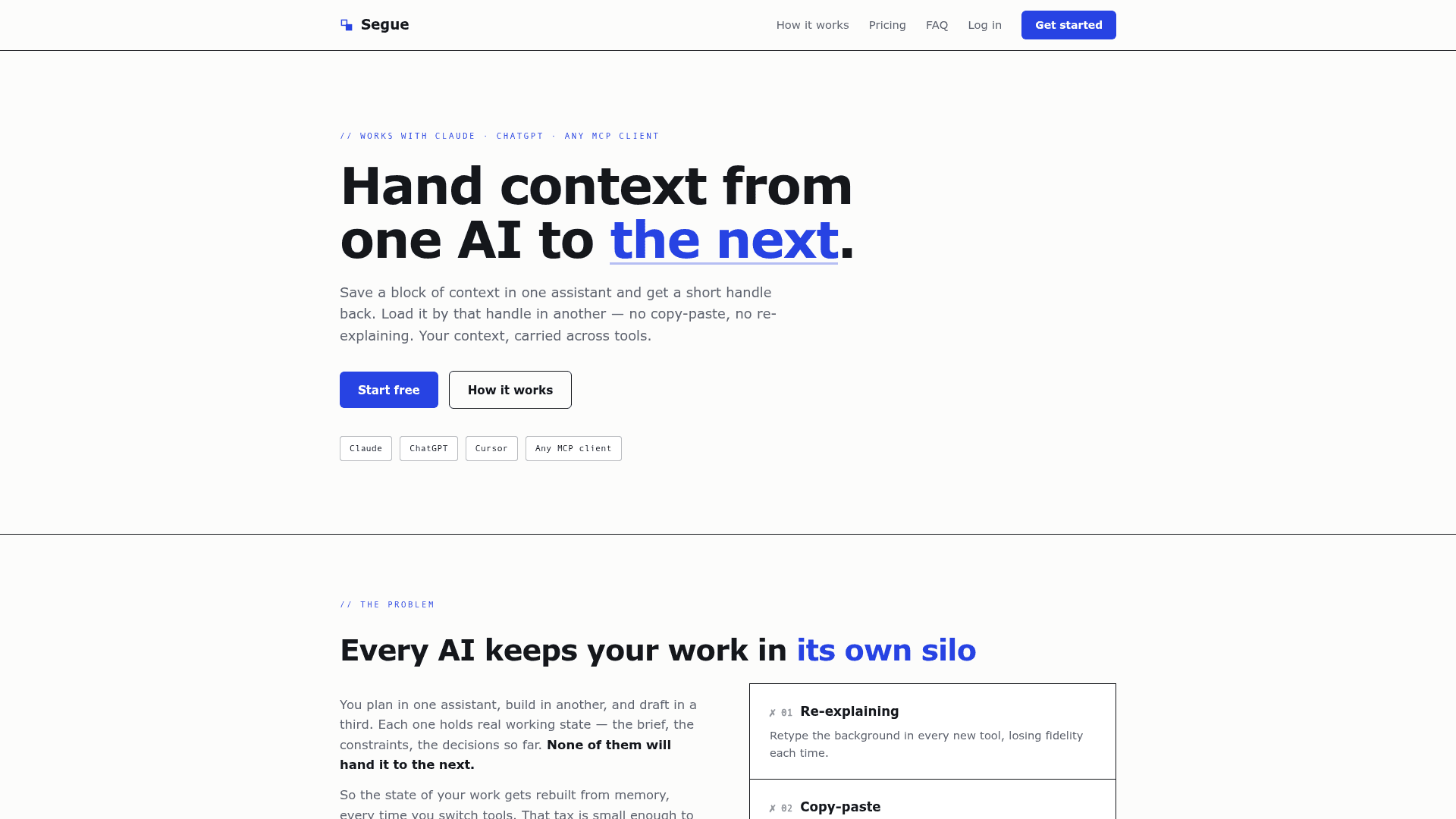
Segue lets you save context from one AI assistant and load it in another using a short, memorable handle — no copy-paste or re-explaining required.
At a Glance
Full save/load/search loop with limited contexts and connected AIs.
Engagement
Available On
Alternatives
Listed Jul 2026
About Segue
Segue is a neutral context-relay service built on the Model Context Protocol (MCP) that lets AI assistants hand off working state to one another. Instead of rebuilding context every time you switch tools, you save a brief or plan in one assistant, receive a short three-syllable handle (like brelavo), and load it in any other MCP-connected assistant. The service launched with support for Claude, ChatGPT, Cursor, Windsurf, Codex, and any other MCP-compliant client.
What It Is
Segue is an MCP server that acts as a shared context store across AI assistants. It solves the "silo problem" — the fact that each AI tool holds your working state independently and cannot brief a competing tool. Segue sits between your assistants as a neutral relay: it belongs to no vendor, stores context as plain Markdown, and requires explicit human action at every transfer step. MCP itself is described on the site as an open standard stewarded by the Linux Foundation.
How the Three-Step Workflow Works
The core loop is deliberately simple:
- Save: An AI calls
save_contextwith your brief, notes, or plan and receives a short handle. - Pass: You carry that handle — say it aloud, type it on a phone, write it on a sticky note — to the next assistant.
- Load: The next AI calls
load_contextwith the handle and picks up exactly where you left off.
Handles are three pronounceable syllables, case-insensitive, and unique within your account. They are meaningless outside your account by construction, so a leaked or guessed handle cannot be resolved by anyone else.
Design Principles
Segue is built around six stated commitments:
- Explicit transfers — nothing syncs behind your back; every save and load is a deliberate action.
- Human-scale handles — a word you can say or type from memory, even when the context behind it runs to 100,000 characters.
- Vendor neutrality — any MCP-compliant client connects the same way.
- Privacy — handles resolve only inside your account.
- Portability — every context is stored as plain Markdown, browsable, editable, searchable, and downloadable as a
.mdfile. - Revocability — each connected AI gets scoped permissions and short-lived tokens, listed in Settings with one-click revoke; stored credentials are hashed.
Where It Fits in a Multi-Tool Workflow
The site identifies three primary use cases:
- Cross-tool handoffs — plan in Claude, implement in Cursor, draft in ChatGPT, carrying the brief between them.
- Session continuity — save a curated brief before hitting a context limit or closing for the night, rather than dragging a sprawling transcript forward.
- Standing briefs — keep project background, house style, and preferences saved to bootstrap any newly connected assistant on demand.
Setup Path
Setup is described as pasting one prompt: the AI configures itself and walks the user through OAuth sign-in. Each AI gets scoped permissions and short-lived tokens. The MCP transport used is streamable HTTP with OAuth.
Community Discussions
Be the first to start a conversation about Segue
Share your experience with Segue, ask questions, or help others learn from your insights.
Pricing
Free
Full save/load/search loop with limited contexts and connected AIs.
- 20 saved contexts
- 2 connected AIs
- Save, load, and search — the full loop
- Projects, web editor, Markdown export
Pro
Expanded headroom with 2,000 saved contexts and unlimited connected AIs.
- 2,000 saved contexts
- Unlimited connected AIs
- Everything in Free
- First access to new features
Capabilities
Key Features
- Save context from any MCP-capable AI assistant
- Load context in any other MCP-capable AI assistant
- Short three-syllable human-readable handles
- Plain Markdown storage — browsable, editable, downloadable
- Projects and web editor
- Markdown export
- Search across saved contexts
- Scoped per-AI permissions with short-lived OAuth tokens
- One-click revoke for connected AIs
- Handles resolve only within your account
- Works with Claude, ChatGPT, Cursor, Windsurf, Codex, and any MCP client