
Multitui
Sandbox any TUI on macOS by creating customizable individual terminal apps with fine-grained filesystem protection.
At a Glance
About Multitui
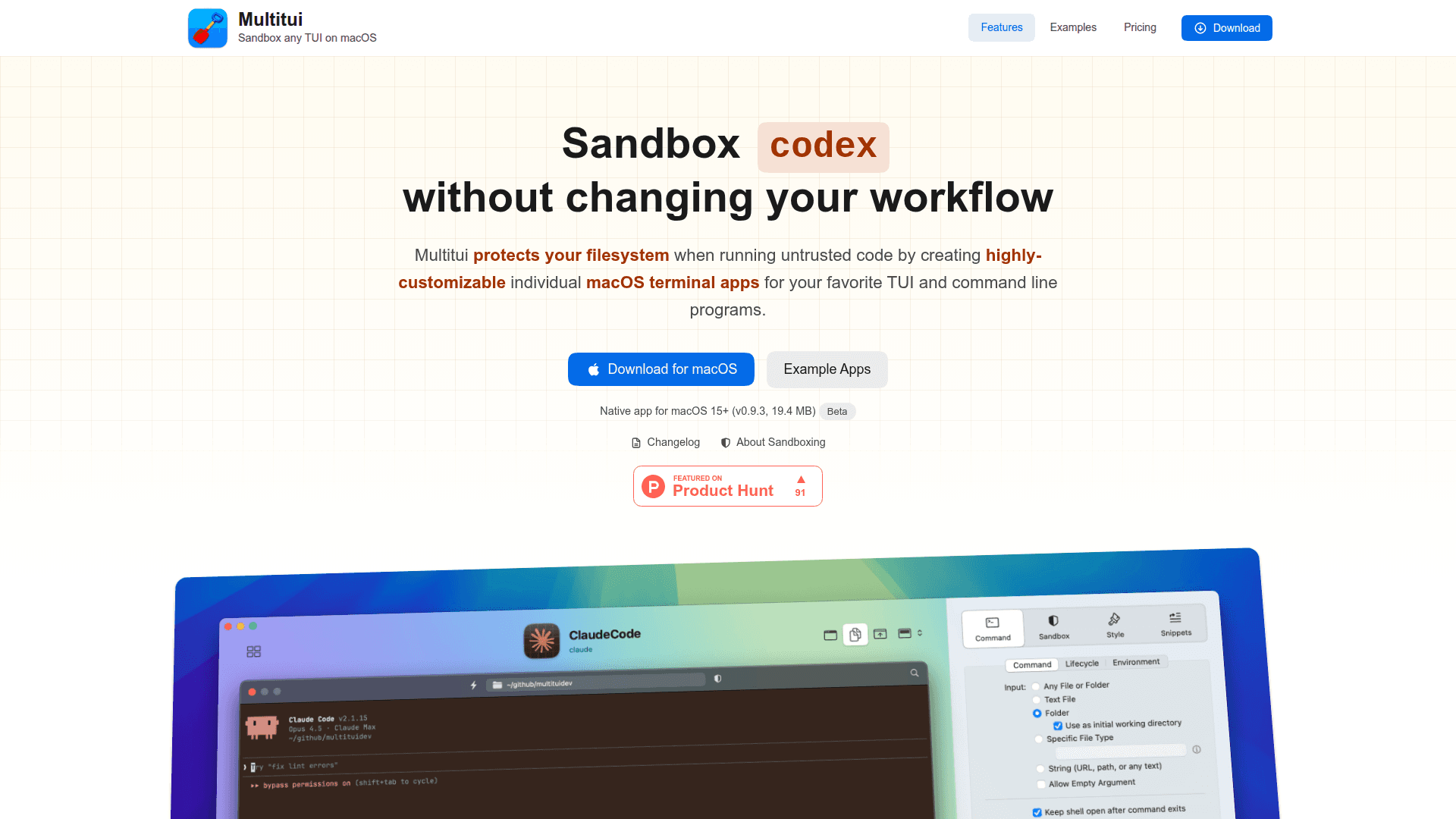
Multitui protects your filesystem when running untrusted code by creating highly-customizable individual macOS terminal apps for your favorite TUI and command line programs. It uses macOS's built-in sandbox-exec to give you fine-grained control over what code can access, letting AI agents and other tools run with protection while keeping your development environment intact.
The tool transforms terminal applications into first-class macOS citizens with their own dock icons, Spotlight integration, and proper window management. Whether you're running Claude Code, Codex, Gemini, or any other TUI application, Multitui creates dedicated app bundles that work seamlessly with your existing workflow.
-
Sandbox Protection uses macOS sandbox-exec for fine-grained filesystem protection with default deny for writes and deletes, targeted allow rules for specific paths, and a live deny log showing exactly what was blocked with one-click allow rule creation.
-
First-class macOS Apps transforms each TUI into a dedicated .app bundle with its own dock icon, Spotlight integration, and proper window management that works seamlessly with Rectangle, Magnet, and other window managers.
-
Finder Integration enables launching apps directly from Finder with toolbar buttons and context menus, registering as file handlers for specific document types, and opening folders/files via toolbar button, right-click, drag to dock, URL scheme, AppleScript, or command line.
-
Isolated Shell History and Snippets maintains separate command history for each app, completely isolated from your main shell, with the ability to save frequently used commands as app-specific snippets.
-
SSH Integration allows running remote TUIs through SSH connections directly within your sandboxed apps.
-
Per-App Themes and Custom Icons provides highly customizable colors and unique icons per-app for better contextual awareness, such as creating a production environment app with a red background.
-
Touch ID Lock adds biometric authentication for sensitive applications.
-
Global Keyboard Shortcuts enables launching any created app from anywhere on your system.
To get started, download Multitui for macOS 15+, then use the app factory interface to configure and preview your custom terminal apps. Select your TUI program, customize sandbox rules, set up appearance and shortcuts, and generate your dedicated app bundle.
Community Discussions
Be the first to start a conversation about Multitui
Share your experience with Multitui, ask questions, or help others learn from your insights.
Pricing
Personal
Personal use only
- Sandbox with deny log monitoring
- SSH integration
- Isolated shell history
- Finder toolbar integration
- Global keyboard shortcuts
Pro
For professional and commercial use - Free in Beta
- Business and commercial use
- Priority support
Capabilities
Key Features
- Sandbox protection with macOS sandbox-exec
- Fine-grained filesystem access control
- Default deny for writes and deletes
- Targeted allow rules for specific paths
- Live deny log monitoring
- First-class macOS app bundles
- Dock icon and Spotlight integration
- Finder toolbar integration
- Context menu integration
- URL scheme support
- AppleScript support
- Isolated shell history per app
- Command snippets
- SSH integration
- Per-app themes
- Custom app icons
- Touch ID lock
- Global keyboard shortcuts
- Native document-based design
- Recent documents menu
- Native tabs support
- Customizable toolbar
- App styles (Window, HUD, Menu Bar, Document)
- Works with Little Snitch
- Works with window managers (Rectangle, Magnet)