
Sightline
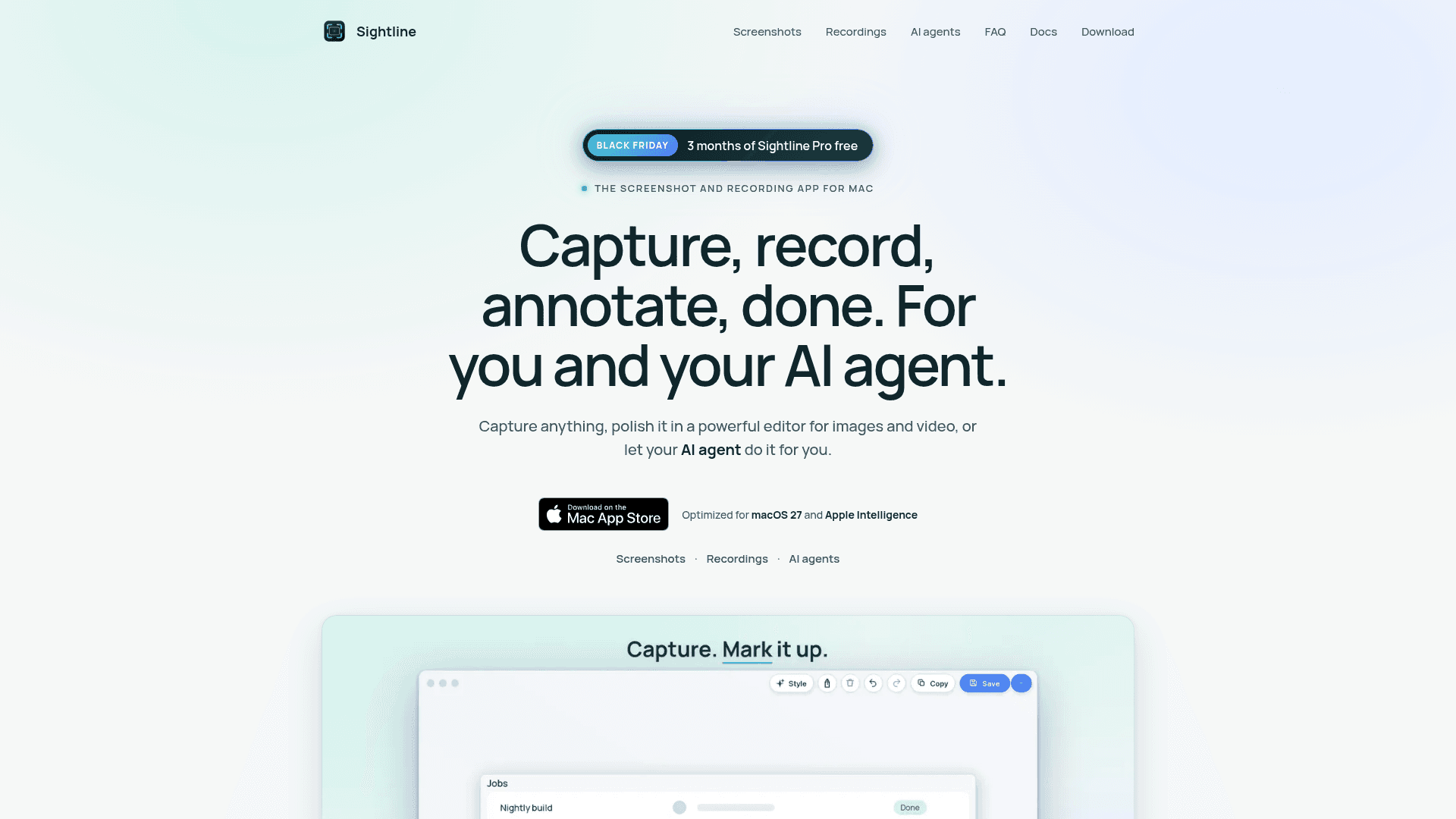
A Mac screenshot and screen recording app with an editor and a built-in MCP server and CLI so AI agents can capture, annotate and record the screen.
At a Glance
Free tier of Sightline; the history of the last 24 hours is free. Full feature set requires Sightline Pro.
Engagement
Available On
Alternatives
Listed Nov 2026
About Sightline
Sightline is a screenshot and screen recording app for macOS with a built-in MCP server and command line tool, so AI agents such as Claude Code and Codex can capture, mark up and record the screen. It also has an annotation editor and a video editor for screencasts. It is distributed through the Mac App Store.
What It Is
Sightline replaces the macOS screenshot tool, keeping the same shortcuts and corner thumbnail, and adds an editor, scrolling capture, text and QR capture, Remove Background, pinned captures and a searchable history. Recordings can include system audio, microphone voice and a webcam overlay, and open in a timeline editor. Exports include MP4, MOV and GIF for video and PNG, JPEG or WebP for images.
Working with AI agents
Agent access is off until the user turns it on in Settings > AI Agents. Claude Code, Claude Desktop and Codex CLI connect in one click; other MCP clients run sightline-cli mcp as a stdio server. Agents can capture a window or area, read the text on screen, mark it up, record, and compare a screen with a design image to list differences. Agents work live in an open editor, their marks stay editable, and they only read and write inside the screenshot folder.
Editing and design checks
The screenshot editor offers arrows, shapes, text, highlights, spotlight, blur and step numbers, and Style adds backgrounds, padding and shadows. Show Differences pins a design over a running app and numbers every spot that differs, with Tracing letting clicks pass through. The video editor handles clips, speed, sound, zooms on clicks, following blur, crop, click highlights and keystroke display.
Privacy and requirements
Captures stay on the Mac. Naming, credential detection and text recognition run on device with Apple Intelligence and Vision. The site states there is no account, no analytics and no server of its own. It needs macOS 14 or later; recording needs macOS 15, Apple Intelligence features macOS 26, and Replay and Remove Background macOS 27.
Community Discussions
Be the first to start a conversation about Sightline
Share your experience with Sightline, ask questions, or help others learn from your insights.
Pricing
Free
Free tier of Sightline; the history of the last 24 hours is free. Full feature set requires Sightline Pro.
- Capture and annotate screenshots
- History: last 24 hours free
Sightline Pro
Yearly plan for Sightline Pro; a lifetime one-time purchase is also offered.
- Screenshot editor with arrows, blur, steps and Style
- Window and scrolling capture
- Capture Text
- AI agents that capture and annotate through MCP
- Show Differences
- Remove Background
- Video editor for screencasts
- Full searchable history
- Lifetime: regular $29.99, Black Friday $22.99 one payment (valid until 31 December 2026)
Capabilities
Key Features
- Area, window and full-screen capture with macOS-style shortcuts
- Scrolling capture stitched into one tall image
- Screenshot editor with arrows, shapes, text, blur, spotlight and step numbers
- Style backgrounds, padding and shadows with presets
- Remove Background using on-device Vision
- Show Differences design-vs-app comparison with Tracing
- Screen recording with system audio, microphone and webcam overlay
- Video editor with clips, speed, sound, zoom, crop, click highlights and keystrokes
- Blur that follows content in screenshots and recordings
- Credential detection and blur before sharing
- Capture Text and QR codes to the clipboard
- Searchable capture history by text inside screenshots
- Pin captures over other windows
- Built-in MCP server and sightline-cli
- Shortcuts actions and Spotlight indexing
- Export to PNG, JPEG, WebP, MP4, MOV and GIF