
browse
An MCP server and Chromium extension that lets AI agents drive your real browser tabs, logins and extensions.
At a Glance
About browse
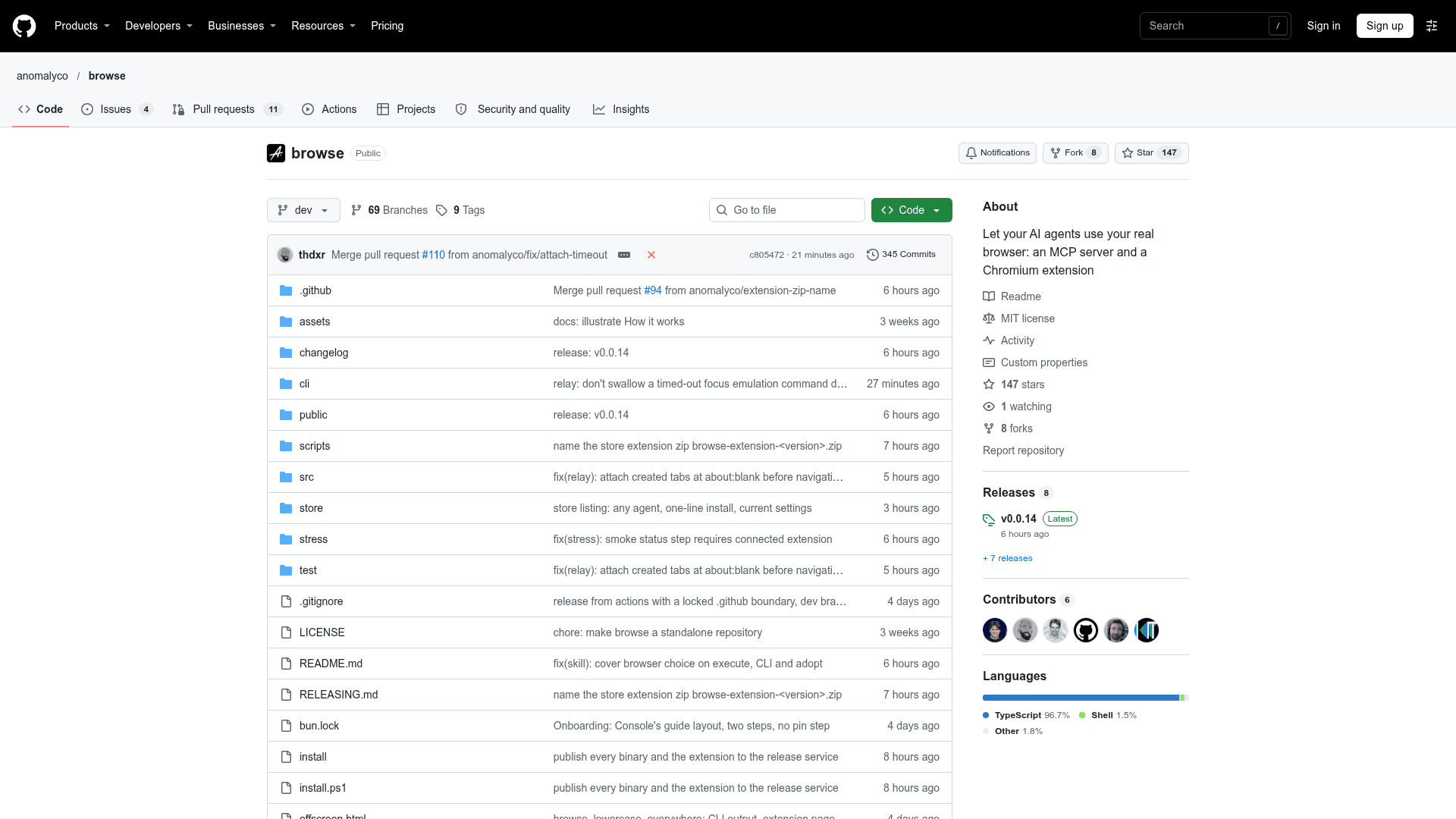
browse is an open-source MCP server and Chromium extension from the anomalyco organization on GitHub, built for opencode and other MCP clients. It lets AI agents open and drive tabs in the browser you already use, with your logins and extensions, using Playwright, and hand tabs back to you when a human step is needed. The latest listed release is v0.0.13.
What It Is
browse gives agents a browse MCP server backed by a local relay and a browser extension. Agents work in background tabs grouped out of the way, take screenshots, capture network traffic to a redacted HAR, and record the screen to MP4 or WebM. When a login, 2FA prompt or payment comes up, the agent hands the tab to the user, who clicks Continue to let it proceed. It works in Chrome, Edge, Brave, Arc, Helium, Vivaldi, Opera and Chromium.
How it works
The agent talks to the MCP server over stdio, the server passes commands to a relay on 127.0.0.1:19988, and the extension runs them in the browser through chrome.debugger. Code in execute runs with Patchright, which hides common automation signals. Input uses human-like mouse paths and paced typing by default. Tools cover named sessions, per-session domain allowlists, a flight recorder that keeps the last minute of video, site secrets that agents type without seeing them, and tab cleanup.
Setup path
An install script, a PowerShell script, or npx @opencode/browse install places the browse command, lets you choose which agents to configure, and pairs the extension with the relay. A long list of MCP clients is supported, including OpenCode, Claude Code, Cursor, Codex, VS Code, Gemini CLI and Zed. The npx route needs Node.js 22.19+. The relay can also run on a different machine from the browser, and installs can update automatically.
Security model
Each browser pairs once with the relay and receives its own key. The relay requires a token and listens on localhost by default. Cookie access is limited to a session's own pages, and bringToFront is refused. Agent code runs in a restricted realm that is documented as not being a security boundary. Bot challenges are reported to the agent, which hands interactive ones to the user; the tool never solves them.
Community Discussions
Be the first to start a conversation about browse
Share your experience with browse, ask questions, or help others learn from your insights.
Pricing
Open Source
MIT-licensed MCP server and Chromium extension (browse), free to use, modify and distribute.
- MCP server and Chromium extension for AI agents
- Works in Chrome, Edge, Brave, Arc, Helium, Vivaldi, Opera and Chromium
- Playwright-driven tabs, screenshots, network capture (HAR) and screen recording
- Handoff of tabs to the user for logins, 2FA and payments
- No sign-in required
Capabilities
Key Features
- MCP server for driving your real browser with Playwright
- Background agent tabs in collapsed groups or a separate window
- Human handoff for logins, 2FA and payments with a Continue button
- Network capture to redacted HAR
- Screen recording to MP4 or WebM
- Flight recorder that saves the last minute of video
- Named sessions that survive restarts
- Per-session domain allowlists
- Site secrets typed without exposing values to agents
- Browser pairing with per-browser keys
- Remote relay for a browser on another computer
- Automatic updates with opt-out
- Bot challenge detection that never solves challenges