
SiteQuest
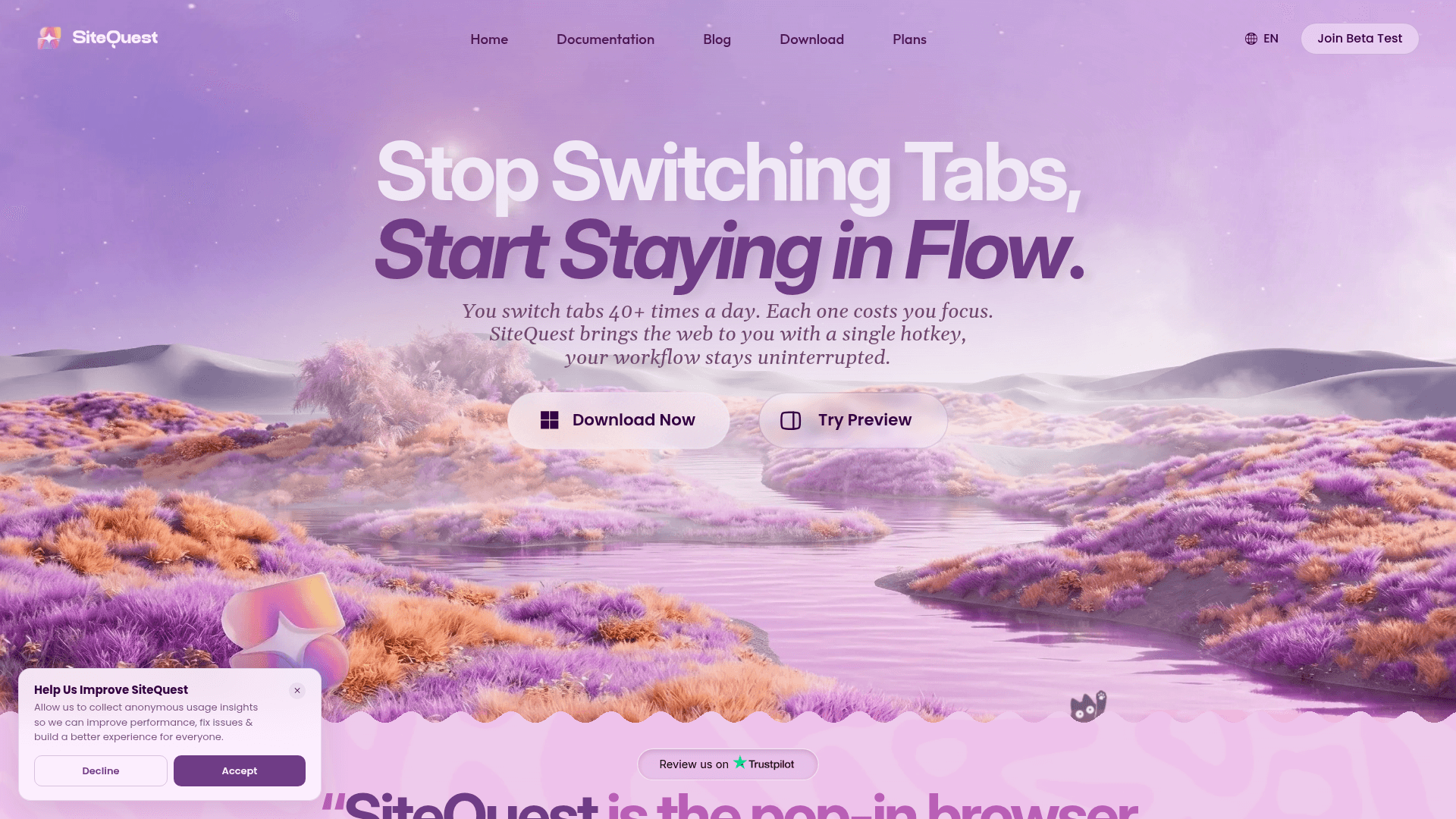
A desktop overlay browser for macOS and Windows that lets you access any website or AI tool instantly with a single hotkey, without switching tabs or leaving your current app.
At a Glance
Core browsing features with local AI, forever free.
14-day free trial of Pro with no credit card required.
Engagement
Available On
Alternatives
Listed Sep 2026
About SiteQuest
SiteQuest is a pop-in overlay browser for macOS and Windows, built by a small independent team based in Navi Mumbai, India. It floats on top of any application — code editors, design tools, terminals, games — and is summoned or dismissed with a single hotkey (Shift+Space by default), eliminating the need to alt-tab away from your workspace. Softpedia described it as "the pop-in browser I didn't know I was missing."
What It Is
SiteQuest is a desktop overlay browser in the "floating browser" category. Unlike a traditional browser that replaces your current window, SiteQuest layers a lightweight browser panel on top of whatever app you are already using. The core job is reducing context switching: instead of leaving VS Code to check documentation, or leaving Figma to query an AI assistant, you press a hotkey and the browser appears in place. Press it again and it vanishes. The overlay can be repositioned, resized by dragging its edge, and pinned to the left or right sidebar.
AI Integration and Local Processing
SiteQuest positions AI access as a first-class feature. The overlay supports ChatGPT, Claude, Gemini, and other web-based AI tools as browsable destinations. Beyond that, it includes a built-in "Ask AI" feature that can query the context of the active page, and an "AI Enhance" function for inline text processing. Notably, the free tier supports local AI via local LLM providers (such as Ollama), meaning AI queries can run entirely on-device with no data sent to external servers. Paid tiers add cloud AI requests through SiteQuest's own infrastructure, with higher daily limits at higher tiers.
Core Feature Set
- Hotkey toggle — default Shift+Space; fully customizable on Pro
- Saved Sites — pin frequently used sites for one-click access (limited on Free, 10 on Plus, unlimited on Pro)
- Incognito mode — private sessions with automatic cookie, history, and cache clearing on close
- Built-in ad blocker — blocks pop-ups, video ads, and tracking scripts
- Privacy Guard — blocks third-party cookies and sends Do Not Track signals
- Chrome Extensions support — experimental, available on Pro tier
- Cloud Sync — syncs saved sites, browsing packs, settings, and prompt library across up to 3 devices (Pro)
- Multi-session browsing — up to 10 simultaneous sessions on Pro
- One-click page translation — powered by Google Translate integration
- Gamification — quests, streaks, and collectible pets for engagement
Who It Is Built For
The tool targets professionals who work in applications other than a browser for extended periods: developers using VS Code or terminal, designers in Figma or Photoshop, analysts in Excel, and gamers who want overlay access without alt-tabbing. The About page states the team is "passionate about developer experience, privacy-first design, and making tools that respect your attention." The FAQ explicitly calls out VS Code, Slack, Figma, and full-screen games as supported host environments.
Platform and Deployment
SiteQuest is a downloadable desktop application for Windows (10 and 11) and macOS. It is not a browser extension — it runs as a standalone process that overlays the entire desktop. The website notes that the system may trigger a security warning on download but links to a VirusTotal report as evidence of safety. The product is currently in beta, with access via a "Join Beta Test" flow on the homepage. A 14-day Pro trial is offered with no credit card required.
Current Status
SiteQuest is actively in beta as of the time of crawl, with downloads available for both Windows and macOS. The pricing page shows a live billing toggle between monthly and yearly plans, and the feature comparison table is detailed and up to date. The team is collecting anonymous usage insights to improve performance and fix issues, and community input is described as shaping the product roadmap.
Community Discussions
Be the first to start a conversation about SiteQuest
Share your experience with SiteQuest, ask questions, or help others learn from your insights.
Pricing
Free
Core browsing features with local AI, forever free.
- Core Browsing Pack
- Up to 2 Saved Sites
- 1 browsing session
- Bing as default search engine
- Multi-Language Support
Pro Trial
14-day free trial of Pro with no credit card required.
- Full Pro feature access for 14 days
- No credit card required
Plus
For daily AI users who need more saved sites, cloud AI, and sync.
- Everything in Free
- Plus Browsing Pack (Site Organization, Incognito, etc.)
- 10 Saved Sites
- Search Engine Choice (Google, DuckDuckGo, Bing, Perplexity)
- SiteQuest AI Plus (Ask AI page context & AI Enhance)
- 25 SiteQuest Cloud AI requests/day + Local AI
- Cloud Sync (up to 2 devices)
- Drag to Resize
- Ad Blocker
- Preset Accent Colors
- 24h/7d session cleanup
Pro
For power users who need unlimited sessions, sites, extensions, and full customization.
- Everything in Plus
- Pro Browsing Pack (Multi Sessions, Incognito Sessions, etc.)
- Up to 10 Browsing Sessions
- Unlimited Saved Sites
- Any preferred search engine + Custom Search Engines
- SiteQuest AI Pro (4× higher than Plus limit)
- Unlimited SiteQuest Cloud AI + Local AI
- Prompt Library & Saved Prompts
- AI Tags
- Cloud Sync (up to 3 devices)
- Advanced Window Controls (Floating Trigger, Follow Mouse, Multi-monitor)
- Custom Theming (all colors + custom hex)
- Chrome Extensions (experimental)
- Fully Customizable Keyboard Shortcuts
- All SiteQuest Pets
- Music/Media Popup
Capabilities
Key Features
- Hotkey-triggered overlay browser (Shift+Space default)
- Floating browser panel over any desktop application
- Built-in AI assistant with page context (Ask AI)
- AI Enhance for inline text processing
- Local AI support via local LLM providers (e.g. Ollama)
- Cloud AI requests (Plus and Pro tiers)
- Saved Sites for quick access to pinned destinations
- Incognito mode with automatic session cleanup
- Built-in ad blocker and tracker blocking
- Privacy Guard (third-party cookie blocking, Do Not Track)
- Chrome Extensions support (experimental, Pro only)
- Cloud Sync across up to 3 devices
- Multi-session browsing (up to 10 sessions on Pro)
- One-click page translation
- Customizable keyboard shortcuts (Pro)
- Drag-to-resize window
- Floating trigger and follow-mouse mode (Pro)
- Custom theming with hex accent colors (Pro)
- Prompt library and saved prompts
- Gamification: quests, streaks, and collectible pets
- Productivity report
- Multi-language support
- Light/Dark/System themes
- Sidebar position (left/right)