
SnapVee Studio
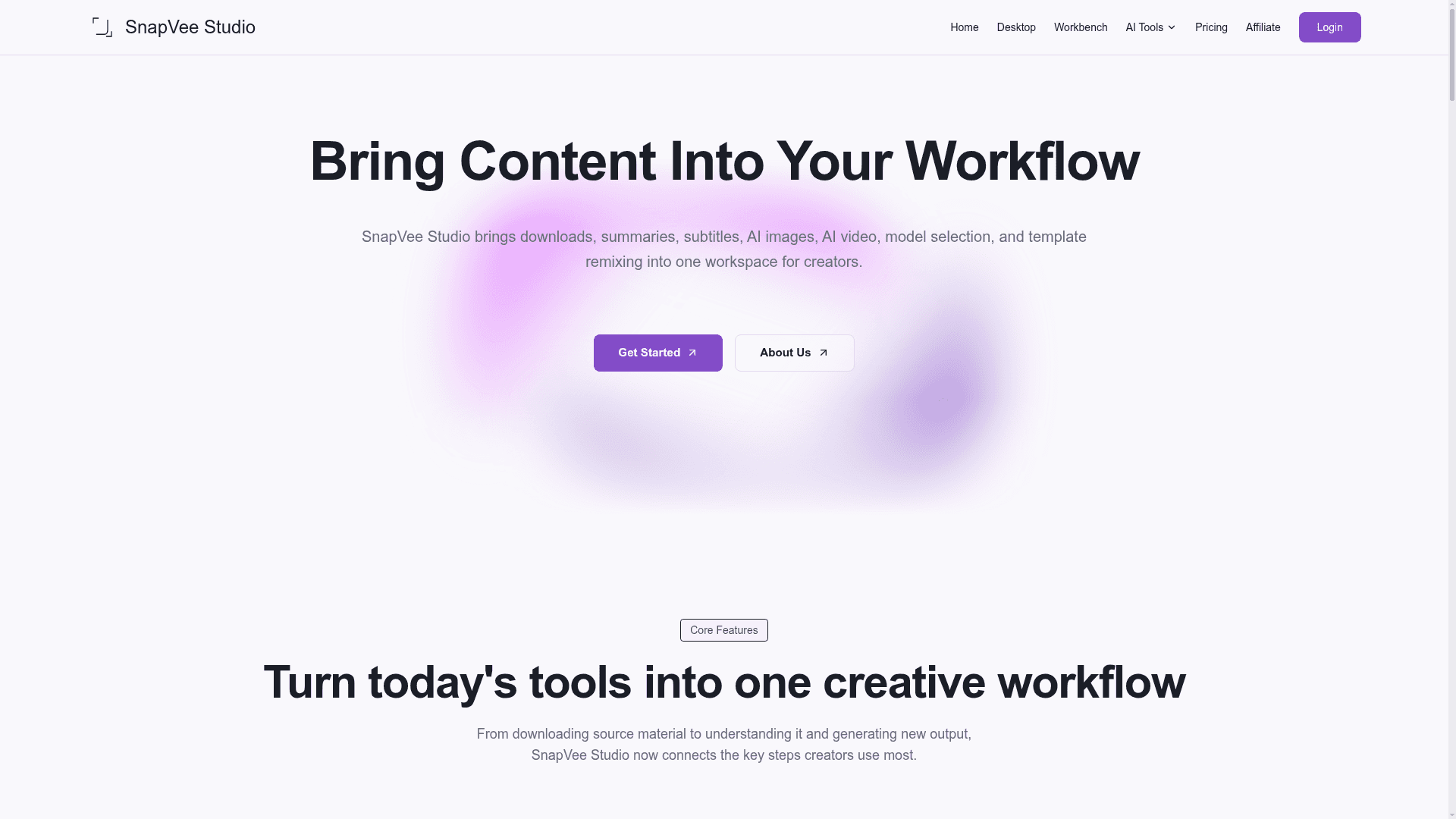
SnapVee Studio is a creator workspace that combines public-link video downloads, AI summaries, subtitle transcription, AI image generation, and AI video generation into one unified workflow.
At a Glance
About SnapVee Studio
SnapVee Studio is an all-in-one content workspace designed for creators, marketers, educators, and video editors. It connects the key steps of a modern content workflow — downloading source material, understanding it through summaries and transcription, and generating new visual or video output — without requiring users to jump between separate tools. The platform is available on both web and desktop (macOS and Windows), with shared account balances across both.
What It Is
SnapVee Studio is a multi-function creative platform that covers the full arc from content ingestion to AI-powered creation. Users can download public video or audio from 50+ platforms, run AI-powered video summaries and subtitle transcriptions, generate images and video from prompts, polish AI-written copy, and remove watermarks — all within a single workspace. The tool is positioned as a workflow consolidator for creators who currently rely on multiple disconnected tools.
Core Workflow: Download, Understand, Create
The platform organizes its features around three sequential stages:
- Download: Capture video or audio from public links on platforms including YouTube, TikTok, Instagram, X, Facebook, and Threads. Supports HD and 4K quality, audio separation, and multi-track handling.
- Understand: Use video summary and subtitle transcription to convert long-form content into chapters, key takeaways, editable text, and structured output. Supports YouTube, BiliBili, and Xiaoyuzhou podcast sources.
- Create: Move into AI image generation (including gpt-image-2 and specialized templates for social visuals, ecommerce, and TikTok covers) and AI video generation (including ecommerce video, shoppable video, anime, short drama, and comedy formats).
Target Audience and Use Cases
SnapVee Studio targets a broad range of creator personas:
- Content creators downloading reference clips and source material from 50+ platforms
- Social media marketers using batch downloads and priority queues for multi-platform repurposing
- Video editors needing HD/4K sources with audio separation for B-roll and multilingual tracks
- Educators and students saving lectures and tutorials for offline study
- Creators and influencers archiving their own published work
- Personal users saving videos for offline viewing
Key Features
- Public-link video and audio downloader (YouTube, TikTok, Instagram, X, Facebook, Threads, and more)
- Video summary with chaptering, key takeaways, and structured output
- Subtitle transcription with editable text export
- AI image generation with multiple model options and template types
- AI video generation across multiple content categories
- AI copy optimizer for humanizing AI-written drafts
- Batch submission with centralized queue processing
- YouTube multi-audio and stream separation
- Video, image, and audio conversion tools
- Watermark removal for images and video (desktop feature)
- Web and desktop apps sharing the same account and allowances
Deployment Model
SnapVee Studio runs as a web application and also offers dedicated desktop apps for macOS and Windows. Both surfaces share the same account, allowances, and task history. The platform uses a credit and allowance system that separates download points, video-processing minutes, and AI credits into distinct buckets, allowing users to top up only the resource that runs out.
Community Discussions
Be the first to start a conversation about SnapVee Studio
Share your experience with SnapVee Studio, ask questions, or help others learn from your insights.
Pricing
Free
60 trial credits for new users, valid for 7 days. Try downloads, subtitles/summaries, and AI images.
- 60 trial credits (valid 7 days)
- Try downloads, subtitles/summaries, and AI images
- Best for short workflow checks
Pro
Monthly allowance: 100 downloads + 600 transcription minutes + 300 summary minutes + 900 AI credits. Billed monthly, quarterly, or yearly.
- 100 download points per month
- 600 transcription minutes per month
- 300 summary minutes per month
- 900 AI credits per month
- Separate add-ons for downloads, minutes, and AI credits
- Monthly refresh, no rollover
- Shared balance across web and desktop
- Failed tasks refund allowance
- Faster queues and task history
AI Credit Pack
One-time AI credit packs for image generation, AI video, and premium image models. Buy without a subscription.
- Buy without a subscription
- AI credits stay available (no expiry mentioned)
- Shared balance across web and desktop
- Usable for image generation, AI video, and premium models
Capabilities
Key Features
- Public-link video and audio downloader (50+ platforms)
- Video summary with chaptering and key takeaways
- Subtitle transcription with editable text export
- AI image generation (gpt-image-2, social visuals, ecommerce, TikTok covers)
- AI video generation (ecommerce, shoppable, anime, short drama, comedy)
- AI copy optimizer for humanizing AI drafts
- Batch submission with centralized queue processing
- YouTube multi-audio and stream separation
- Video, image, and audio conversion
- Watermark removal for images and video
- Web and desktop apps with shared account balances
- Task history and failed-task allowance refunds