
Solenta
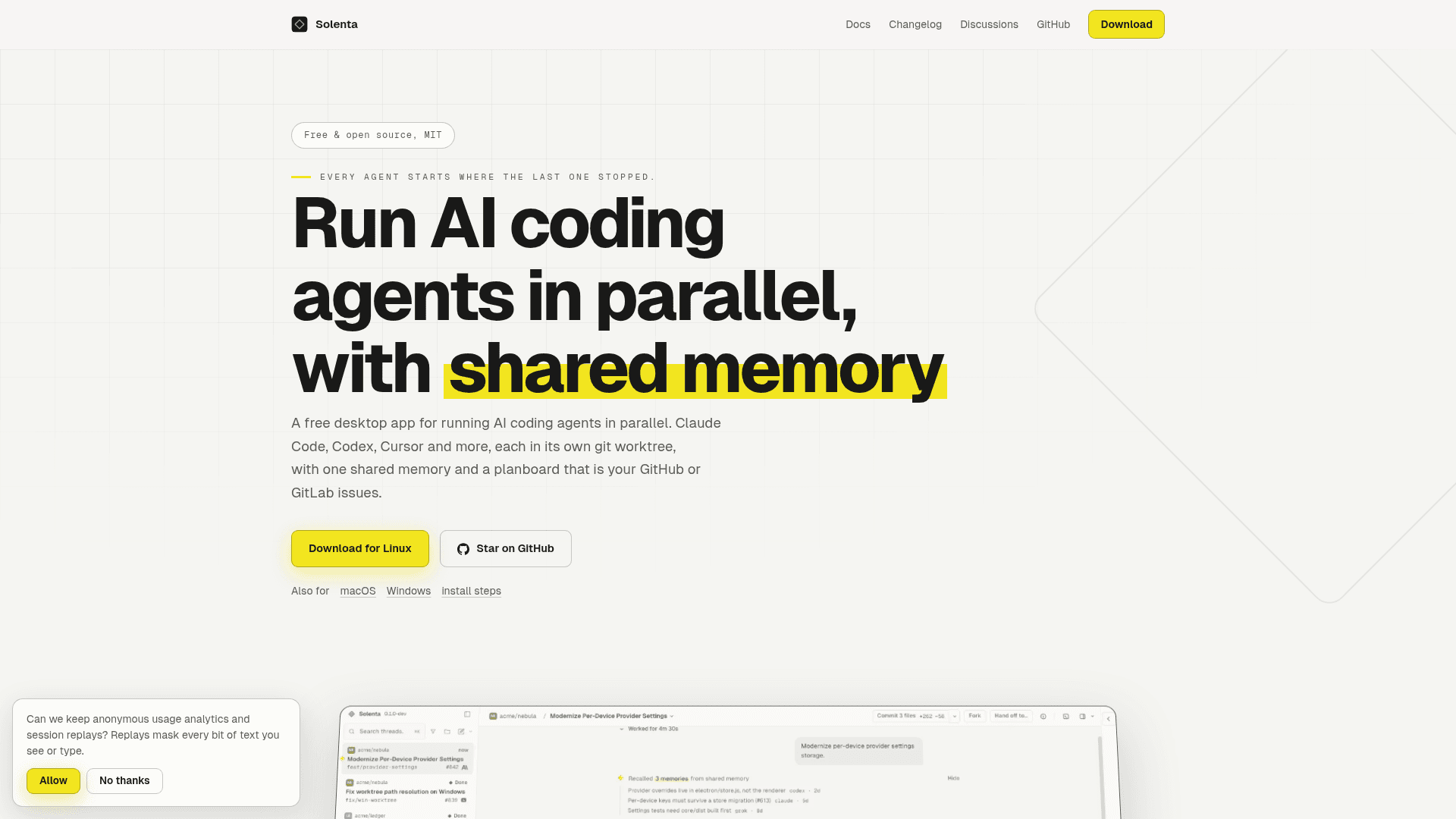
A free, open-source desktop app for running AI coding agents in parallel, each in its own git worktree with shared local memory.
At a Glance
Free, MIT-licensed desktop app for running AI coding agents in parallel with shared local memory. No account required. Bring your own agent CLIs and subscriptions.
Engagement
Available On
Alternatives
Listed Nov 2026
About Solenta
Solenta is a free, MIT-licensed desktop app for running AI coding agents such as Claude Code, Codex, Cursor, Kimi, Grok, OpenCode and Muse Code in parallel. Each thread runs in its own git worktree, and a local memory server is injected into every agent session so later threads can pick up what earlier ones stored. The planboard is the project's GitHub or GitLab issues. The latest release listed is v0.29.0 for macOS, Windows and Linux.
What It Is
Solenta is not a coding agent itself. It is a local-first desktop app that drives the agent CLIs you have already installed and signed into, finding them on your PATH. You bring your own subscriptions or API keys; Solenta states it never resells tokens and has no cloud or account.
A thread is one provider session against one project, with its own permission mode, optional model override and session resume. Threads that need attention stay at the top of a flat sidebar, while quiet runs fold into a Working shelf.
Shared Memory and Planboard
Solenta supervises a small localhost-only, bearer-token-gated memory server (HTTP and MCP, backed by SQLite with full-text and vector search). It is injected automatically into agent sessions, and a Memory tab lets you search, read and store entries yourself. The README also describes provenance tracking, file citation checks before injection, and a per-repo code index added to dispatched prompts.
The planboard uses your project's GitHub or GitLab issues and labels, so teammates see the same board without installing anything. Starting a task on a Todo card opens a thread on that issue. GitHub uses a saved token or existing CLI login; GitLab uses glab.
Orchestration, Review and Guardrails
Orchestrator threads can fork workers across providers, supervise them, review output and merge. Build workflows run seed, analyze, verify, judge and synthesize phases, each with its own provider. Spec mode gates requirements, design and tasks behind approval, and Teach mode gives hints instead of solutions.
A review itinerary orders agent diffs by risk, starting with CI and config. A thread settles green only when its verify command exits 0. Guardrails protect config files workers may not edit and scan returned content for prompt injection and secrets. Daily spend caps block runs that would exceed the budget, and analytics report merge rate, review tax, rework and cost per merged PR.
Setup Path
Download the archive for your platform: macOS is Apple Silicon only, Windows is an unsigned portable zip, and Linux is a glibc x64 tarball. Install at least one agent CLI first. Solenta Web (--serve-web) serves the UI to a browser, and SSH connections let you use another computer or run projects on a remote host.
Community Discussions
Be the first to start a conversation about Solenta
Share your experience with Solenta, ask questions, or help others learn from your insights.
Pricing
Open Source
Free, MIT-licensed desktop app for running AI coding agents in parallel with shared local memory. No account required. Bring your own agent CLIs and subscriptions.
- MIT licensed
- No Solenta account, no Solenta cloud
- Runs locally on your machine
- Shared local memory (SQLite) injected into every agent session
- One git worktree per thread
Capabilities
Key Features
- Parallel AI coding agents, each in its own git worktree
- Shared local memory server injected into every session
- Planboard backed by GitHub or GitLab issues
- Multi-phase Build workflows with per-phase providers
- Orchestrator threads that fork and supervise workers
- Spec mode with gated requirements, design and tasks
- Teach mode and read-only Ask mode
- Risk-ranked review itinerary for agent diffs
- Verify gate before a thread settles green
- Guardrails scanning for prompt injection and secrets
- Daily spend caps and per-thread token tracking
- Fleet analytics: merge rate, review tax, rework, cost per merged PR
- Embedded terminal and browser panes
- Scheduled automations
- Web mode and SSH remote projects
- Kanban view of threads
- External MCP pairing