
Space filesystem
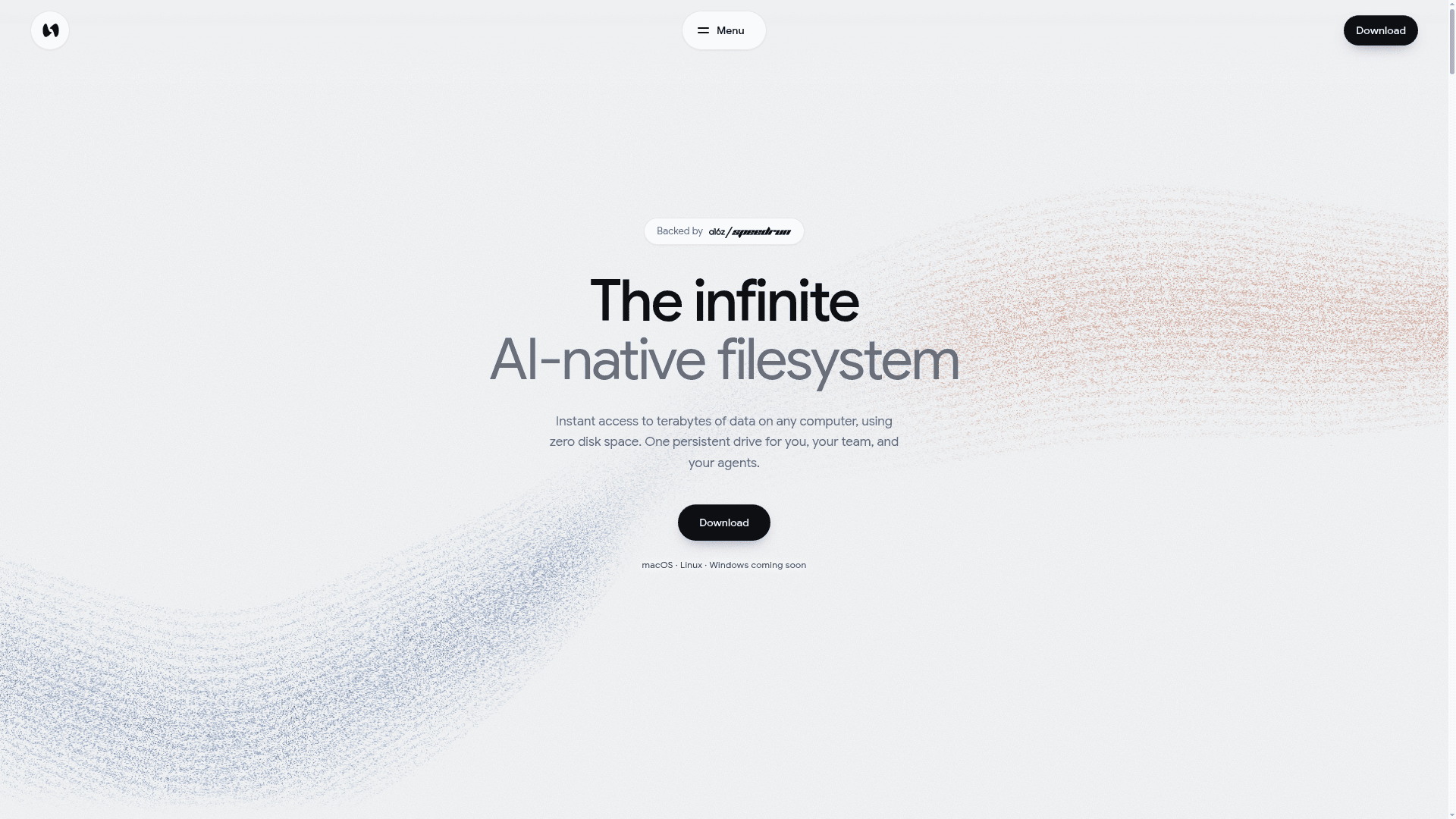
Space is a cloud filesystem that mounts as a regular drive on macOS and Linux, streaming terabytes of files on demand with zero disk usage for people, teams, and AI agents.
At a Glance
About Space filesystem
Space, from Space Computer, Inc., is a cloud filesystem that appears as a regular drive on macOS and Linux, with Windows listed as coming soon. Files stream from the cloud as applications request them, so large libraries can be opened and edited without filling local disks. It is aimed at individuals, teams, and enterprises that share large files with each other and with AI agents.
What It Is
Space mounts a persistent, versioned drive in Finder or the file system, and the full namespace appears immediately. Data is fetched only when an app uses it, by streaming byte ranges. Creative and technical tools such as Revit, AutoCAD, Excel, Blender, and Premiere see it as a normal drive, with no extensions or plugins required. Saved changes sync to every device connected to the same Space within seconds.
Agents and shared workflows
Agents read and write the same files as people, and their changes appear on every connected device. The enterprise page describes uses including persistent agent sandboxes, application automation in CAD, video, 3D, and design tools, company knowledge search, governed AI access, and elastic compute where VMs and GPU jobs start with data mounted and outputs persist after shutdown. A CLI command, space mount, mounts drives on Linux machines. Space Search looks across the Mac and Space drives, and the homepage describes an SDK for developers.
Governance and storage
Enterprise deployments can run on a company's own cloud or S3-compatible storage. Access is granted per person, machine, or agent and revoked centrally. Every action is attributable, and prior file states are preserved with rollback. The enterprise page lists SSO/SAML, private cloud and on-prem deployment, and custom auditing and compliance reporting.
Community Discussions
Be the first to start a conversation about Space filesystem
Share your experience with Space filesystem, ask questions, or help others learn from your insights.
Pricing
Individual
One seat across all your computers with 1 TB included storage.
- 1 TB included storage
- Standard streaming performance
- One seat, all your computers
- Public file links and upload requests
- Add more storage anytime — $6 / month per 500 GB
- No shared workspaces
- Cannot invite team members
Team
Per-member plan with pooled storage, shared workspaces and access controls.
- Everything in Individual
- 1 TB pooled storage per member
- High-performance throughput
- Shared workspaces and member access controls
- Unlimited owned drives
- Whole-drive and direct sharing
- Add more storage anytime — $12 / month per 500 GB
Enterprise
Governed filesystem for every employee and AI agent, with SSO/SAML, on-prem/private cloud and own storage.
- SSO / SAML
- On-prem and private cloud
- Your own storage
Capabilities
Key Features
- Mounts as a regular drive on macOS and Linux
- Streams file byte ranges on demand with zero bytes on disk
- Instant sync across devices and teammates
- Works with existing apps without plugins
- Agents read and write the same files
- Versioned history with instant drive forks
- Space Search across Mac and Space drives
- Access control per person, machine, or agent
- Bring your own cloud or S3-compatible storage
- SSO/SAML and audit reporting for enterprise
- SDK for developers
- Public file links and upload requests