SpaceApp
A self-hosted, open-source workspace that runs multiple AI coding CLIs side by side in persistent rooms with shared memory and a coordinating agent called Nous.
At a Glance
About SpaceApp
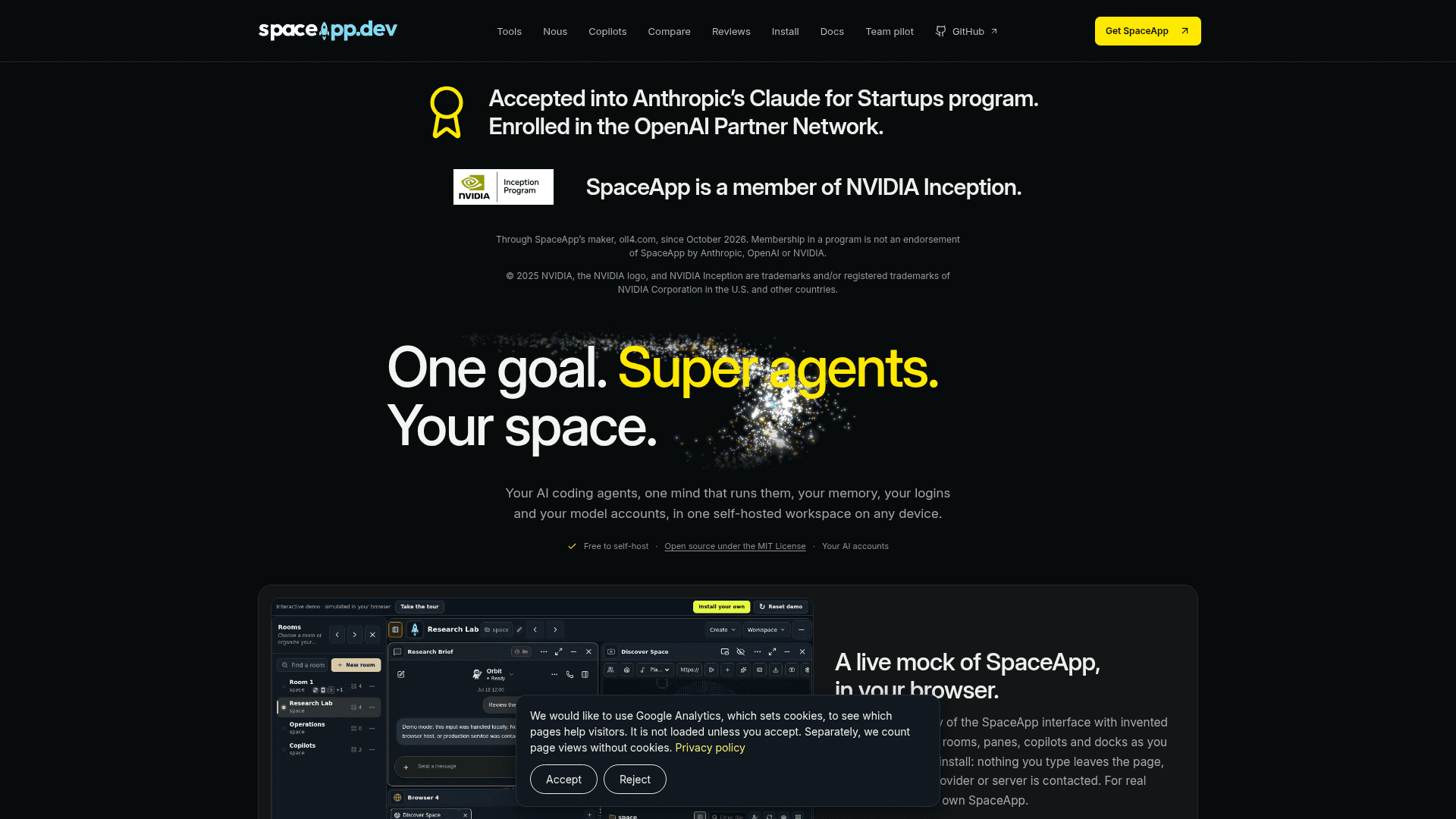
SpaceApp is developed by INTRATRADE SINGLE MEMBER P.C. (trading as OLL4) and is a web workspace you run on your own machine with Docker. It organizes AI coding CLIs, copilots, browsers and tools into rooms made of panes, with a shared memory across agent sessions. It is open source under the MIT License, and the latest GitHub release listed is v1.2.2.
What It Is
SpaceApp replaces a wall of terminal windows with rooms. Each room holds up to 16 panes, and each pane can be an AI coding CLI, a copilot, a studio, a browser, a files view or another tool. Documented CLIs include OpenCode, Codex, Claude Code, Gemini CLI, Qwen Code, Kimi Code, Grok Build, DeepSeek CLI, Cursor and GitHub Copilot, and each runs on the user's own account or API credentials. The workspace opens in a browser on a computer, phone or tablet, and code, notes and logins stay on the server the user controls.
Nous and the shared layer
Nous is SpaceApp's own coordinating agent. It reads pane progress reports, sends next steps, works on goals and brings the user a single list of requests (Needs you). Four decisions always stay with the user: releases, deletes, anything involving third parties or money, and direction. Nous is off until the user switches on Work on my behalf, and it runs on the user's own Claude Code login.
All panes share Space Memory, a record store of decisions and project knowledge with graph and vector search. The Vault fills logins and one-time codes without exposing the values to agents. Space Gateway routes every CLI and copilot through the user's model accounts, with subscriptions used first and an API key last, and tracks token usage.
Copilots, studios and other panes
Optional copilots cover mail, jobs, marketing, freelance work, security and monitoring, and each has its own memory and activity feed. Design, Video and App Studio panes produce graphics, videos and mobile apps for agents that ask. Research Council has several models answer a question, score each other and agree a Top 3, and Live voice lets users direct the workspace by speaking.
Setup path
Install with the npx command for run-spaceapp on Linux, macOS or Windows 11 with Node.js 20.11+. The launcher installs Docker if it is missing and starts the stack. It then prints a setup token for creating the owner account and opens a Getting Started room with OpenCode. The small profile needs 4 CPUs, 7 GiB RAM and 6.5 GiB free disk, and browser panes need the large profile. By default the install listens only on its own host, so remote or mobile access needs a reachable address with TLS and a firewall. The docs note that rooms are not a security boundary between mutually untrusted users.
Community Discussions
Be the first to start a conversation about SpaceApp
Share your experience with SpaceApp, ask questions, or help others learn from your insights.
Pricing
Self-hosted (MIT)
Free and open source under the MIT License; self-host with Docker and bring your own AI accounts.
- Open source under the MIT License
- Self-hosted with Docker on a machine that stays on
- Bring your own AI accounts (CLI subscriptions or API keys are external costs)
- Nous is optional and runs on your own Claude subscription or API key
- Rooms with up to 16 AI coding CLIs, shared Space Memory, Vault and Space Gateway
Capabilities
Key Features
- Rooms with up to 16 panes and six warm rooms
- 16 AI coding CLIs side by side on your own accounts
- Nous coordinating agent with four user-owned decision types
- Needs you request list and Plan map
- Space Memory with graph view and vector search
- Vault that fills logins without exposing them to agents
- Space Gateway for model accounts with token usage tracking
- Research Council multi-model Top 3
- Live voice control
- Optional Mail, Job, Marketing, Freelance, Security and Monitoring copilots
- Design, Video and App Studio panes
- Scheduled tasks and team rooms
- Managed browser panes
- Backup and restore
- Windows and Linux desktop apps and an Android app
Integrations
Demo Video