
SSH AI Chat
An open-source tool that lets you chat with AI models directly over SSH using a terminal UI built with React and Ink.
At a Glance
About SSH AI Chat
SSH AI Chat is an open-source project by miantiao-me that brings AI conversations into the terminal via SSH. Users connect with a simple ssh username@chat.agi.li command, authenticating with their GitHub username, and interact with multiple large language models through a rich terminal UI. The project is licensed under AGPL-3.0 and is self-hostable via Docker.
What It Is
SSH AI Chat is a terminal-based AI chat client that runs entirely over SSH. Instead of opening a browser or installing a desktop app, users connect to a remote SSH server and get a full interactive chat interface rendered in the terminal. The UI is built with React and Ink, giving it a component-driven structure despite running in a text environment. It sits in the category of command-line AI assistants with a unique SSH-first access model.
How the SSH Access Model Works
The access pattern is deliberately minimal: any user with a GitHub account can connect by running ssh <github-username>@chat.agi.li. Authentication is handled via GitHub username, and the server supports configurable blacklists and whitelists of GitHub usernames. The server operator can toggle between public mode (open to all) and private mode (whitelist-only). Rate limiting is available via environment variables to protect public deployments.
Tech Stack and Architecture
The project is built entirely in TypeScript (97% of the codebase) and uses:
- Backend: Node.js with the SSH2 library to handle SSH connections
- UI Framework: React and Ink for the terminal interface
- Database: PostgreSQL (or PGLite for lightweight local storage) with Drizzle ORM
- Cache/State: Redis (or an in-memory fallback for simple deployments)
- Containerization: Docker with multi-architecture support via QEMU and Buildx
Model Support and Configuration
SSH AI Chat supports any OpenAI-compatible API endpoint, making it compatible with a wide range of providers. Models are configured via environment variables — the AI_MODELS variable accepts a comma-separated list of model names (e.g., DeepSeek-V3, DeepSeek-R1, Gemini-2.5-Flash, Gemini-2.5-Pro), and each model gets its own config entry specifying the model ID, base URL, and API key. Chain-of-thought models that return reasoning via <think> tags are supported through the AI_MODEL_REASONING_MODELS variable. A separate system model can be designated for background tasks like generating conversation titles.
Self-Hosting and Deployment
The recommended deployment path is Docker Compose. The minimal setup requires only a single service definition pointing to the ghcr.io/miantiao-me/ssh-ai-chat image, a .env file with model configuration, and port mapping. For production use, the README recommends adding PostgreSQL and Redis containers alongside the main service. The project includes a docker-compose.dev.yml for local development with all dependencies bundled.
Update: Ownership Transfer and Recent Activity
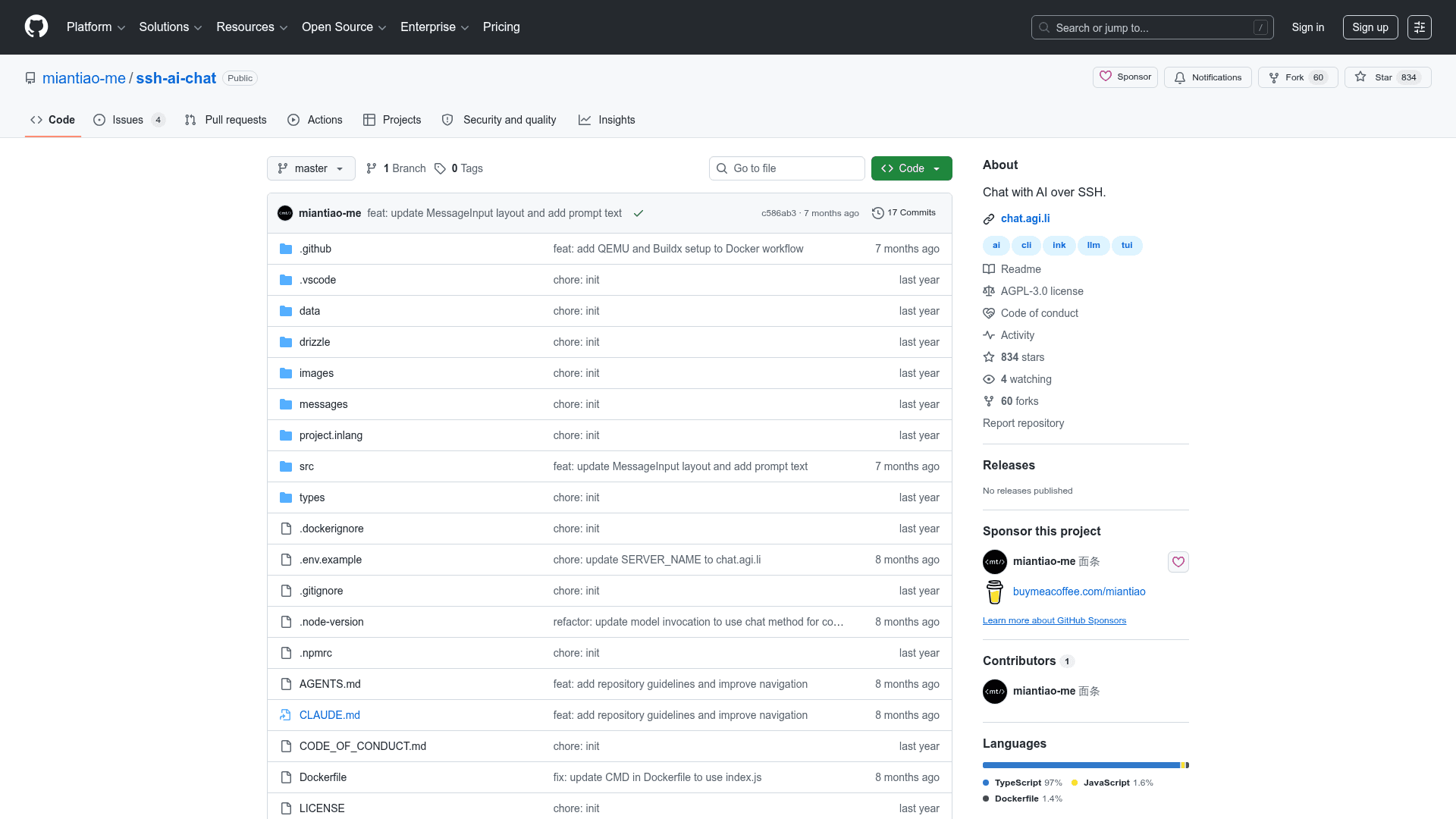
The repository was transferred to the miantiao-me GitHub account in December 2025, with Docker images, sponsor links, and issue URLs updated to reflect the new ownership. The most recent commit (December 20, 2025) updated the AI SDK integration, added ESLint configuration, and refined the message input layout. The project has 834 stars and 60 forks on GitHub as of the data collected, with active issues open for community feedback.
Community Discussions
Be the first to start a conversation about SSH AI Chat
Share your experience with SSH AI Chat, ask questions, or help others learn from your insights.
Pricing
Open Source
Free to use, modify, and self-host under the AGPL-3.0 license.
- Full source code access
- Self-hostable via Docker
- All AI model integrations
- Public hosted instance at chat.agi.li
Capabilities
Key Features
- Chat with AI over SSH
- GitHub username authentication
- Multiple LLM model support
- OpenAI-compatible API integration
- Chain-of-thought / reasoning model support
- Terminal UI built with React and Ink
- Public and private server modes
- Blacklist and whitelist access control
- Rate limiting for public servers
- Docker deployment support
- PostgreSQL and Redis backend
- PGLite fallback for lightweight deployments
- Configurable system prompt
- Auto-generated conversation titles
- Multi-architecture Docker images