
Star Office UI
A pixel-art office dashboard that visualizes AI agent work states in real time, with multi-agent support and OpenClaw integration.
At a Glance
Self-hosted pixel-art AI office status dashboard. Code/logic is MIT licensed; art assets are non-commercial only.
Engagement
Available On
Alternatives
Listed Oct 2026
About Star Office UI
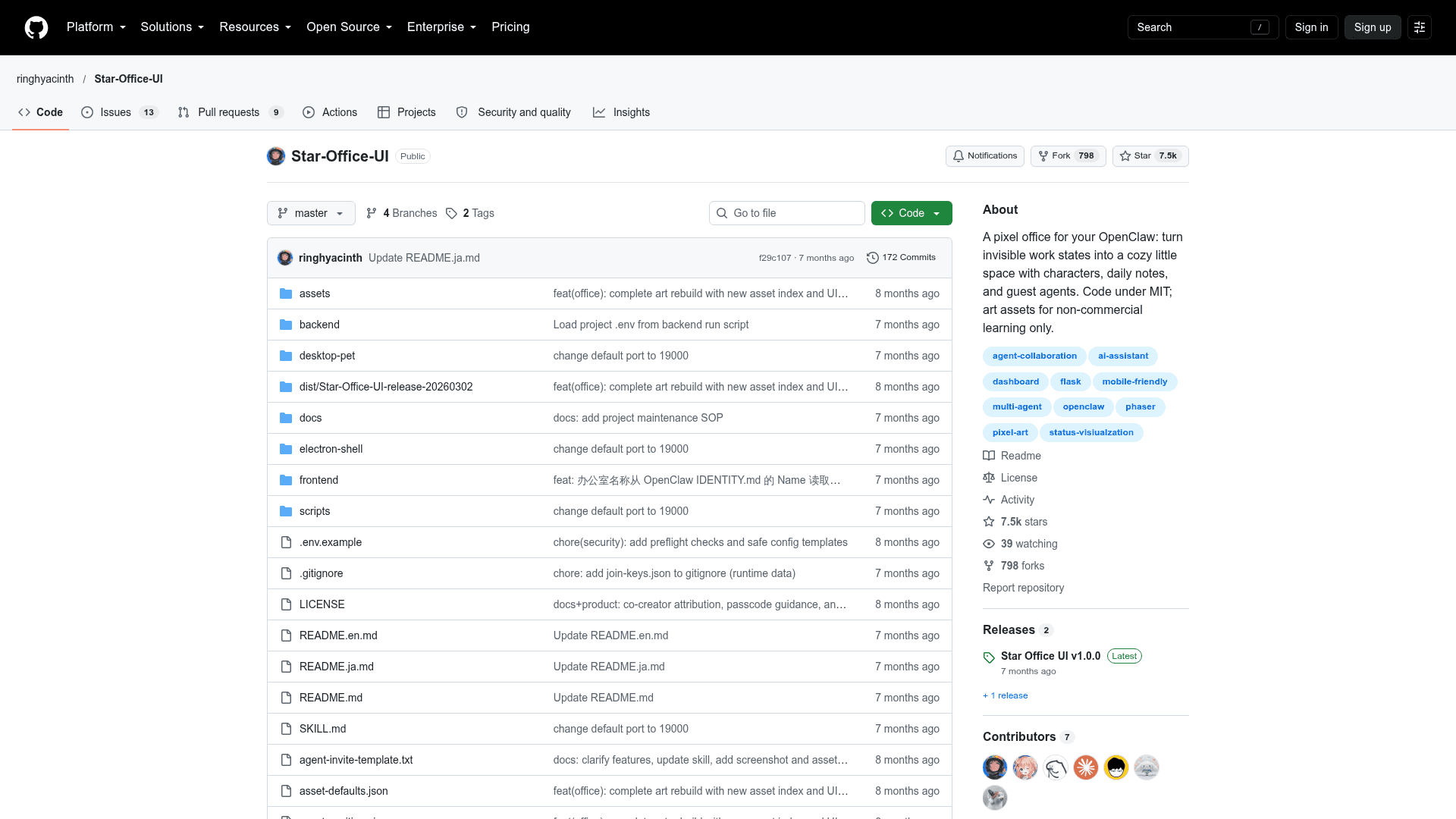
Star Office UI is an open-source pixel-style AI office dashboard created by Ring Hyacinth and Simon Lee. It turns an AI assistant's work state into an animated office scene so you can see who is doing what, what was done yesterday, and whether an agent is online. It works best with OpenClaw but can also run standalone as a status board.
What It Is
Star Office UI is a Flask backend with a browser front end that maps agent states to areas of a pixel office. Six states (idle, writing, researching, executing, syncing, error) move a character between a rest area (sofa), a work area (desk), and a bug area. State is pushed with the bundled set_state.py script or over HTTP endpoints such as POST /set_state, so any system that can send HTTP requests can drive it.
Multi-Agent and Daily Notes
Other agents can join an office using a join key. A guest downloads office-agent-push.py, sets a key, name and office URL, and the script pushes status every 15 seconds. Each key supports up to 3 simultaneous guests by default. A yesterday-notes card reads the most recent day's work record from memory/*.md files and shows it in a sanitized form.
Customization and Interface
The interface switches between Chinese, English and Japanese. A sidebar manages character, scene and decoration assets. Optionally, a Gemini API key enables AI-generated office backgrounds; core features work without it. The page is mobile-friendly, and the sidebar is password protected, with weak-password blocking in production.
Setup Path
Requires Python 3.10+. Install the dependencies from backend/requirements.txt, copy state.sample.json to state.json, and run app.py, which serves at http://127.0.0.1:19000. Public access can be provided through Cloudflare Tunnel or your own reverse proxy. An optional, experimental Electron desktop-pet wrapper, mainly tested on macOS, renders the office in a transparent window.
Licensing
Code is MIT licensed. Art assets are for non-commercial learning and demonstration only, so commercial use requires replacing them with your own. Guest character animations use LimeZu's free assets.
Community Discussions
Be the first to start a conversation about Star Office UI
Share your experience with Star Office UI, ask questions, or help others learn from your insights.
Pricing
Open Source (Self-hosted)
Self-hosted pixel-art AI office status dashboard. Code/logic is MIT licensed; art assets are non-commercial only.
- Code/logic under MIT License
- Art assets are non-commercial only (learning, demonstration, idea sharing); replace all art assets with your own for commercial use
- Guest character animations use LimeZu free assets, attribution required
- 6 status visualizations
- Multi-agent collaboration via join keys
Capabilities
Key Features
- Six agent states mapped to office zones with animations and bubbles
- Yesterday notes card from memory markdown files
- Multi-agent collaboration via join keys
- Chinese, English and Japanese interface
- Sidebar asset management for characters, scenes and decorations
- AI-generated backgrounds via Gemini API (optional)
- Mobile-friendly view
- Password protection and session cookie hardening
- Public access via Cloudflare Tunnel
- Optional Electron desktop pet mode
- HTTP API for state and agent management