
Suzanne 3D
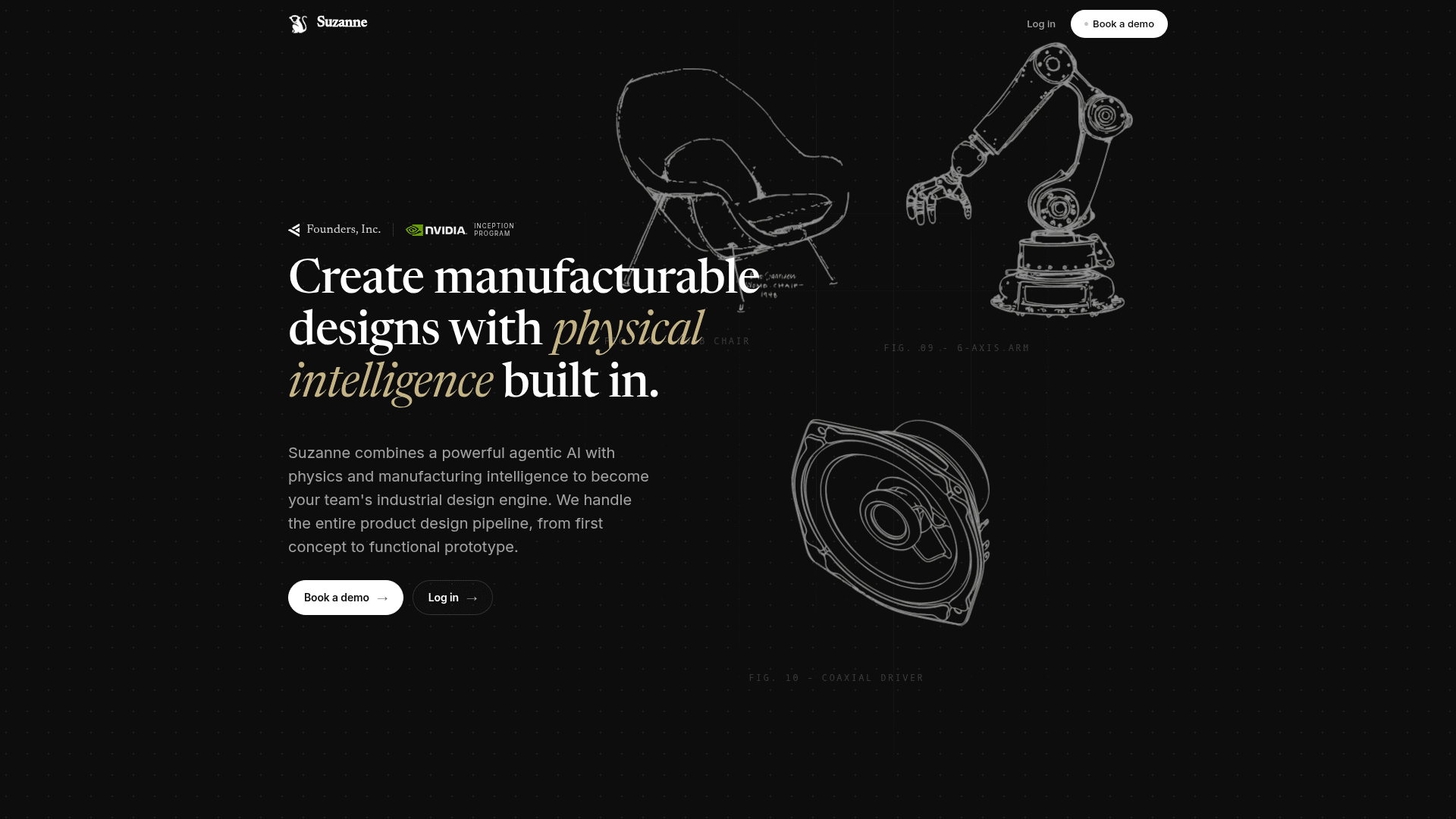
A browser-based AI design tool that turns text prompts, photos, or sketches into editable 3D models and exports manufacturable STEP, STL, and other formats.
At a Glance
About Suzanne 3D
Invite only at the moment, Suzanne 3D is a browser-based generative design tool built by a small, independent team in San Francisco that converts text descriptions, reference photos, or hand sketches into real, editable 3D models. It requires no installation and targets product designers, engineers, and makers who want to go from first idea to a manufacturable part without learning traditional CAD software first. The tool ships weekly and positions itself as a full design environment rather than a novelty generator.
What It Is
Suzanne 3D sits at the intersection of generative AI and professional 3D editing. Users start a project by typing a prompt, uploading a photo (up to four orthographic views), or uploading a hand sketch — and the system reconstructs an editable mesh from that input. The result opens directly in a browser-based editor where it can be refined through plain-English chat or manipulated with pro-grade tools. The finished model exports to a wide range of formats suited for manufacturing, 3D printing, AR, and CAD pipelines.
Four Core Workflows
The product is organized around four distinct input-to-output flows that can be mixed mid-project:
- Text → 3D: Describe an object with dimensions, materials, and style cues; a mesh is generated in under a minute.
- Photo → 3D: Upload one to four reference images; the system reconstructs a full 3D model, useful for reverse engineering existing parts.
- Sketch → 3D: Upload a hand drawing or 2D line art; Suzanne reads the linework and produces an editable model.
- Conversational edits: Open any model and describe changes in plain English — the model updates in place without re-prompting from scratch.
Browser-Based Editor Capabilities
Suzanne is described by the team as "a full 3D editor — not just a generator." The editor includes:
- Primitives: Box, sphere, cylinder, cone, torus, and more, dropped directly into the viewport.
- Booleans: Union, subtract, and intersect meshes for complex geometry.
- Mesh ops: Mirror, duplicate, array, and transform with keyboard-first controls.
- Material library: Matte, metallic, translucent, and custom PBR materials swappable in one click.
- Parametric sliders: Photoshop-style controls for dimensions, detail, and style.
- Full undo history: Branchable, non-destructive history for every action.
- Camera modes: Orbit, pan, first-person, and turntable views.
Export Formats and Manufacturing Pipeline
Every plan exports STL, GLB, OBJ, GLTF, and OpenSCAD. Paid plans add STEP, 3MF, 3DM, and USDZ — covering CAD and manufacturing (STEP), modern 3D printing with color (3MF), Rhino and industrial design (3DM), and iOS AR (USDZ). The team's stated philosophy is "open formats" — models live in the user's stack, not Suzanne's.
Suzanne also offers an in-studio print-and-ship service: users can send any model to print without leaving the browser, and a physical prototype is shipped to their desk.
Current Status and Credit System
Suzanne runs in the browser with no install required and no login wall for a first model. The platform uses a credit system where each generation consumes 2–5 credits depending on the workflow; iteration on an existing model is free. Free accounts receive 30 credits per month. Unused credits roll over for one billing cycle before expiring. The team ships weekly and responds to support emails within one business day on weekdays. Billing and recurring payments run through Stripe.
Community Discussions
Be the first to start a conversation about Suzanne 3D
Share your experience with Suzanne 3D, ask questions, or help others learn from your insights.
Pricing
Enterprise
Custom plan for teams and organizations. Contact sales for pricing.
- Custom credits
- Team access
- All export formats
- Dedicated support
Capabilities
Key Features
- Text-to-3D model generation
- Photo-to-3D reconstruction (up to 4 views)
- Sketch-to-3D conversion
- Conversational chat-based model editing
- Browser-based 3D editor with no install required
- Primitives, booleans, and mesh operations
- Material library with PBR support
- Parametric sliders for dimensions and style
- Full branchable undo history
- Export to STL, GLB, OBJ, GLTF, OpenSCAD, STEP, 3MF, 3DM, USDZ
- In-browser print and ship service
- 30 free monthly credits
- Multi-select and group operations
- Camera modes: orbit, pan, first-person, turntable