
SwiftFairy
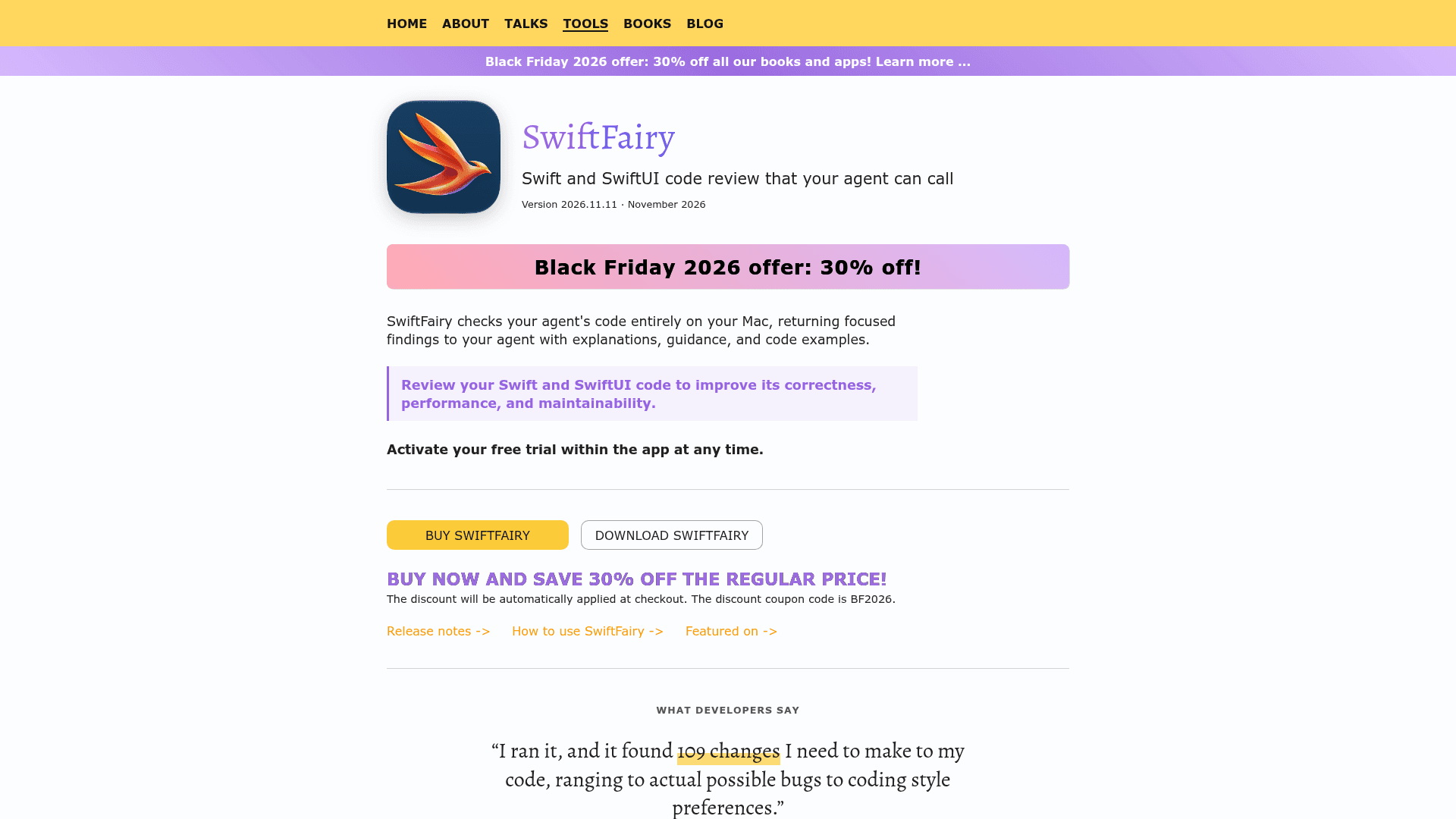
A macOS app that reviews Swift and SwiftUI code locally and returns focused findings, guidance, and code examples to coding agents.
At a Glance
One-day trial of all Scrolls.
Engagement
Available On
Listed Nov 2026
About SwiftFairy
SwiftFairy is a macOS app from Nil Coalescing that reviews Swift and SwiftUI code on behalf of coding agents. It analyses code locally on the user's Mac and returns findings with explanations, guidance, and code examples. The current version listed is 2026.11.11 (November 2026).
What It Is
SwiftFairy is a local static-analysis tool that coding agents can call to check Swift and SwiftUI code for correctness, performance, and maintainability. The user asks their agent to review the code, the agent sends the relevant code and supporting declarations to SwiftFairy, and SwiftFairy returns scoped findings. It can be used to review a single change or to audit a whole codebase.
How the review workflow works
SwiftFairy analyses the codebase on the Mac and looks at areas such as API usage, lifecycle, data flow, performance, state ownership, view identity, concurrency, and collections. Each finding comes with an explanation, guidance, and a code example or fix-it. The agent then uses these to resolve issues. The how-to pages describe four modes: finding guidance before writing code, checking changes, asking probes about code structure, and applying fix-its as patches or in place.
Scrolls: the knowledge behind it
Knowledge is organised into Scrolls, each covering a related set of APIs or a development domain. According to the product page, together they flag over 350 issues. Listed Scrolls include Proper SwiftUI, SwiftUI Layout & Resizability, Performant Swift Charts, and Modern Swift. The developers say the guidance is drawn from their books and articles and from Natalia Panferova's earlier work on Apple's SwiftUI team, and that keeping it outside the agent's context until relevant reduces the tokens the agent spends.
Setup path
SwiftFairy is downloaded as a macOS app and requires macOS 26.0 or later and an Apple silicon Mac. A free trial can be activated within the app.
Community Discussions
Be the first to start a conversation about SwiftFairy
Share your experience with SwiftFairy, ask questions, or help others learn from your insights.
Pricing
Free Trial
One-day trial of all Scrolls.
- Try every Scroll
- Activate within the macOS app
Proper SwiftUI
$30 monthly or $150 annually. Also available for $15 weekly or $200 lifetime. Fixed-term access is available without renewal.
- SwiftUI data flow, state ownership and view-update checks
- Local code analysis with guidance and examples
SwiftUI Layout & Resizability
$30 monthly or $150 annually. Also available for $15 weekly or $200 lifetime. Fixed-term access is available without renewal.
- Layout, scrolling and flexible-sizing checks
- Guidance for adaptable SwiftUI interfaces
Performant Swift Charts
$20 monthly or $80 annually. Also available for $7 weekly or $100 lifetime. Fixed-term access is available without renewal.
- Swift Charts rendering and interaction checks
- Guidance to reduce unnecessary updates
Modern Swift
$20 monthly or $80 annually. Also available for $7 weekly or $100 lifetime. Fixed-term access is available without renewal.
- Modern Swift API guidance
- Concurrency and collection-processing checks
All Four Scrolls
$80 monthly or $360 annually. Also available for $34 weekly or $470 lifetime. Lifetime purchases include future updates to the purchased Scrolls.
- Proper SwiftUI
- SwiftUI Layout & Resizability
- Performant Swift Charts
- Modern Swift
Capabilities
Key Features
- Local analysis of Swift and SwiftUI code on the Mac
- Findings with explanations, guidance, and code examples
- Fix-its applied as patches or in place
- Review of only changed code
- Whole-codebase audits
- Probes answering questions about code structure
- Cross-file view hierarchy analysis
- Knowledge organised into Scrolls flagging over 350 issues
- Pre-coding best-practice guidance lookup