
Synra
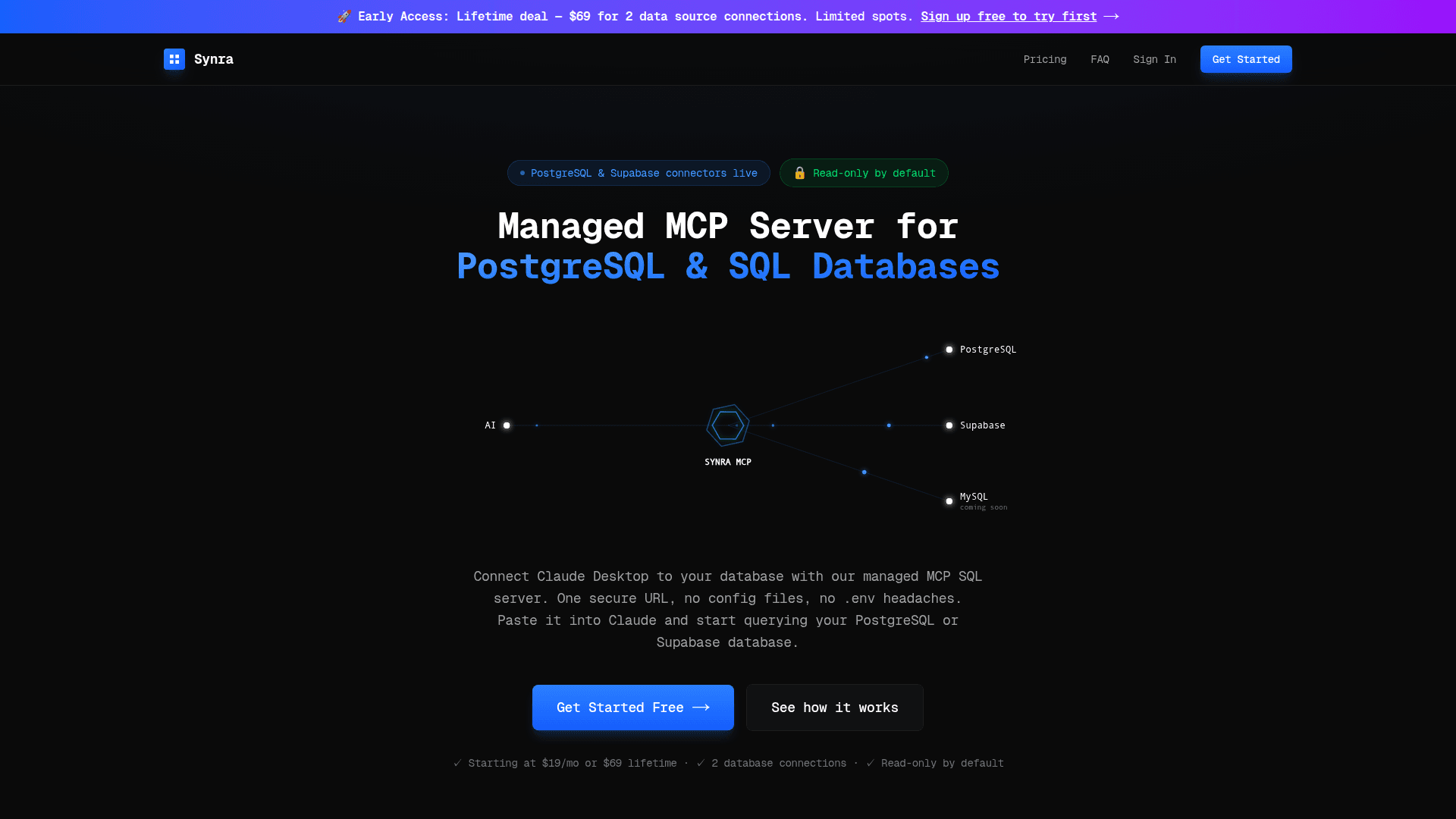
Managed MCP server that connects Claude Desktop to PostgreSQL and Supabase databases with one secure URL, no config files needed.
At a Glance
Test your connection for free before subscribing
Engagement
Available On
Alternatives
Listed Feb 2026
About Synra
Synra provides a managed MCP (Model Context Protocol) server that enables Claude Desktop to securely query PostgreSQL and Supabase databases. Instead of dealing with local MCP server configurations, JSON files, and scattered .env credentials across multiple devices, Synra offers a single secure endpoint URL that works everywhere. The service encrypts database credentials with AES-256 and enforces read-only access by default.
-
One-URL Setup - Connect your database credentials once in Synra's dashboard, get a secure endpoint URL, and paste it into Claude Desktop's Connectors settings. No JSON config files or .env headaches required.
-
Read-Only by Default - Only SELECT queries are allowed. INSERT, UPDATE, DELETE, DROP, and ALTER operations are blocked at the gateway level, protecting your production data from accidental modifications.
-
AES-256 Encryption - Database credentials are encrypted at rest and only decrypted at request time, keeping your sensitive connection strings secure.
-
SQL Injection Protection - Built-in query sanitization scans every query for destructive keywords before execution, adding an extra layer of security.
-
Full Audit Logging - Every query is logged with details on who ran it and when. Logs are exportable for compliance and debugging purposes.
-
Multi-Database Support - Works with Supabase, AWS RDS, Neon, Railway, Render, DigitalOcean, and any self-hosted PostgreSQL database.
-
Team-Friendly - Central dashboard for managing credentials and viewing audit trails, eliminating the need for each team member to maintain their own local setup.
To get started, sign up for a free account, add your PostgreSQL or Supabase credentials, copy the generated secure URL, and paste it into Claude Desktop via Settings → Connectors → Add custom connector. You can test your connection for free before subscribing to a paid plan.
Community Discussions
Be the first to start a conversation about Synra
Share your experience with Synra, ask questions, or help others learn from your insights.
Pricing
Free Trial
Test your connection for free before subscribing
- Test database connection
- Try before you buy
Starter
Monthly subscription with full access
- 2 database connections
- 10,000 requests/day
- PostgreSQL & Supabase
- Read-only by default
- AES-256 encryption
- Full audit logs
- Email support
Lifetime Access
Pay once, use forever with lifetime updates
- 2 database connections
- 10,000 requests/day
- PostgreSQL & Supabase
- Read-only by default
- AES-256 encryption
- Full audit logs
- Email support
- Lifetime updates
Capabilities
Key Features
- Managed MCP server for PostgreSQL and Supabase
- One secure URL endpoint
- Read-only mode by default
- AES-256 credential encryption
- SQL injection protection
- Full audit logging
- No config files required
- Works across multiple devices
- Central dashboard for team management
- 10,000 requests per day