
tapflow
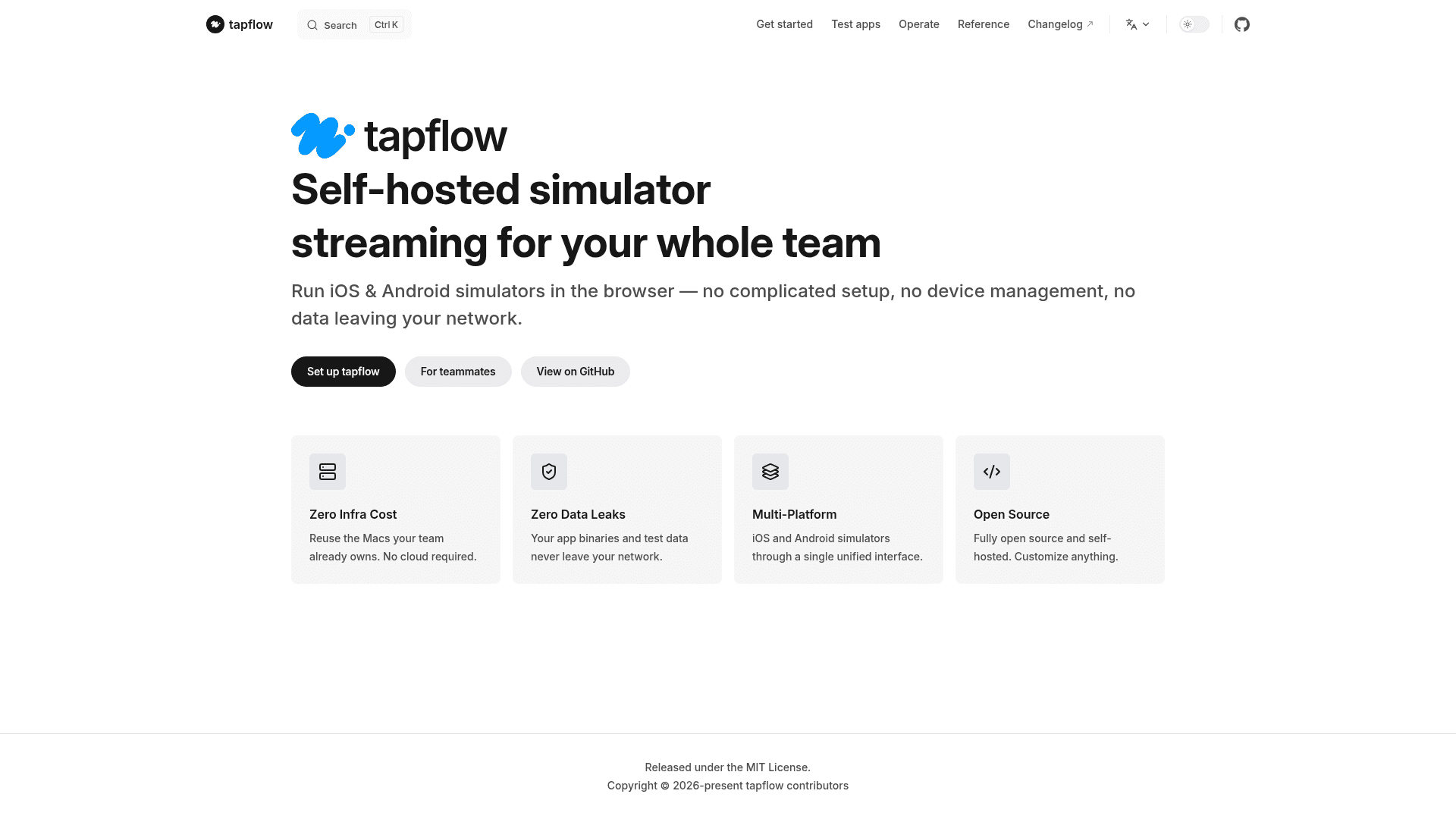
Self-hosted tool that streams iOS simulators and Android emulators running on your own Macs to any browser for team mobile QA.
At a Glance
Fully open source, self-hosted tapflow released under the MIT License.
Engagement
Available On
Listed Oct 2026
About tapflow
tapflow is an open-source, MIT-licensed tool from jo-duchan that lets a team run iOS simulators and Android emulators in a browser. Simulators keep running on Macs the team already owns, while builds, streams, and recordings stay on infrastructure the team controls. The latest release listed on GitHub is v0.28.1, and the README describes the project as v0.x and actively developed.
What It Is
tapflow is a self-hosted alternative to cloud simulator services such as Appetize and BrowserStack, aimed at mobile QA teams. It lets non-mobile teammates such as backend developers, product managers, and designers test apps from a browser without installing Xcode or Android Studio. The README states that it is not a device farm and does not replace native mobile development tools.
How It Works
The system has three parts: a self-hosted relay (Linux or Mac) that also serves the dashboard, a macOS agent that drives the iOS Simulator and Android emulator, and a browser dashboard. The agent connects outbound to the relay, so no inbound firewall rules are needed, and it injects iOS touch input without WebDriverAgent. Users pick an available device in the dashboard and interact with it in real time, with video streamed as H.264 and a JPEG fallback for browsers that lack a suitable decoder.
QA and Automation Features
The dashboard supports touch, swipe, and pinch input, clipboard sync, device audio, network on/off control, deeplinks, and keyboard shortcuts. An App Center takes .app.zip and .apk uploads and tracks builds by status. Session recordings are kept on the relay for about 72 hours. For automation, there is a REST API with Personal Access Tokens and a screenshot endpoint, an experimental YAML flow runner that produces JUnit reports, and an experimental MCP server for LLM agents.
Setup Path
Install the CLI through npm, run tapflow setup on the Mac that will host an agent, and run tapflow start to launch the relay and agent locally. For teams, the relay can run on a separate Linux server or Mac, through PM2 or Docker, with each Mac agent pointed at it using an agent-scope token. The relay needs Node.js 22 or later, and agents run on macOS only.
Community Discussions
Be the first to start a conversation about tapflow
Share your experience with tapflow, ask questions, or help others learn from your insights.
Pricing
Open Source (Self-hosted)
Fully open source, self-hosted tapflow released under the MIT License.
- Self-hosted relay (Linux or Mac) with browser dashboard
- macOS agent for iOS Simulator and Android emulator
- Team management with roles and Personal Access Tokens
- REST API and App Center
- Session recordings kept on the relay for ~72 hours
Capabilities
Key Features
- Browser streaming of iOS simulators and Android emulators
- H.264 streaming with WebCodecs/WASM decoding and JPEG fallback
- Touch, swipe and pinch input
- Clipboard sync and device audio
- Network on/off control for offline testing
- Deeplink toolbar and keyboard shortcuts
- App Center for .app.zip and .apk builds
- Session recordings kept about 72 hours
- Screenshot REST endpoint
- Mac resource monitoring per agent
- Team management with roles and Personal Access Tokens
- Experimental YAML flow runner with JUnit report
- Experimental MCP server for LLM agents
- Self-hosted relay via npm, PM2 or Docker