
A Claude Code skill that reads session logs to diagnose token usage, explain limit hits, and surface usage patterns — all in plain English, entirely on your machine.
At a Glance
Fully free and open-source under the MIT License. Install via npx, no accounts or packages required.
Engagement
Available On
Alternatives
Listed Aug 2026
About tare
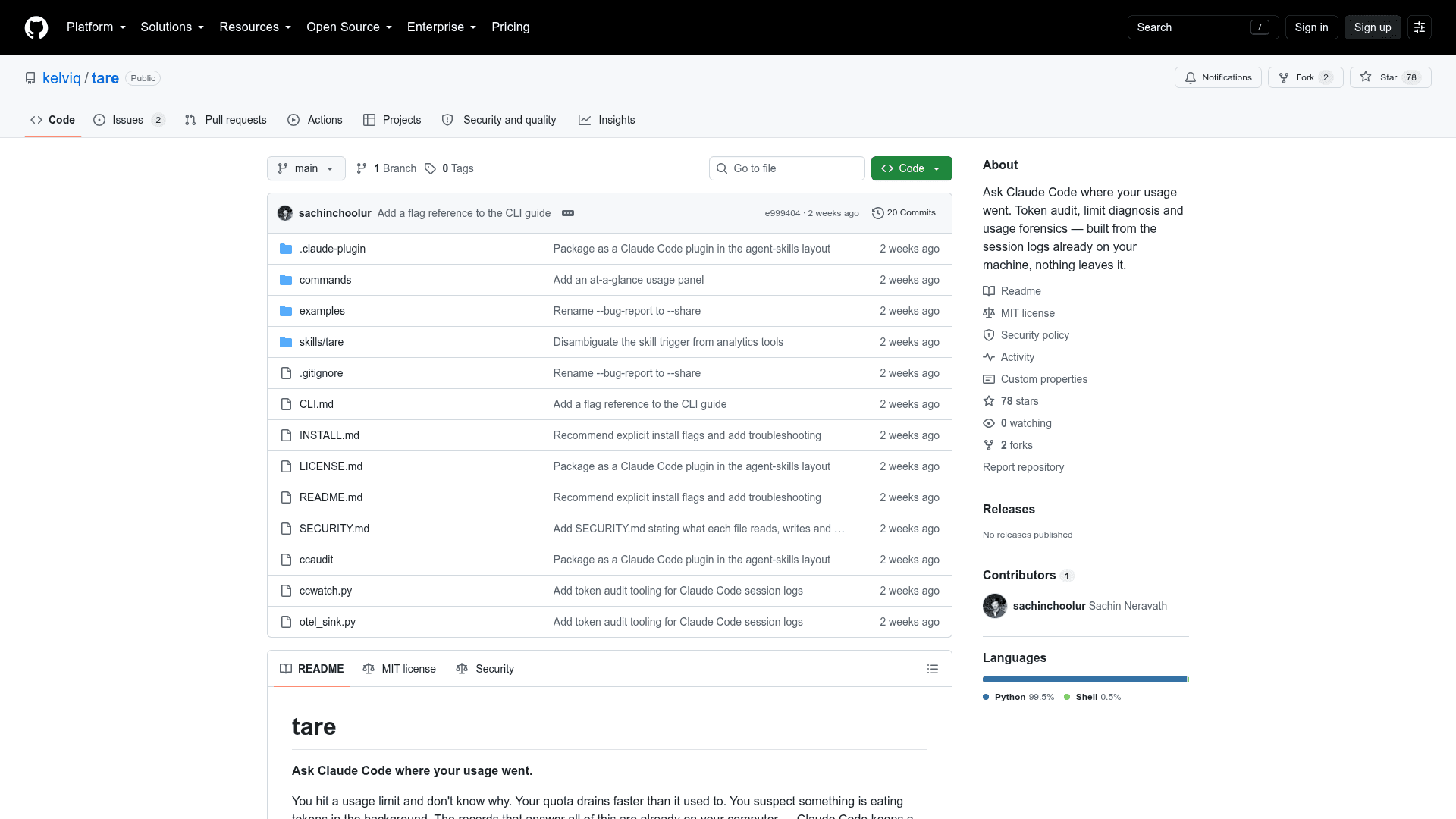
tare is an open-source Claude Code skill that teaches the AI coding assistant to read its own session logs and answer plain-English questions about token usage, quota limits, and cost attribution. Built by kelviq and licensed under MIT, it runs entirely on your local machine — no network connections, no accounts, no dashboards.
What It Is
tare is a token audit and usage forensics tool for Claude Code users. It installs as a Claude Code skill and exposes a set of Python scripts that parse the session logs Claude Code already writes to your machine. Once installed, you can ask questions like "Why did I hit my usage limit yesterday?" or "Which project is eating my quota?" and get a cause-first answer backed by evidence — not just a wall of numbers.
The name is a reference to the tare weight concept: most of what a session costs is the container (context re-sent repeatedly), and tare subtracts that to show what's actually inside.
How It Works
tare installs via a single npx skills add command and requires no packages beyond Python 3.9+, which ships with every Mac. After installation, a new Claude Code session gains access to the /tare slash command and its variants:
/tare— full diagnosis of where tokens went and why/tare usage— at-a-glance usage panel with attribution/tare window— how full the rolling 5-hour window is/tare report [days]— builds an HTML report and opens it/tare tools [days]— what is filling context/tare week— compares this week with last/tare share [days]— redacted summary safe to post publicly
Plain-English questions also work as arguments to /tare, so the words don't need to match any command syntax.
What It Knows That Raw Token Counts Don't
tare surfaces several insights that naive log parsing misses:
- Correct totals. Claude Code's log format repeats each API response multiple times; the README notes that naive counting inflates totals — by 86% on the data the tool was built against. tare deduplicates properly.
- Real context cost. A file read early in a long session gets re-sent with every later message. tare charges tools for what they caused, not just what they returned.
- Rolling window awareness. Usage limits don't reset when you walk away; tare can report how full the window was at the exact moment a lockout occurred.
- Automation detection. Hundreds of short parallel sessions is a script signature, not a person. tare recognises the pattern and flags it.
Privacy and Security Model
Everything runs locally. The scripts make no network connections. When generating a shareable summary via /tare share, the output contains only totals, dates, and tool names — no prompts, file paths, commands, or session identifiers. The project's SECURITY.md documents exactly what each file reads, writes, and sends, and provides a single grep command to verify every claim independently.
Requirements and Platform
- Claude Code on macOS or Linux (Windows paths are listed as a useful future direction)
- Python 3.9+ (pre-installed on every Mac; no additional packages required)
- Currently reads Claude Code logs only, not other coding agents'
The three core Python scripts are dependency-free and can also be run directly from the command line, used in cron jobs, or piped to CSV export — documented in CLI.md in the repository.
Community Discussions
Be the first to start a conversation about tare
Share your experience with tare, ask questions, or help others learn from your insights.
Pricing
Open Source
Fully free and open-source under the MIT License. Install via npx, no accounts or packages required.
- Token usage diagnosis
- Usage limit explanation
- Rolling window status
- HTML report generation
- Shareable redacted summaries
Capabilities
Key Features
- Plain-English token usage diagnosis
- Usage limit hit explanation
- Rolling 5-hour window status
- Per-project and per-model token attribution
- Context overhead attribution (tools charged for what they caused)
- Deduplication of repeated API response logs
- Automation/script detection via session pattern analysis
- HTML usage report generation
- Redacted shareable summary output
- CSV export support
- Slash command interface (/tare and variants)
- Fully local — no network connections
- Dependency-free Python scripts for CLI use